81
7 Visualization
7.11 User operating level
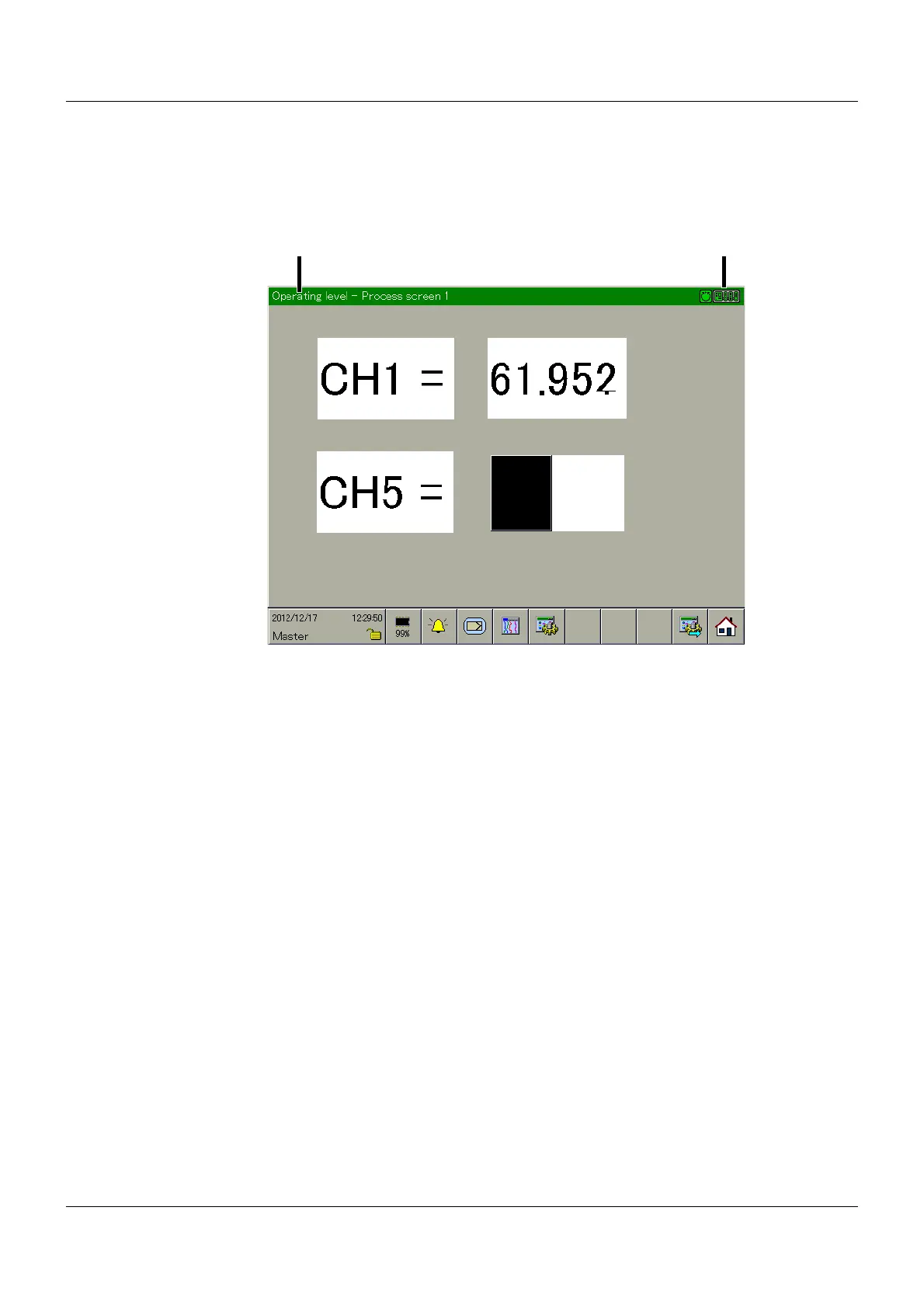
In this visualization, the displays configured by the user are used by the multifunction panel.
Setup program:
HMI > C
ONFIGURATION LEVEL > SCREEN > USER OPERATING LEVEL
Type of visualization
The visualization to be displayed is shown here. The available function buttons – between (3)
and (4) in the image – will be used differently depending on the type. The functions are de-
scribed in the respective sections in this chapter.
Communication status
Chapter 5.1.1 "Status line and Title line", page 44
Visualization selection
This function is used to directly select one of the configured visualizations. Simply touch one of
the visualizations displayed after calling up the function.
Visualization rotation
In contrast to the "Visualization selection" function, in which any visualization can be selected,
this function displays the available visualizations one after the other.
(1) Type of visualization (2) Communication status
(3) Visualization selection (4) Visualization rotation
(5) Home button



 To Next Page