7 Visualization
82
Home button
This function calls up a defined visualization. The function must be activated and configured
via the setup program.
Setup program:
HMI > C
ONFIGURATION LEVEL > SCREEN > USER OPERATING LEVEL
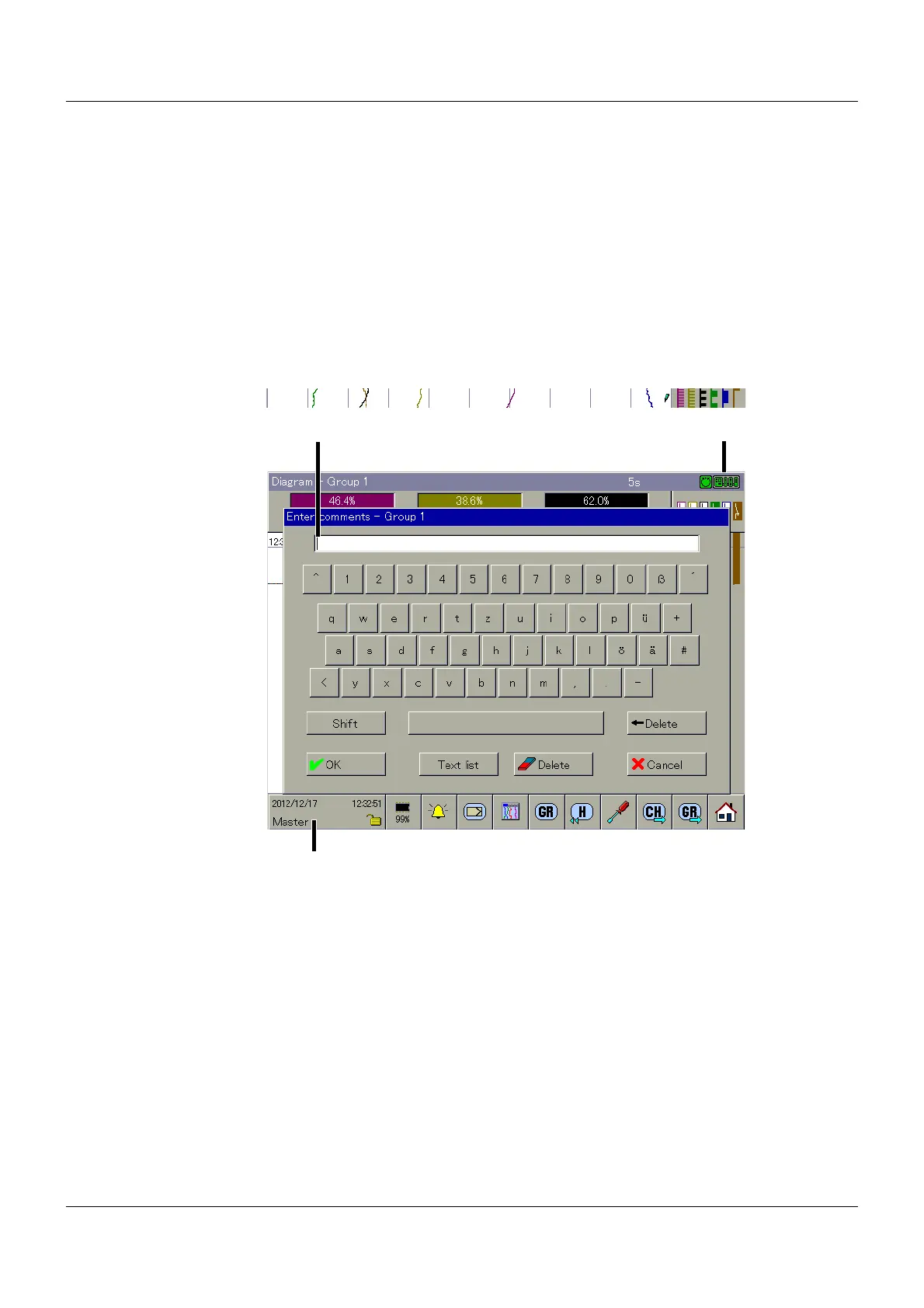
7.12 Enter comments
This function can be used to enter a text (max. 31 characters) that is entered following the com-
pletion of the entry in the event list of the multifunction panel and in the batch reports.
In the diagram display, for example, the text entry is marked with a pencil.
Input mask
Here, the text entered by the user is displayed during the entry phase.
Communication status
Chapter 5.1.1 "Status line and Title line", page 44
Function selection
The available functions depend on the active visualization. The functions are described in the
respective sections in this chapter.
(1) Input mask (2) Communication status
(3) Function selection



 To Next Page