223
14 Configuration – in setup program only
14.6.7 Display objects
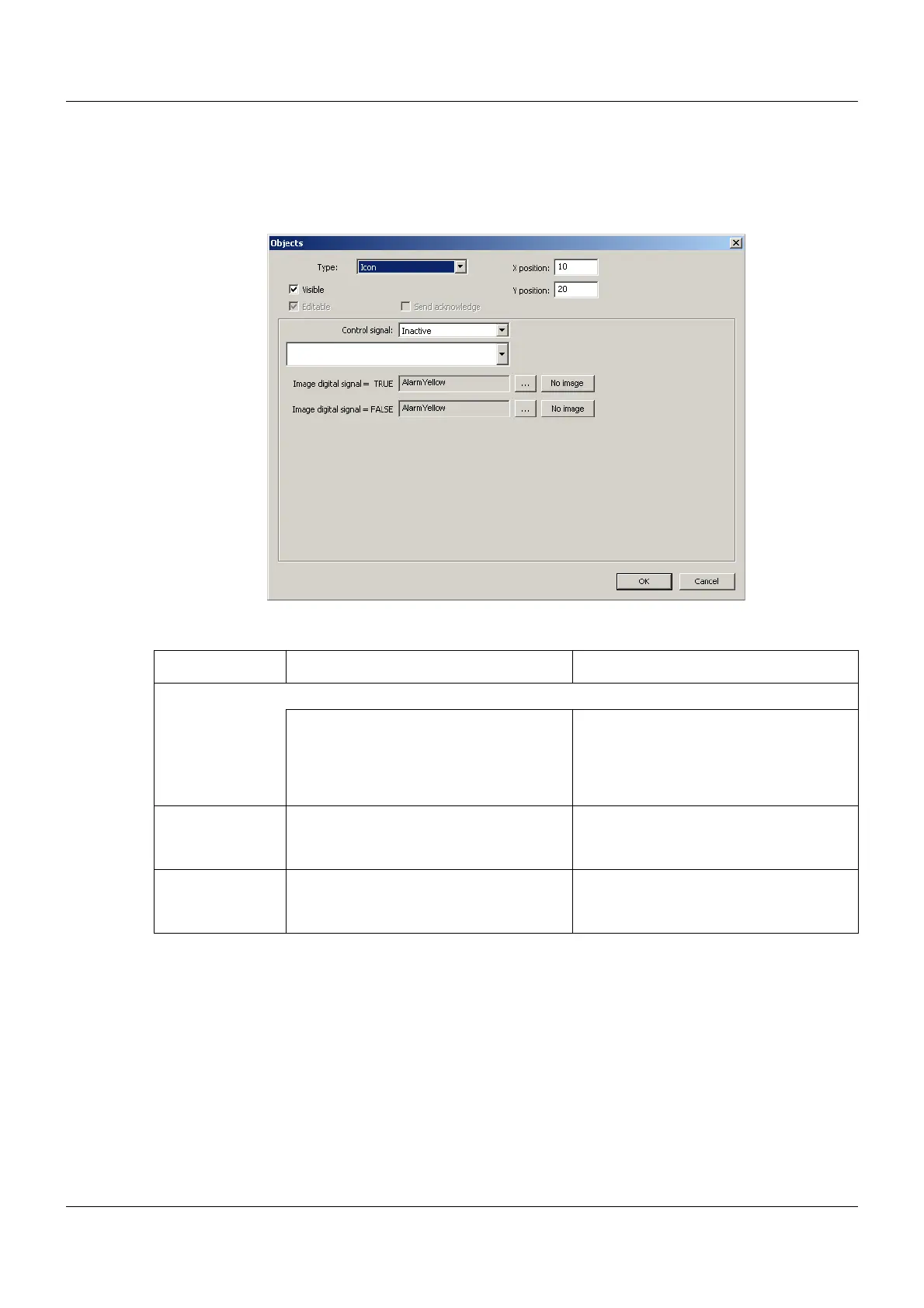
Icon
Setup dialog
Parameter
Parameter Selection/settings Description
Control signal Digital signal whose status is displayed via the corresponding icon.
Inactive No signal selected.
(Icon for FALSE (0) will be displayed.)
Select module and corresponding sig-
nal.
The signal must be of the "Binary" data
type.
Image digital sig-
nal = TRUE
Touch the "..." button and select the
image from the list (or select "No
image").
Icon for displaying the status TRUE (1).
Image digital sig-
nal = FALSE
Touch the "..." button and select the
image from the list (or select "No
image").
Icon for displaying the status FALSE (0).



 To Next Page