205
14 Configuration – in setup program only
14.1 User area
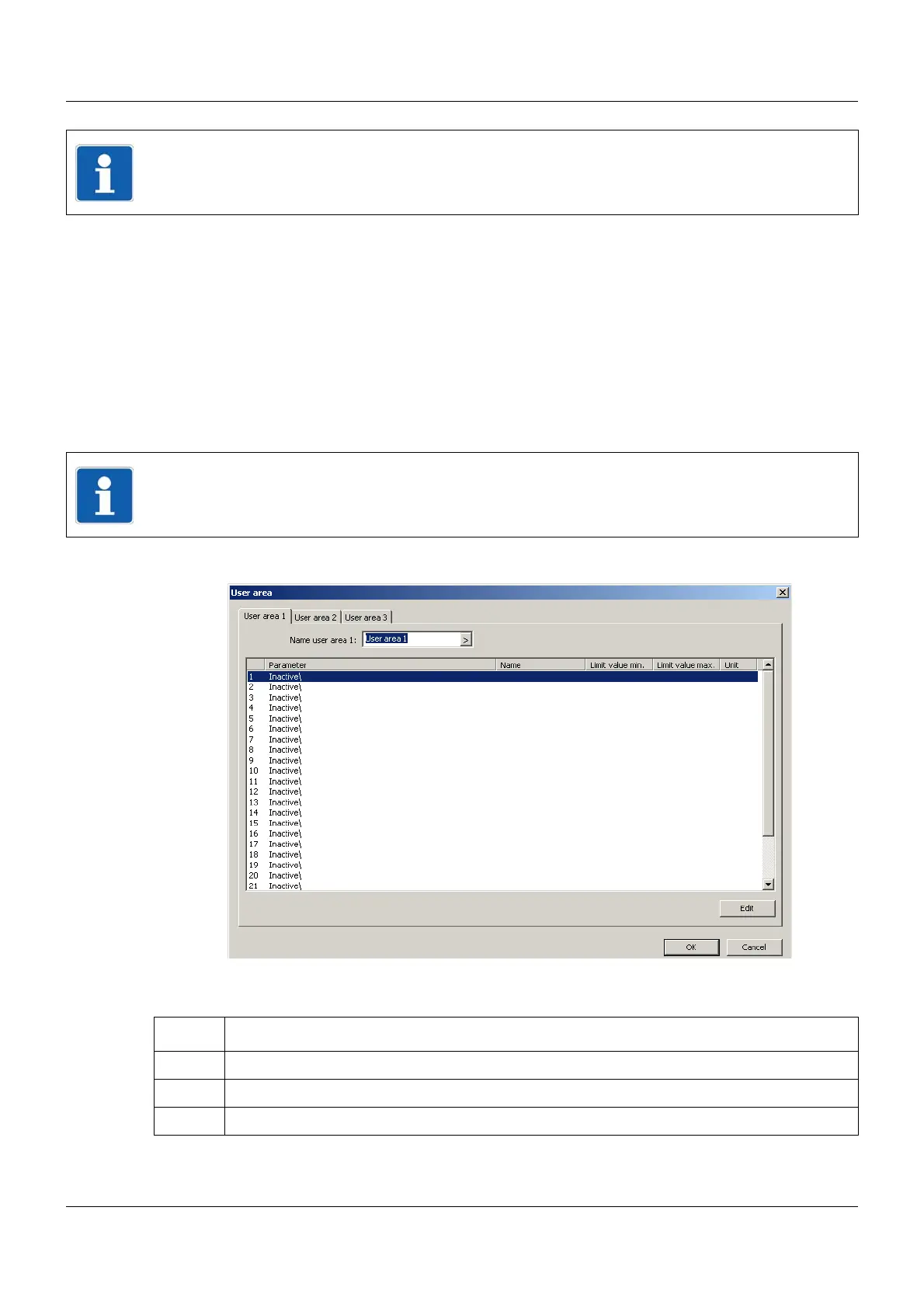
In this menu, up to 25 parameters can be selected for each of the three user areas of the mul-
tifunction panel. A parameter relates either to a process value (analog, digital, integer, or text
variable) or a configuration parameter of the system.
User areas are called up in the device manager.
Chapter 11 "Device manager", page 101
In order for a user area to be available in the device manager, it must be configured in advance
(at least one parameter must be active).
Setup dialog
Selecting user areas and parameters
NOTE!
The parameters described in this chapter can only be configured with the setup program.
NOTE!
Plausibility or mutual dependencies of the parameters selected by the user are not checked
by the setup program. The user is responsible for this.
Step Activity
1 Select user area 1 to 3
2 Select parameter 1 to 25
3 Touch the "Edit" button



 To Next Page