13 Configuration
172
13.13.2 Batch info
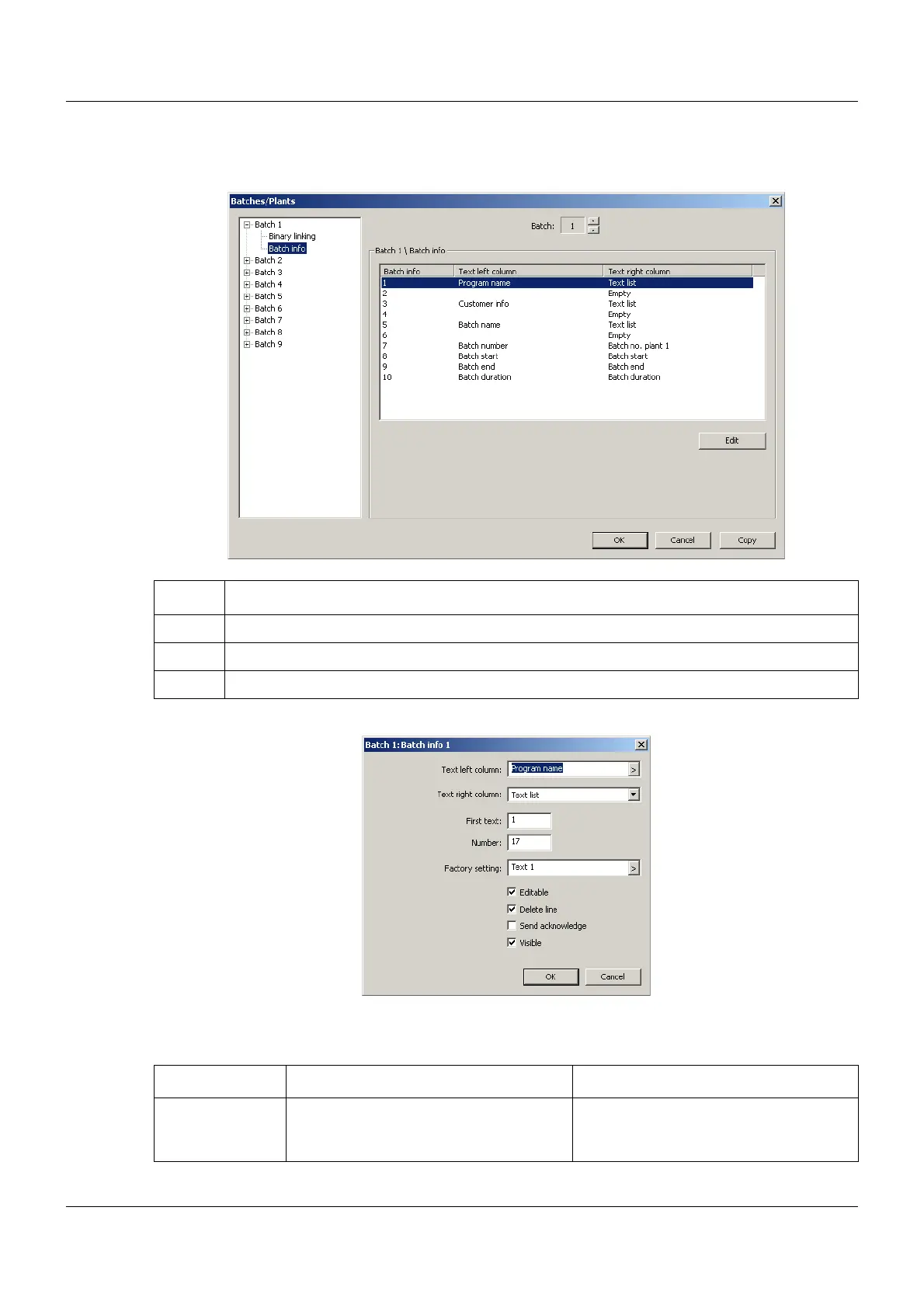
Setup dialog
➥ The batch text in the left and right column can be edited.
Parameter
Step Activity
1 Select Batch 1 to 9
2 Select Batch info 1 to 10
3 Touch the "Edit" button
Parameter Selection/settings Description
Text left column This parameter specifies the text in the
left column for the selected line of the
batch report.



 To Next Page