14 Configuration – in setup program only
210
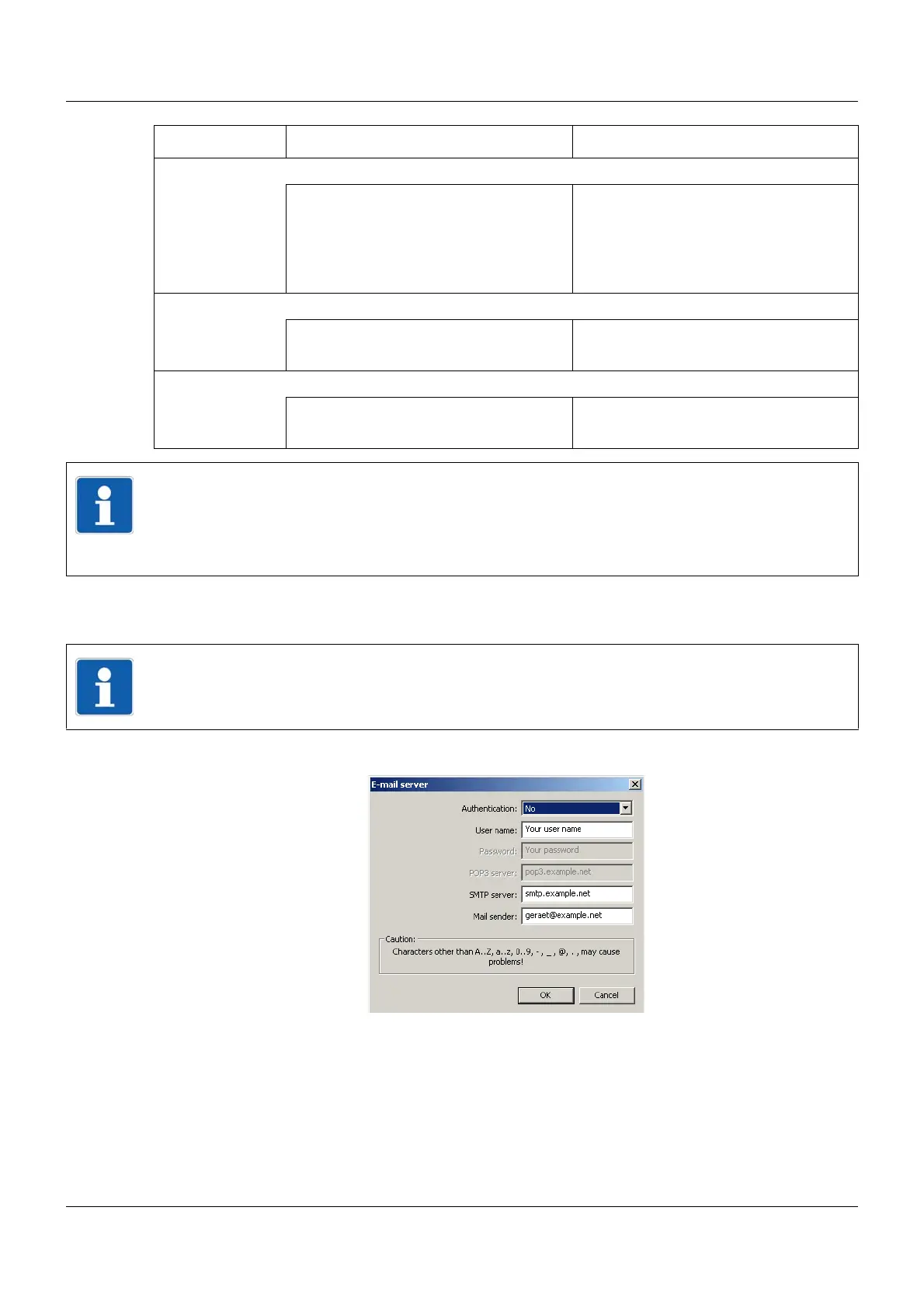
14.3.1 E-mail server
Setup dialog
Alarm signal Signal that triggers sending of an e-mail
Inactive No alarm message
Digital signal Alarm message is triggered by a signal
(high active), which must be selected
from the list of digital signals (digital
selector).
Subject Text (max. 120 characters) for the subject line of the e-mail
Mail subject 01
(For e-mail 1)
Use or edit text from list
Contents Text (max. 120 characters) for the text field of the e-mail
Mail text 01
(For e-mail 1)
Use or edit text from list
Parameter Selection/settings Description
NOTE!
E-mail sending should be tested in the course of startup. If there is an error, this leads to an
entry with an error code in the event list of the multifunction panel.
The interface description B 705060.2.0 contains a list of all error codes ("Error codes as in-
teger return values").
NOTE!
The following settings may only be performed by specialists.



 To Next Page