13 Configuration
182
13.16 Web server
The integrated Web server provides the user with convenient access via LAN to process val-
ues, different visualizations, and the alarm list and event list of the multifunction panel from a
PC (Web browser). Access can be protected by a password.
In the multifunction panel, there is a maximum of 1 MB memory available for HTML pages. The
start page index.htm is available by default; access with the Web browser is performed by en-
tering the IP address of the multifunction panel.
Further information can be found in the interface description B 705060.2.0.
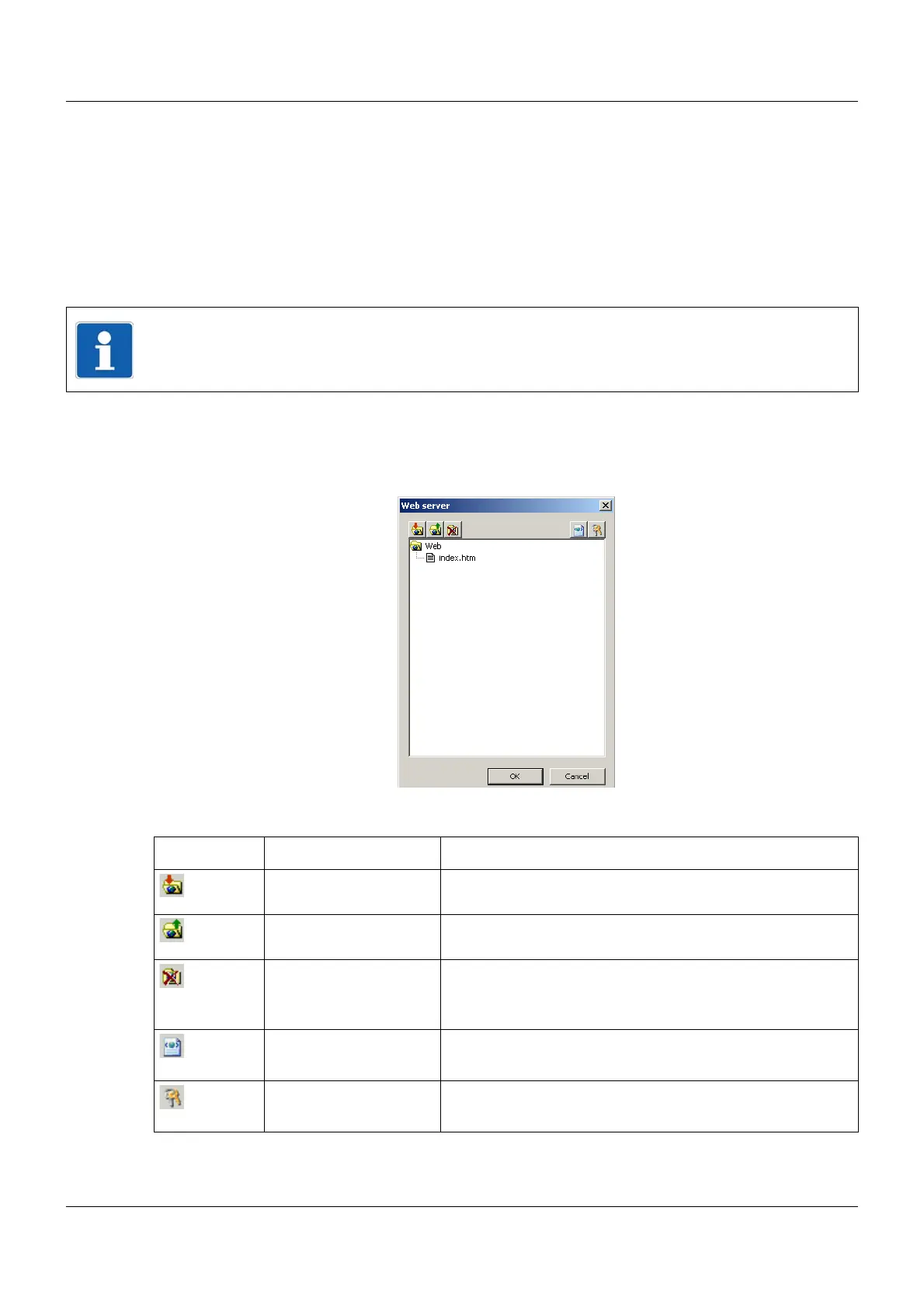
Setup dialog
Function of buttons
NOTE!
The plug-in Microsoft Silverlight
1
is required for this function. If the plug-in is not present in
the Web browser, a notification offering installation is displayed.
1
Microsoft and Silverlight are registered trademarks of Microsoft Corporation.
Button Description Description
Import Web Select the folder that contains the files required for the Web
application (incl. HTML files).
Export Web Select the folder to which the files used for the Web applica-
tion should be exported.
Delete Web After answering the security request, all files (except
index.htm) are removed from the setup file.
HTML tags HTML tags are used to convert names of variables into
addresses for Web server programming.
Security User name, password, and timeout time are specified here.



 To Next Page