13 Configuration
170
13.13.1 Binary linking
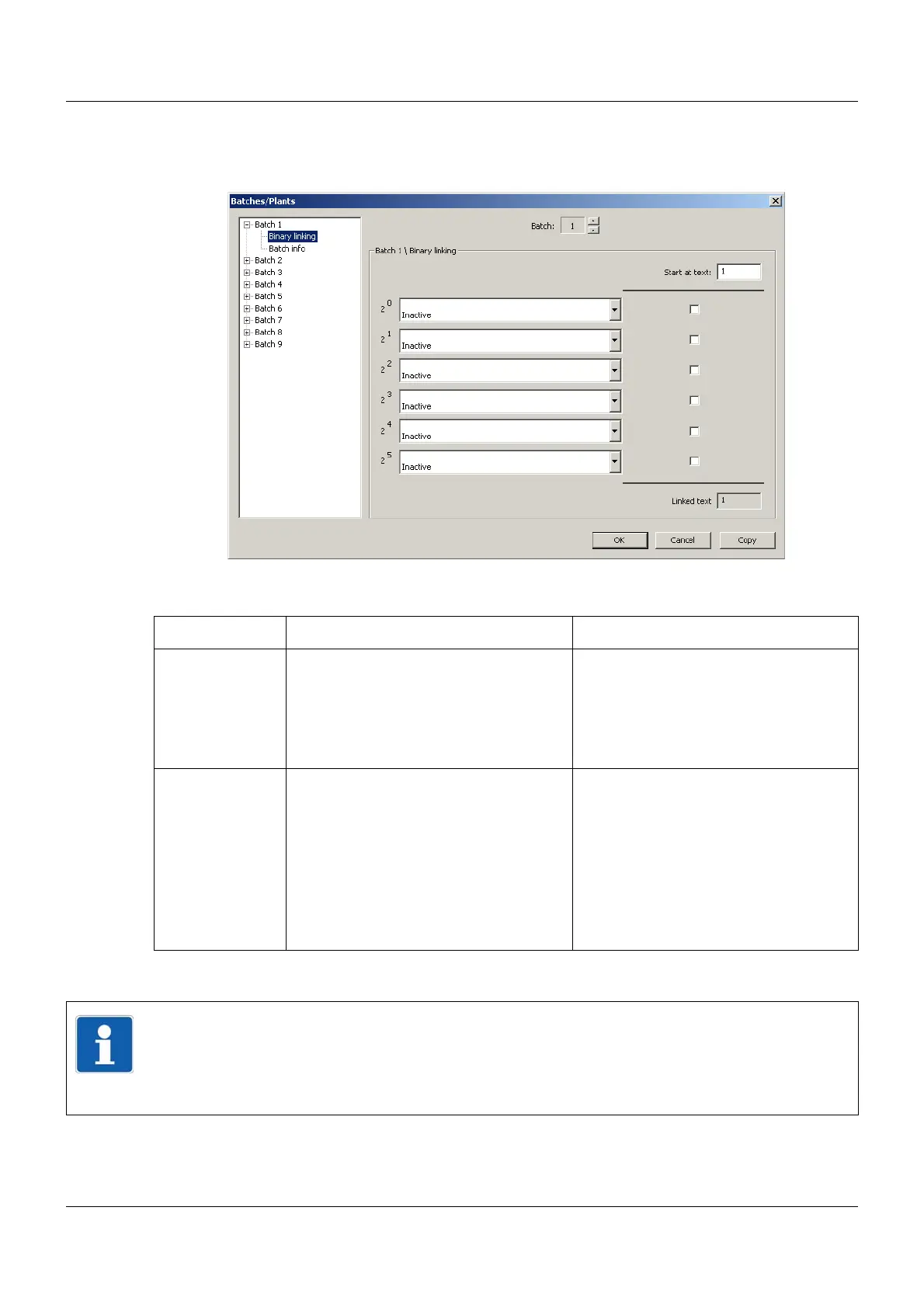
Setup dialog
Parameter
Start at text
Parameter Selection/settings Description
Start at text 1 to 64 This parameter acts as a starting point
for binary linking. If binary linking is
active for a batch text, one of the 128
internal batch texts of the device can be
added to a current batch protocol from
the position "Start at text".
2
0
to 2
5
Inactive
Digital selector
Depending on the configuration, the
binary linking can be used to integrate
up to 64 different texts into the batch
report using the digital signals.
There is a total of 128 batch texts that
are available and can be defined in the
setup program. The batch text used is
composed of the "Start at text" parame-
ter and the "Binary linking".
NOTE!
Batch text used = Start at text + Binary linking
The user can configure the batch texts using the setup program.
Setup program:
HMI > S
ETUP ONLY > BATCH TEXT



 To Next Page