85
8 Memory display (History)
The "Memory display" function can be used to display and check data recorded using the mul-
tifunction panel. The size of the memory for the memory display can be configured.
Setup program:
HMI > C
ONFIGURATION LEVEL > DEVICE DATA > HISTORY MEMORY
The memory display can be activated in the "Diagram" and "Digital" visualizations and is also
used to display completed batch reports.
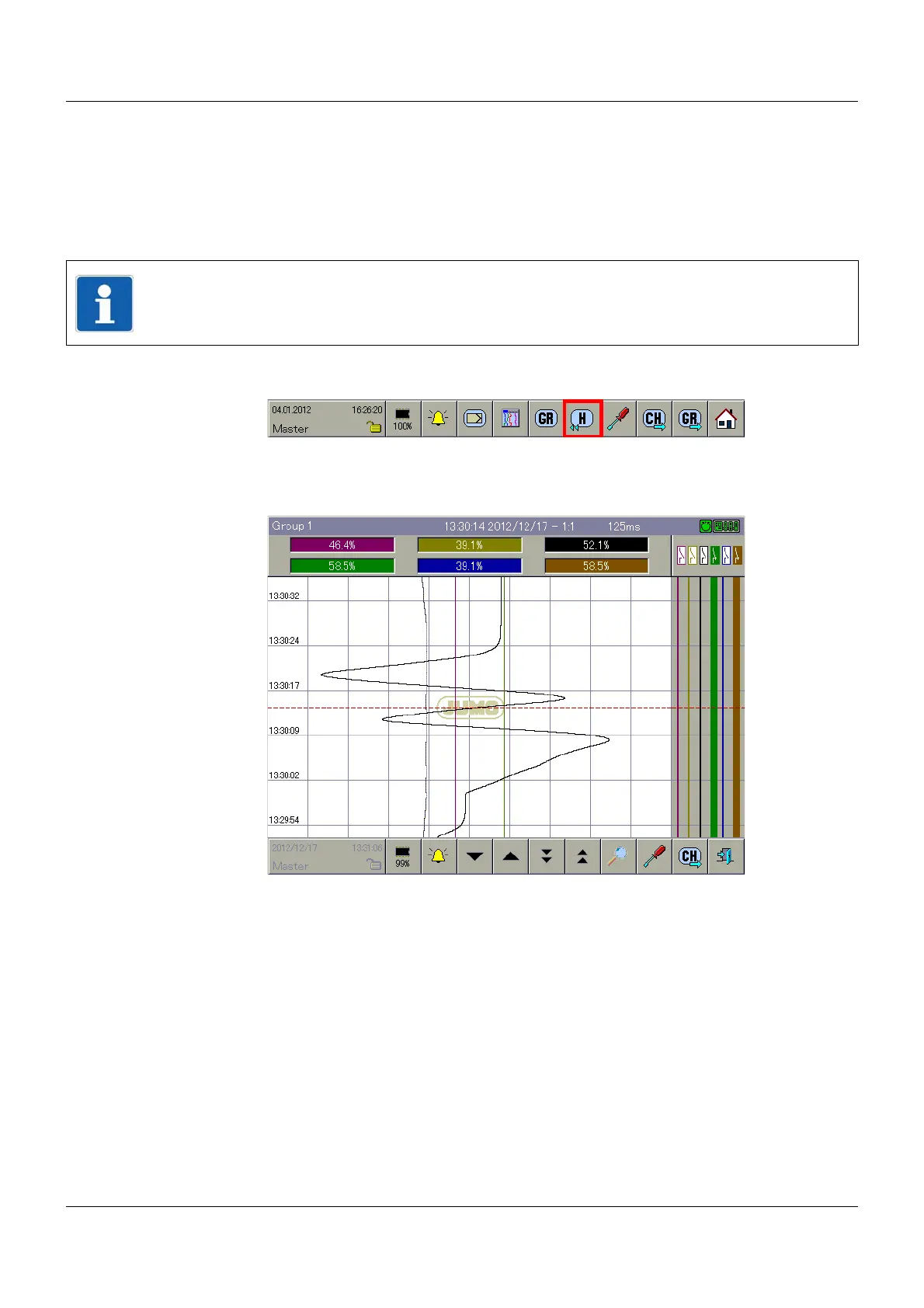
Selecting the memory display
The memory display is selected via the button shown above.
Example: Calling up the memory display in the "Diagram" visualization
NOTE!
The memory display can only be called up if the parameter HMI > C
ONFIGURATION LEVEL >
G
ROUPS > GROUP X > STATUS is set to "Display / Save" in the configuration of the group.



 To Next Page