119
13 Configuration
13.1.2 Language
Many texts that the user can enter can be entered in two languages.
The user can enter the text in the second language by touching the "Language" button (1). The
user can activate "Language 1" or "Language 2" using the setup program. The active language
is used on the multifunction panel.
Setup program:
P
ROJECT > PROJECT SETTINGS > GENERAL > LANGUAGE
NOTE!
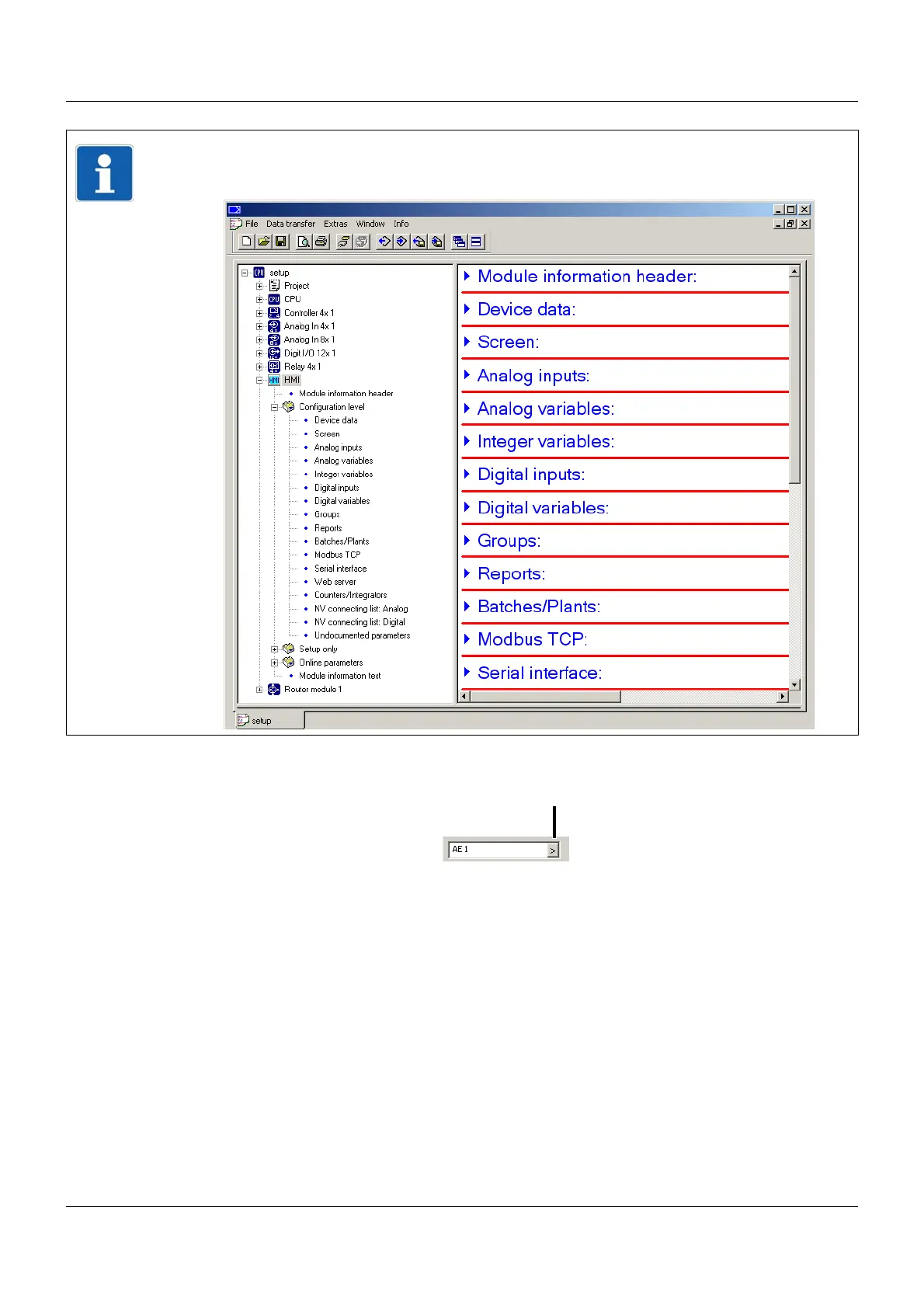
The description of the multifunction panel configuration is derived from the setup program,
but it also applies for configuration on the panel itself.
(1) Language



 To Next Page