125
13 Configuration
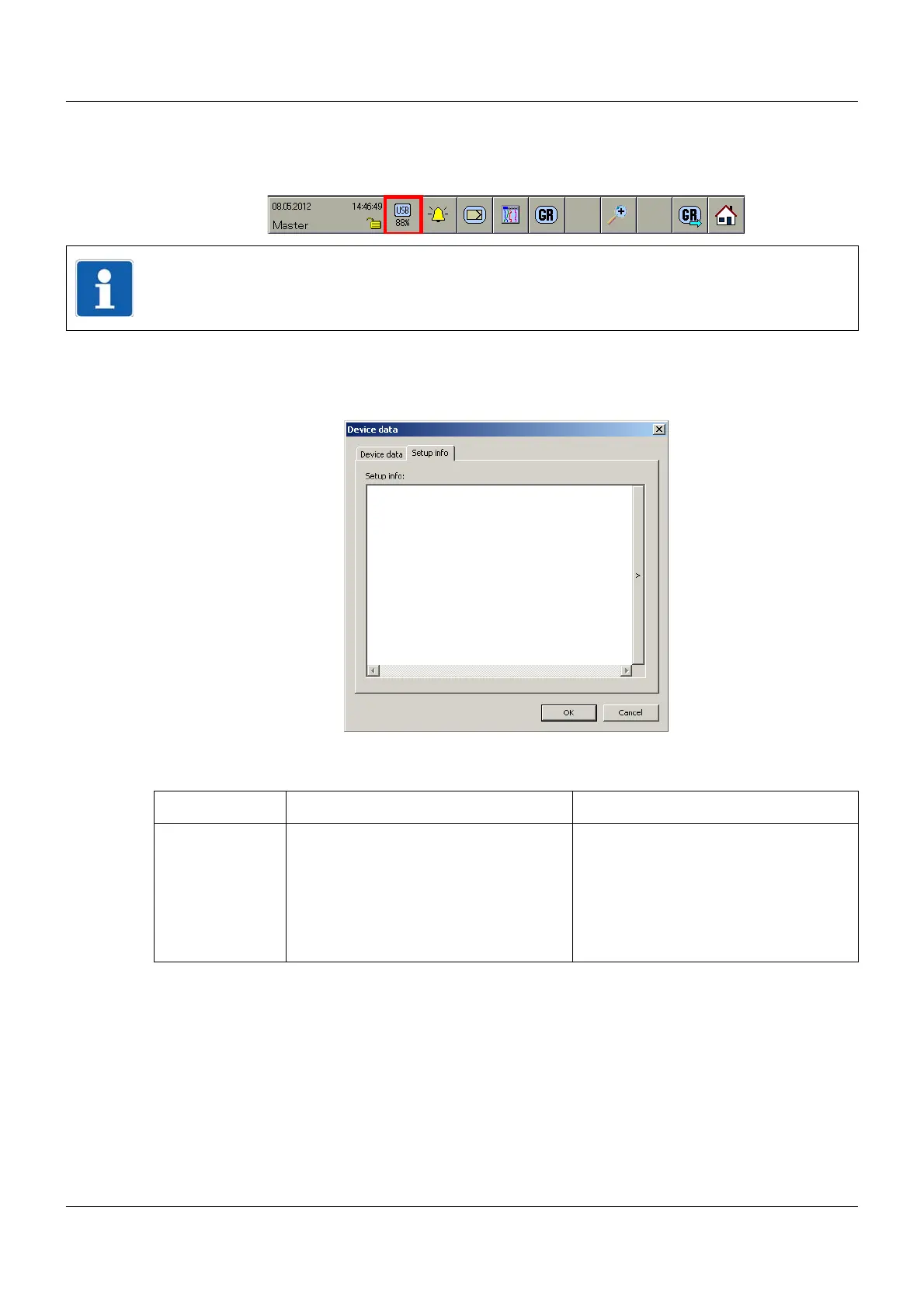
If the symbol is marked red, there is a memory alarm for the corresponding read-out type.
If a USB memory stick is inserted, the free memory on the stick will be displayed. The "Data
download..." parameter does not play a role at this point.
13.3.2 Setup info
Setup dialog
Parameter
NOTE!
The minimum free memory value (in %) is determined by the "Memory alarm" parameter. If
less memory is available than the set amount, this generates an entry in the event list.
Parameter Selection/settings Description
Setup info 500 characters The setup info can only be configured
using the setup program. It is sent to the
multifunction panel and it can be seen
within the PC evaluation software
PCA3000, and viewed and extended
under the menu item "Edit - Extended
description".


 To Next Page