13 Configuration
124
Memory alarm
The memory alarm distinguishes between the following alarms:
• Read-out via external memory
• Read-out via interface
History memory
The history memory is used in order to display measurement data that is outside of the current
diagram display.
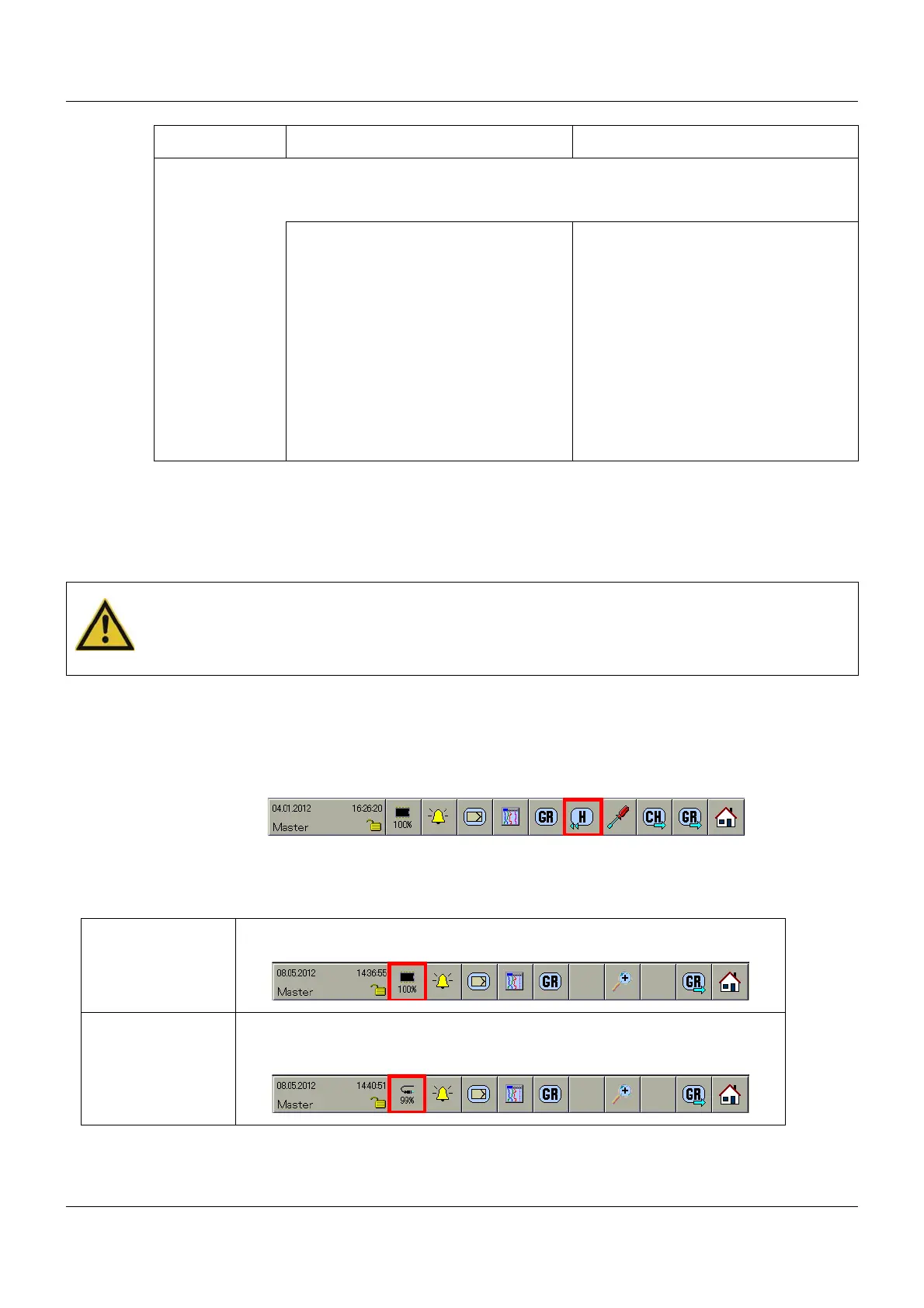
The memory display is started using the following function:
Chapter 8 "Memory display (History)", page 85
Data download...
Time synchroni-
zation
This parameter can be used to influence the time of the multifunction panel.
Together with a digital signal, it can therefore be ensured that multiple panels will
simultaneously be synchronized to the same time.
Inactive Time synchronization does not take
place.
Digital selector Signal with which the synchronization is
to be performed. The time is synchro-
nized when transferring from Low to
High (min. pulse duration = 125 ms).
The seconds are crucial to changing the
time. The time is put forward or back by
a maximum of ±30 seconds.
E.g.:
12:55:00 to 12:55:30 -> 12:55:00
12:55:31 to 12:55:59 -> 12:56:00
Parameter Selection/settings Description
CAUTION!
Data is not read out by the user.
There is a threat of data loss when a memory alarm is set.
Data is to be read out immediately.
External memory This displays the free memory with regard to data read-out using a USB mem-
ory stick.
Interface This displays the free memory with regard to data read-out via one of the inter-
faces (RS232, RS422/485, setup interface, or Ethernet). The read-out can be
implemented via the PCA communication software PCC, for example.


 To Next Page