7 Visualization
64
7.5 Process screen
In this visualization, selected measurement signals and backgrounds are displayed in a maxi-
mum of 18 process screens. The screens are prepared and configured using the setup pro-
gram.
Scope per process screen:
• 1 background image, 640 × 480 pixels, max. 256 colors
• 150 objects, such as analog and digital signals, icons, texts, bar graphs, and switch ele-
ments
Setup program:
HMI > S
ETUP ONLY > PROCESS SCREENS
Communication status
Chapter 5.1.1 "Status line and Title line", page 44
Home button
This function calls up a defined visualization. The function must be activated and configured
via the setup program.
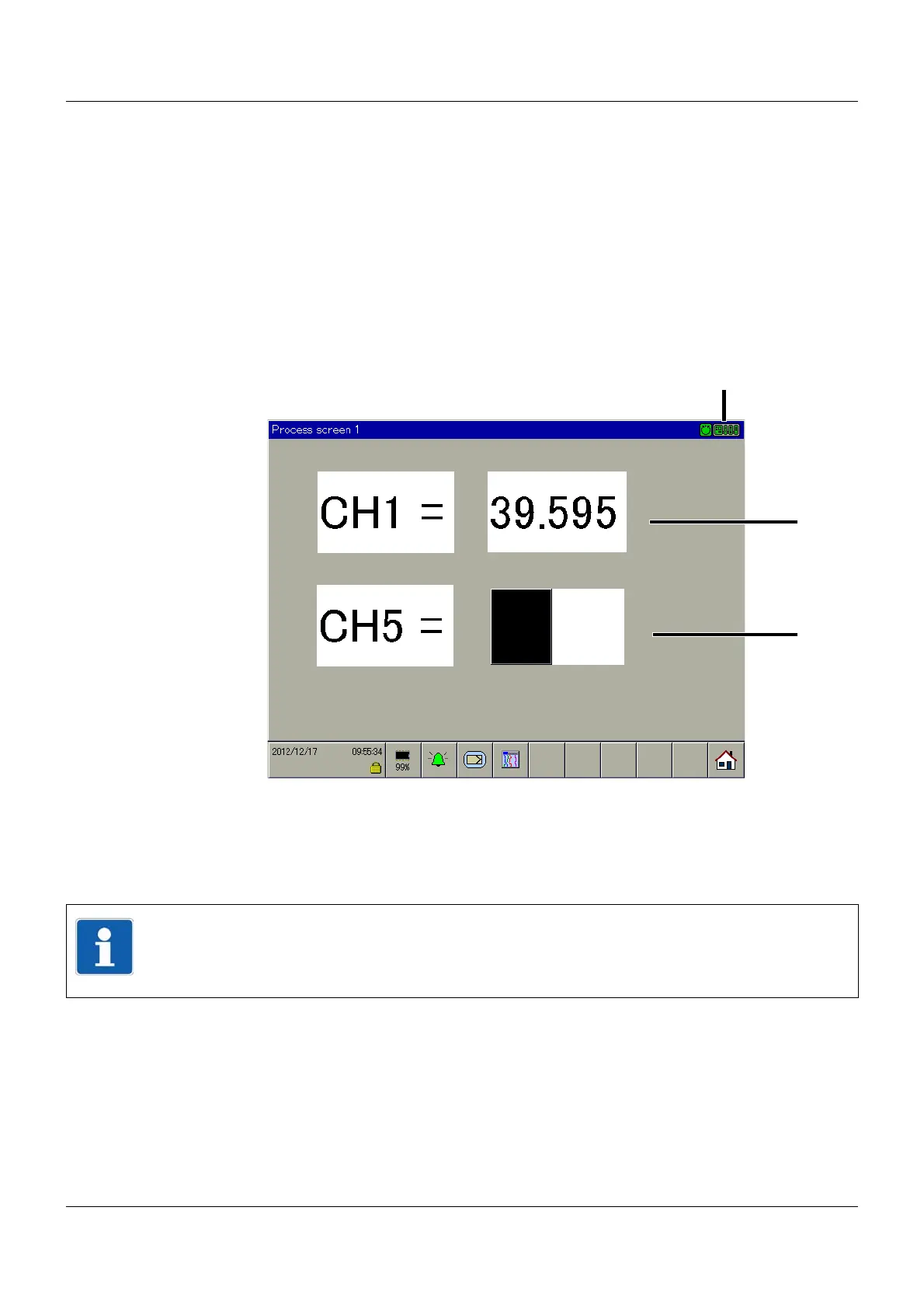
(1) Communication status (2) Example: Text and analog channel (numeri-
cal)
(3) Example: Text and analog channel (bar
graph)
(4) Home button
NOTE!
In the visualization of analog channels in the process screen, there is no color change in the
event that a limit value is not reached or is exceeded. A color change can be realized, how-
ever, with the PLC function (extra code 224 required for central processing unit 705001).



 To Next Page