12 Parameterization
114
12.1 CPU
The user can edit a maximum of 50 (system version 02: 200) PLC parameters. A prerequisite
for this is that the user has activated the PLC parameters using the setup program.
The PLC parameters are available for free use within user-specific PLC software.
Setup program:
CPU > P
ARAMETER LEVEL > PLC PARAMETERS
12.2 Controller...
The user can edit both parameter blocks for each controller channel.
Setup program:
C
ONTROLLER > PARAMETER LEVEL > PARAMETER SETS
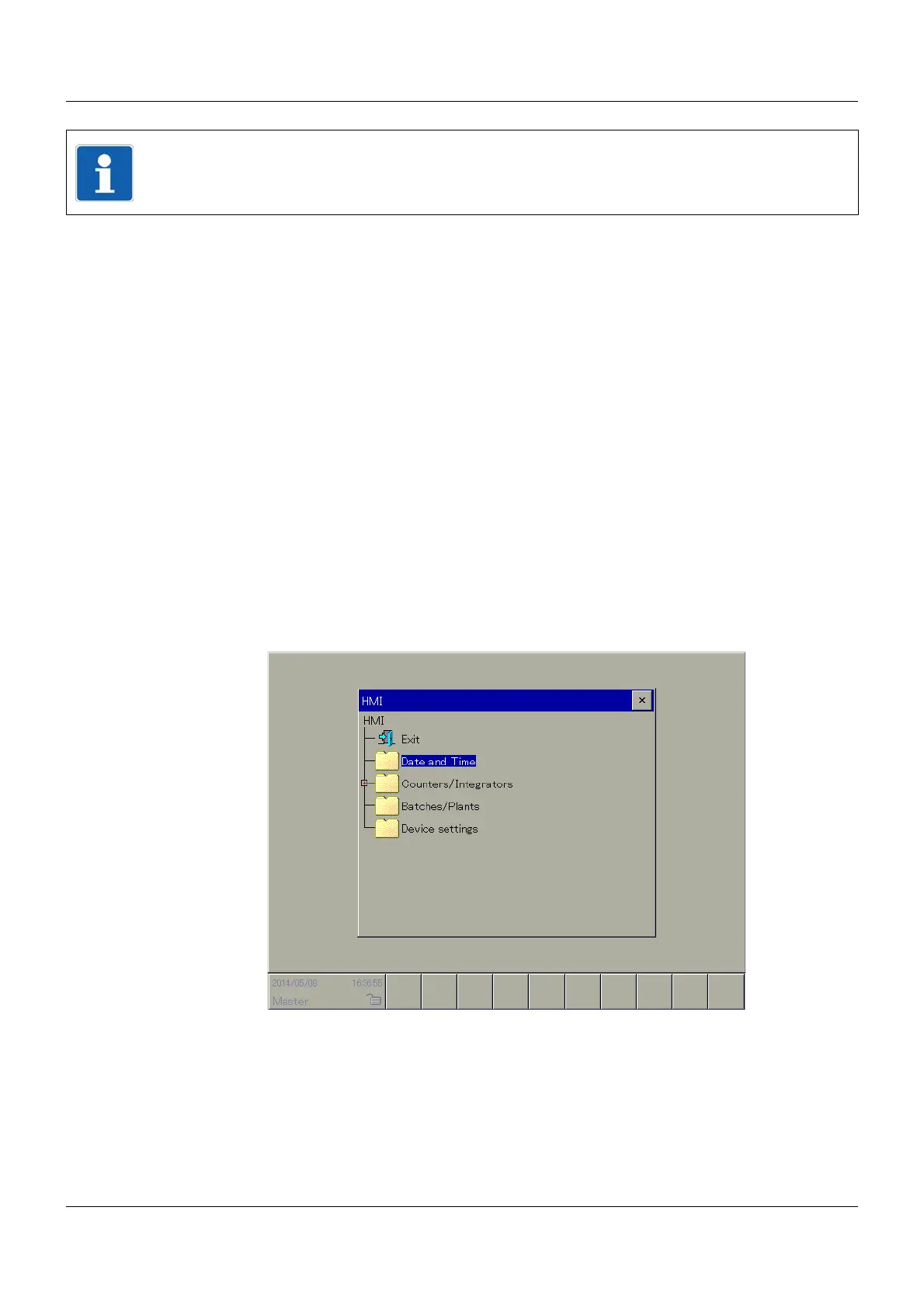
12.3 HMI
The user can edit the following parameters:
12.3.1 Date and Time
The user can use this function to enter the current date and time of the multifunction panel. It
is only possible to perform correct allocation to the recorded data with the use of an exact date
and an exact time.
Setup program:
HMI > O
NLINE PARAMETERS > DATE AND TIME
NOTE!
The base unit (central processing unit or CPU) and multifunction panel (HMI) can only appear
once. The controller module can appear multiple times.



 To Next Page