251
15 Online parameters
15.1 Display print-out
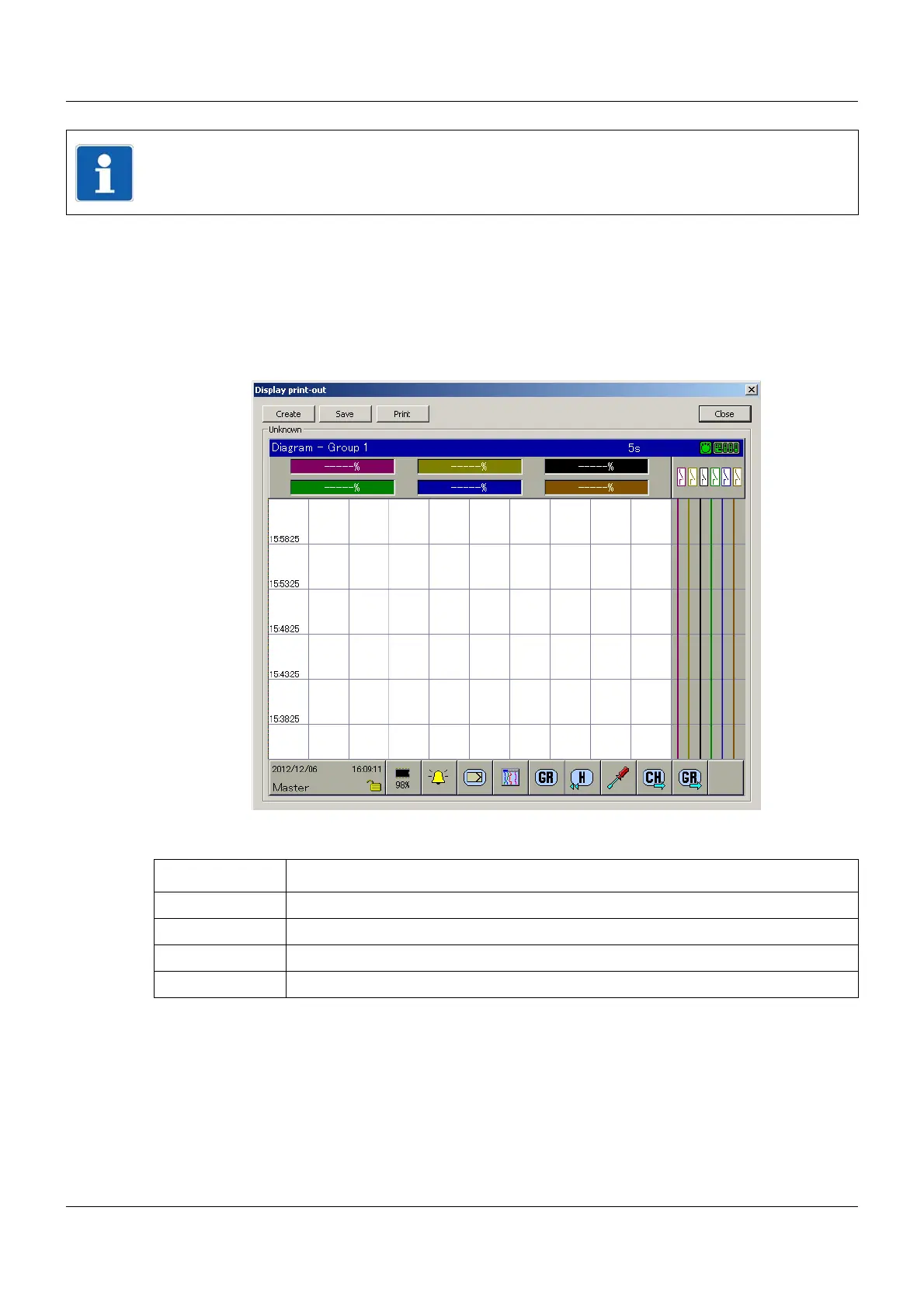
The user can use this function to create a copy (screenshot) of the content of the multifunction
panel screen.
Setup dialog
Buttons
NOTE!
An active connection between the setup program and the multifunction panel is required to
configure the parameters described in this chapter.
Button Function
Create Creates a copy of the current screen content.
Save Opens the "Save as" dialog in order to save the screenshot as a graphic file.
Print Opens the "Print" dialog in order to print the screenshot.
Close Closes the dialog.



 To Next Page