13 Configuration
138
13.5.1 Alarm
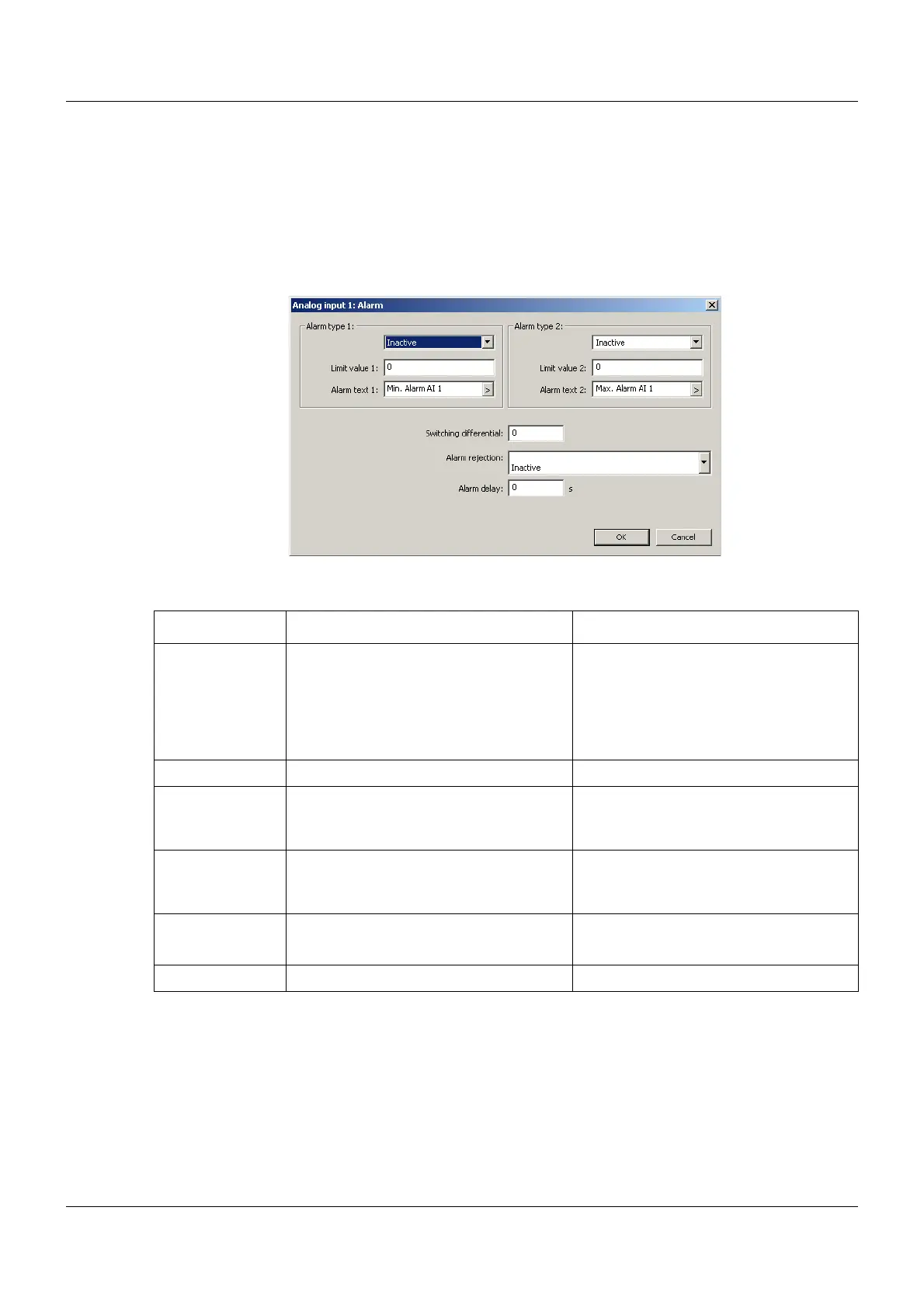
Limit value monitoring with one or two alarms can be activated for each analog input. The alarm
is entered in the status and title line and in the alarm and event list of the multifunction panel.
This type of limit value monitoring is in addition to and independent of the limit value monitoring
of the base unit.
Setup dialog
Parameter
Parameter Selection/settings Description
Alarm type 1, 2 Inactive Monitoring is not active.
Min. Alarm Alarm is issued if the limit value is not
met.
Max. Alarm Alarm is issued if the limit value is
exceeded.
Limit value 1, 2 -99999 to 0 to +99999 Limit value at which an alarm is issued.
Alarm text 1, 2 Use default text or enter other text. Text that is displayed or entered in the
status and title line and in the alarm list
and event list in the case of an alarm.
Switching differ-
ential
0 to 99999 Used to reject constant switching opera-
tions in the event of minor fluctuations of
the input signal around the limit value
Alarm rejection Inactive
Digital selector
Signal for activating the alarm rejection
Alarm delay 0sto 65535 s Delay time for alarm triggering



 To Next Page