127
13 Configuration
13.4 Screen
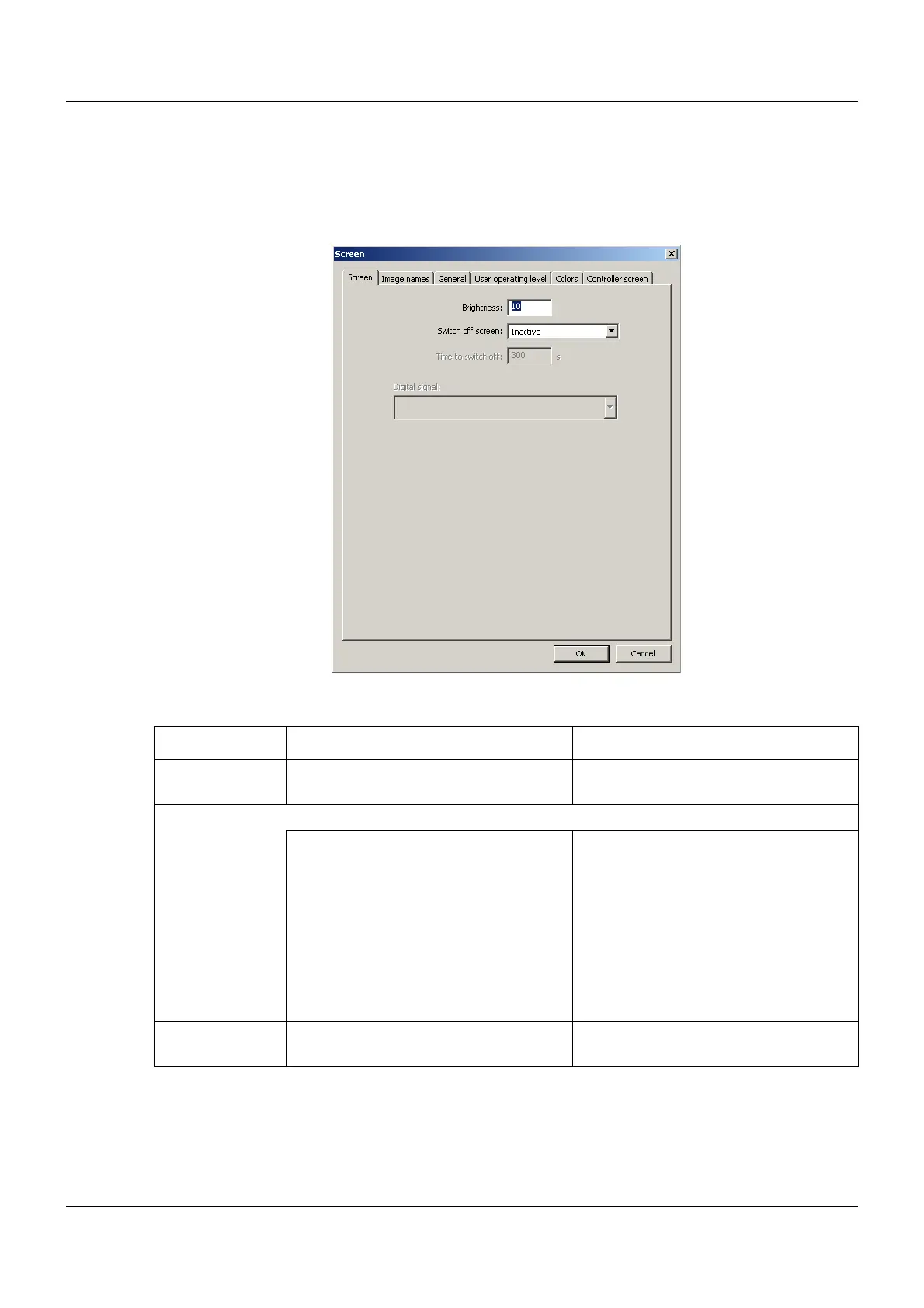
13.4.1 Screen
Setup dialog
Parameter
Parameter Selection/settings Description
Brightness 1 to 10 Brightness of the multifunction panel
screen
Switch off screen To protect the screen, the user can activate screen switch-off (screensaver) here.
Inactive The switch-off is not active.
Time to switch off If the screen is not touched for a period
from 10 to 32767 seconds, the switch-
off is activated and the screen turns
dark.
Control signal The switch-off is activated by one of the
digital signals (digital selector). A digital
signal can be a digital input, a relay sta-
tus, or a batch activation, for example.
Time to switch off 10 to 300 to 32767 Time in seconds for the screen switch-
off



 To Next Page