221
14 Configuration – in setup program only
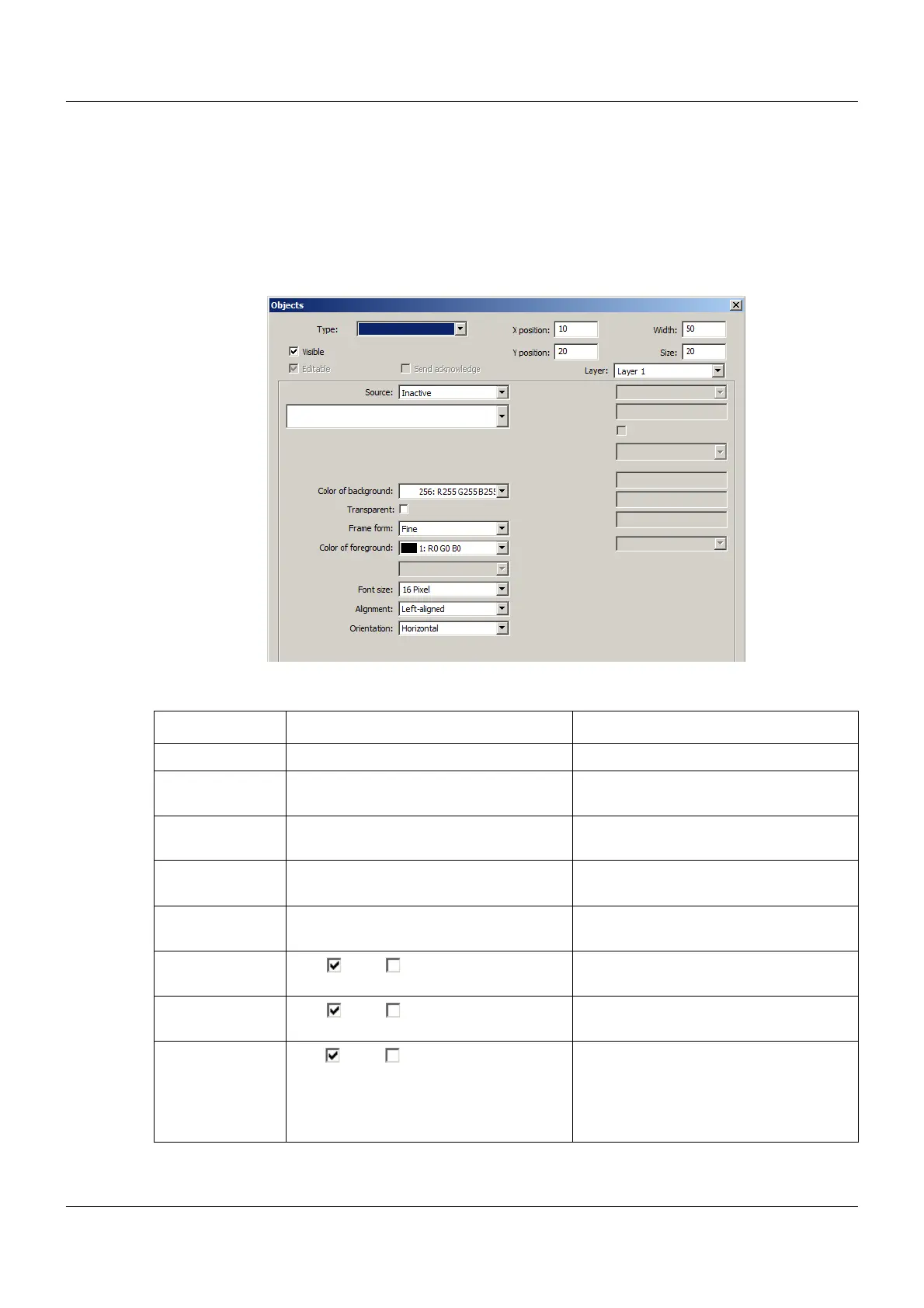
14.6.6 General object features
The description of the general object features applies for all object type for which the parame-
ters in question are available.
The specific object features are described in the following chapters under the corresponding
object type.
Setup dialog
Parameter
Parameter Selection/settings Description
Type Selection from list of object types Object type for the process screen
X position 0 to 10 to 635 X coordinate of the upper left corner of
the object in the process screen
Y position 0 to 20 to 403 Y coordinate of the upper left corner of
the object in the process screen
Width 1 to 50 to 636 (as of system version 02:
452)
Width of the object
Size 1 to 20 to 404 (as of system version 02:
453)
Size of the object
Visible Yes ( ), No ( ) "Yes" releases the display of the object
in the process screen.
Editable Yes ( ), No ( ) "Yes" releases the option for entry in the
process screen (only for input objects).
Send acknowl-
edge
Yes ( ), No ( ) "Yes" means that an acknowledgement
is sent to the internal PLC following an
entry in the process screen (only for
input objects with a destination vari-
able).



 To Next Page