14 Configuration – in setup program only
222
Color of foreground
In order for the font to be visible, the foreground and background color must be different from
each another. If the "Transparent" setting is selected (), this applies with regard to the back-
ground color of the process screen.
Preview
If the dialog is exited using the "OK" button, the simulation opens in the setup program.
Chapter 14.6.9 "Preview", page 248
Color of back-
ground
Select color (drop-down menu) or enter
the color code (integer value).
Background color of the object
Layer
(as of system ver-
sion 02)
Select layer (drop-down menu) Layer of the object in the process screen
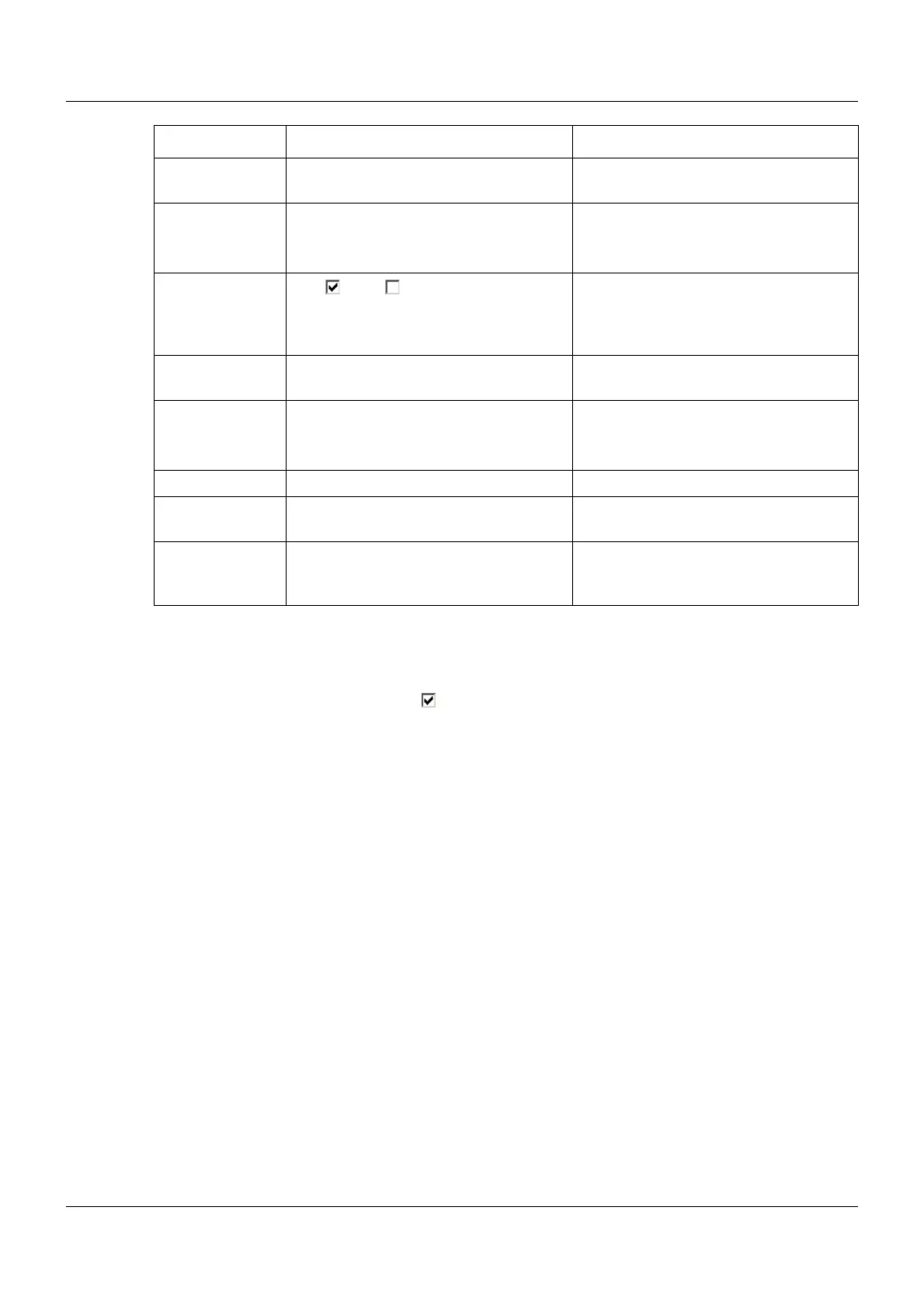
Transparent Yes ( ), No ( ) If "Yes", the background color of the
object is not active. Instead, the font will
be displayed in front of the background
color of the process screen.
Frame form Select form (drop-down menu). The object can be provided with a
frame.
Color of fore-
ground
Select color (drop-down menu). Font color within the object
Font size Select font size (drop-down menu). Font size within the object
Alignment Select alignment (drop-down menu). Alignment of the font within the object
(left-aligned, right-aligned, centered)
Orientation Select orientation (drop-down menu). Orientation of the object in the process
screen (horizontal, vertical; not for input
objects).
Parameter Selection/settings Description



 To Next Page