129
13 Configuration
13.4.3 General
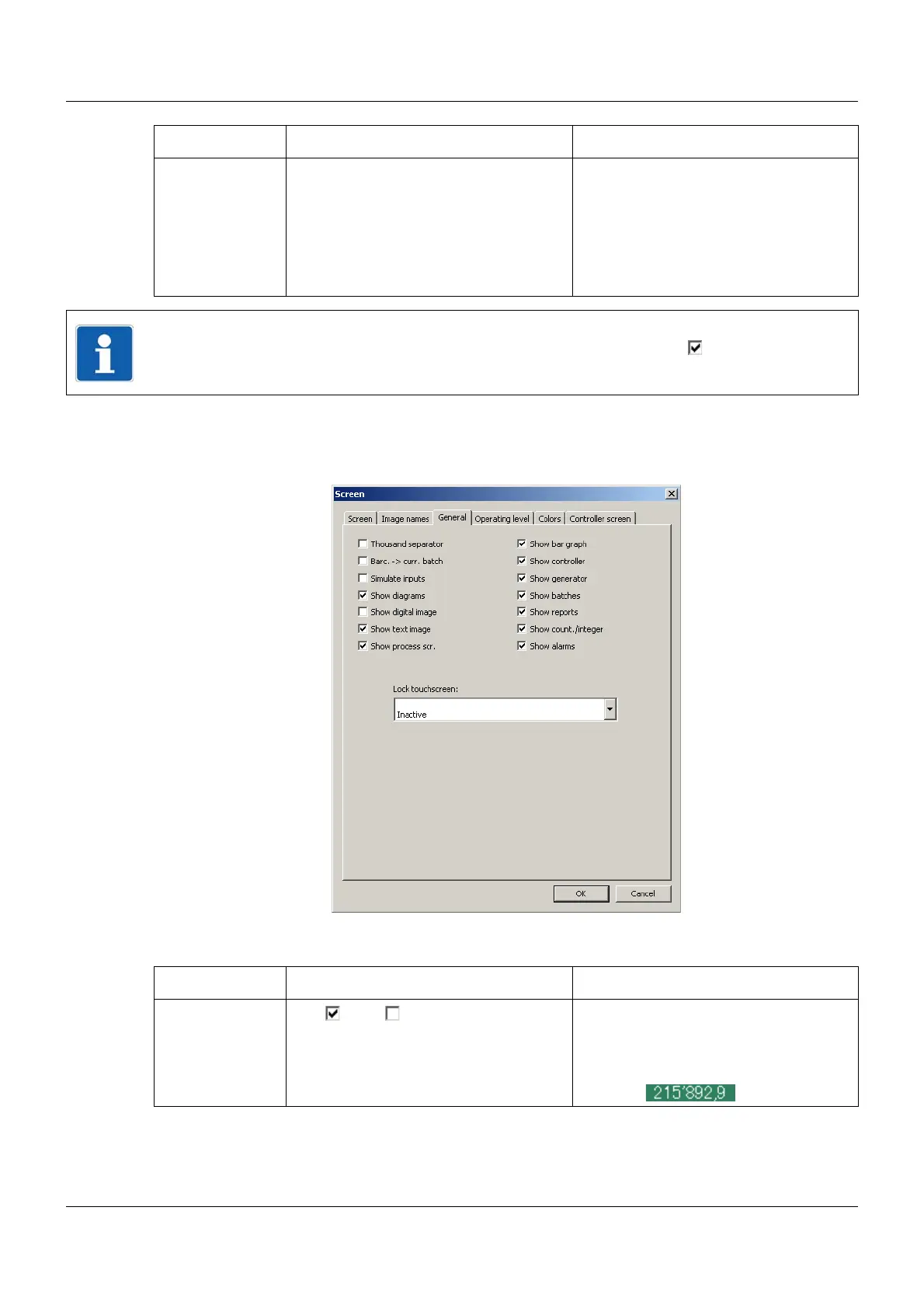
Setup dialog
Parameter
Water mark his-
tory
Water mark history (example) The image is displayed in the centre of
the screen in the memory display.
Maximum size: 200 × 100 pixels
Colors: 256
Chapter 8 "Memory display (His-
tory)", page 85
Parameter Selection/settings Description
NOTE!
The images are only displayed if the corresponding box is checked ().
Parameter Selection/settings Description
Thousand sepa-
rator
Yes ( ), No ( ) If "Yes", a stroke will be used in certain
visualizations as an identification mark-
ing for numbers above and including
1000.
Example:



 To Next Page