13 Configuration
130
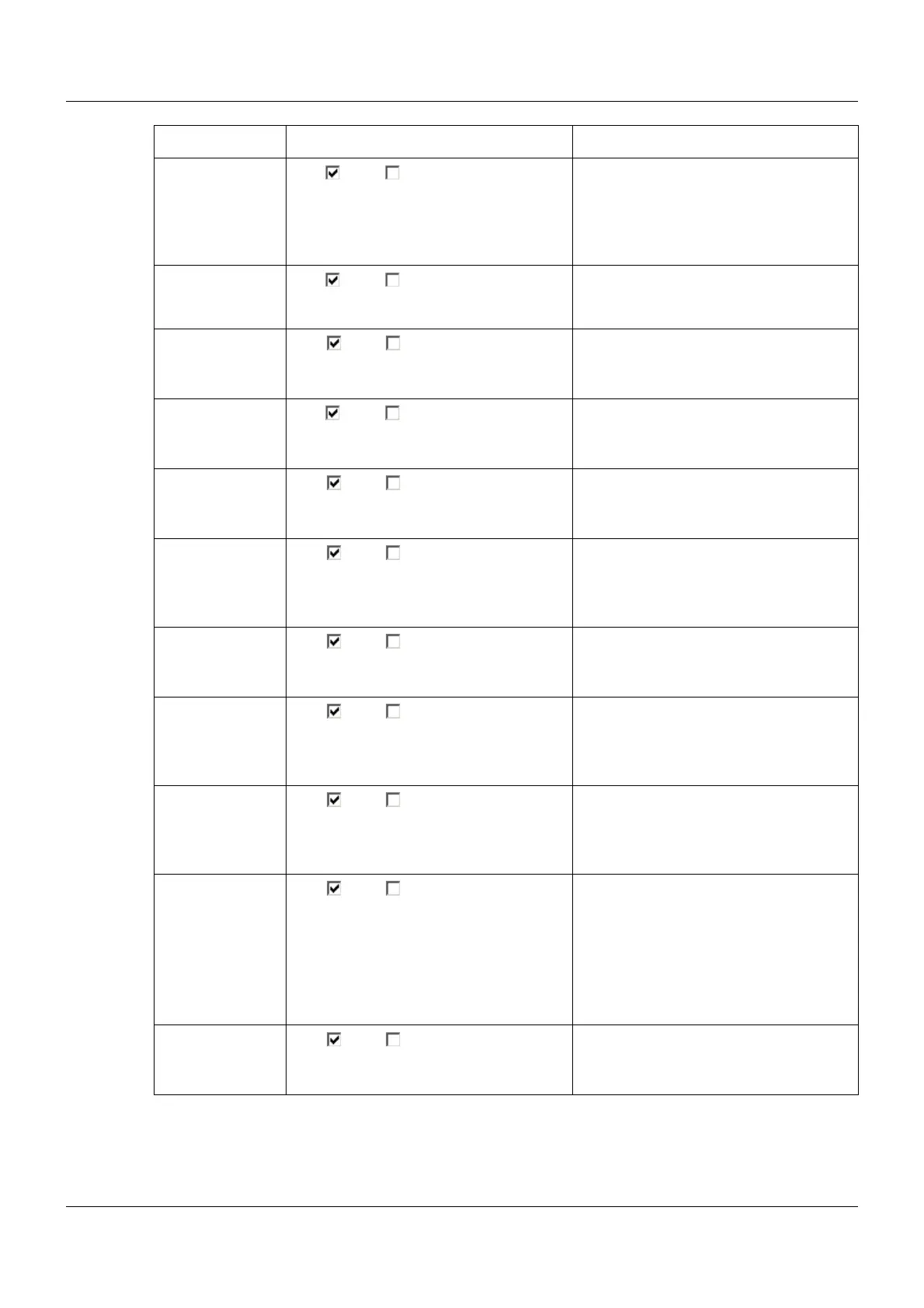
Barc.->curr. batch Yes ( ), No ( ) If "Yes", the "Current batch" visualization
will automatically be shown when the
corresponding barcode is scanned.
Chapter 7.8 "Current batch", page
69
Simulate inputs Yes ( ), No ( ) If "Yes", all inputs and outputs of the
multifunction panel are ignored and
pseudo data is displayed on the screen.
Show diagrams Yes ( ), No ( ) "Yes" releases the "Diagram" visualiza-
tion for selection by the user.
Chapter 7.2 "Diagram", page 56
Show digital
image
Yes ( ), No ( ) "Yes" releases the "Digital" visualization
for selection by the user.
Chapter 7.6 "Digital", page 65
Show text image Yes ( ), No ( ) "Yes" releases the "Text image" visual-
ization for selection by the user.
Chapter 7.4 "Text image", page 60
Show process
scr.
Yes ( ), No ( ) "Yes" releases the "Process screen"
visualization for selection by the user.
Chapter 7.5 "Process screen", page
64
Show bar graph Yes ( ), No ( ) "Yes" releases the "Bar graph" visualiza-
tion for selection by the user.
Chapter 7.3 "Bar graph", page 58
Show controller Yes ( ), No ( ) "Yes" releases the "Controller screens"
visualization for selection by the user.
Chapter 6 "Multichannel controller
module", page 51
Show generator Yes ( ), No ( ) "Yes" releases the "Prog. generator"
visualization for selection by the user.
Chapter 6 "Multichannel controller
module", page 51
Show batches Yes ( ), No ( ) "Yes" releases the "Current batch" and
"Last completed batch" for selection by
the user.
Chapter 7.8 "Current batch", page
69
Chapter 7.9 "Last completed batch",
page 74
Show reports Yes ( ), No ( ) "Yes" releases the "Reports" visualiza-
tion for selection by the user.
Chapter 7.7 "Reports", page 67
Parameter Selection/settings Description



 To Next Page