109
11 Device manager
Selected entry
By touching an entry, the user can select the program and open it for editing.
Chapter 11.3.2 "Editing programs", page 109
11.3.2 Editing programs
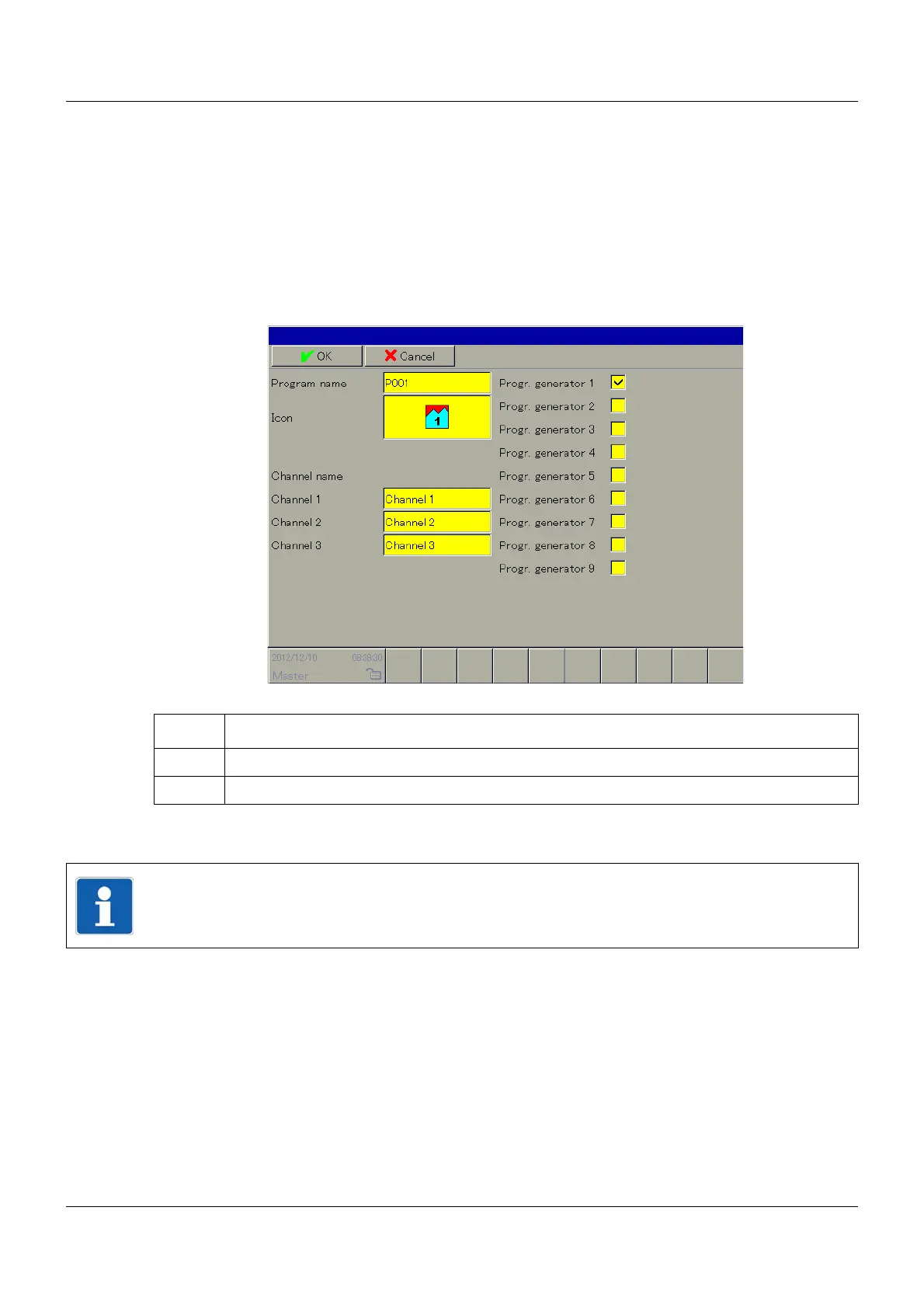
Program header
If the selected program is being edited for the first time, the user must first allocate the general
program data (program header).
➥ The program is created. The first program section for the first program channel must be de-
fined.
Step Activity
1 Implement settings.
2 Touch the "OK" button.
NOTE!
You can find more information on the parameters in the operating manual of the base unit
central processing unit B 705001.0.



 To Next Page