131
13 Configuration
Simulation inputs
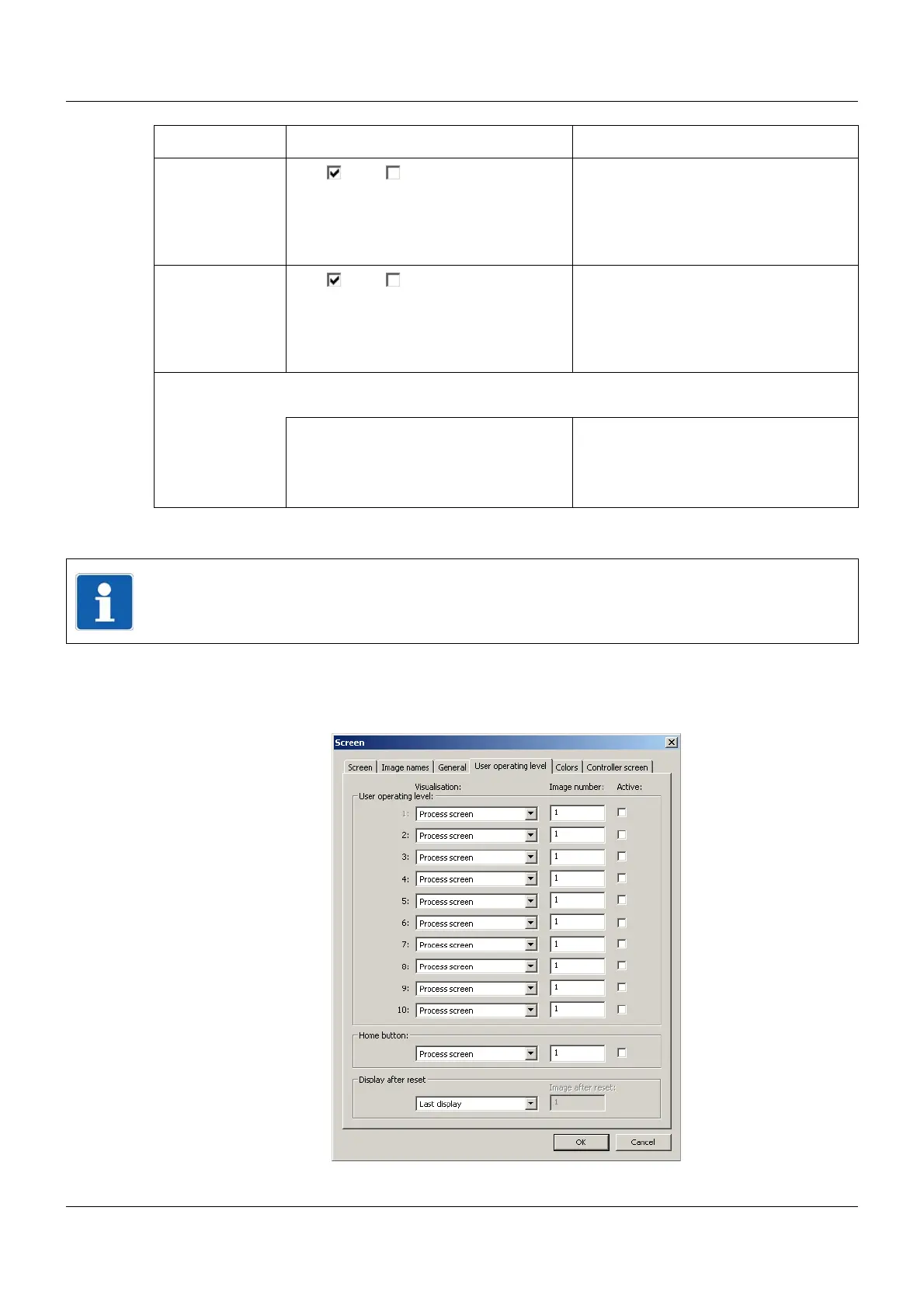
13.4.4 User operating level
Setup dialog
Show count./inte-
ger
Yes ( ), No ( ) "Yes" releases the "Counters/Integra-
tors" visualization for selection by the
user.
Chapter 7.10 "Counters/Integrators",
page 78
Show alarms Yes ( ), No ( ) "No" rejects the display of fault and
alarm messages in the status and title
line.
Chapter 5.1.1 "Status line and Title
line", page 44
Lock touchscreen Locks the touchscreen such that it cannot be operated. This does not relate to a
switch-off.
Inactive Not locked
Digital selector Signal (high active) with which the
touchscreen (screen) is locked for as
long as the signal is active.
Parameter Selection/settings Description
NOTE!
The inputs and outputs adopt an undefined status. This parameter should only be activated
for test purposes and also only if no digital outputs are connected.



 To Next Page