259
15 Online parameters
15.7 Calibrate / test
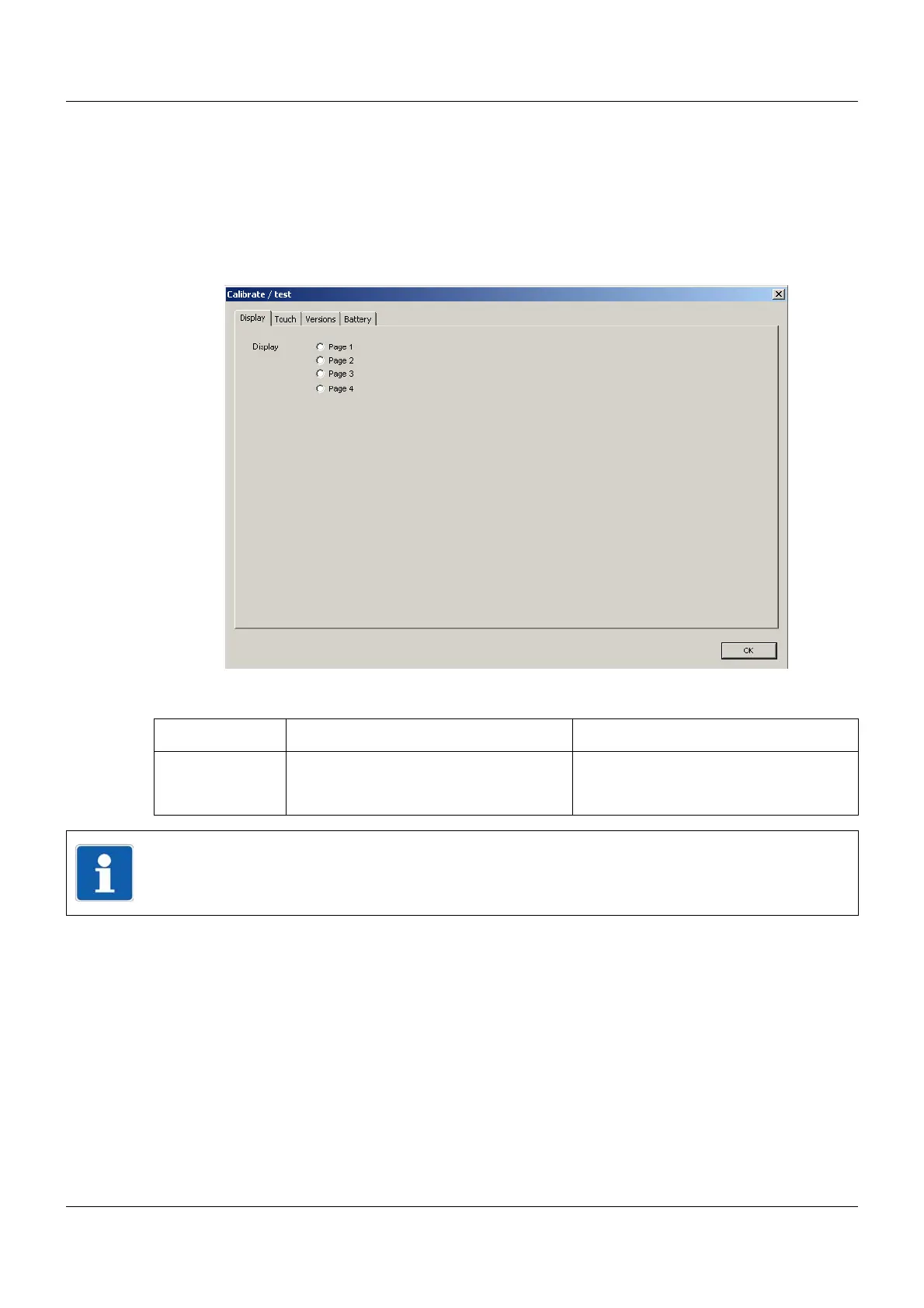
15.7.1 Display
The color display of the screen is tested in this dialog.
Setup dialog
Parameter
Parameter Selection/settings Description
Display Click pages 1 to 4 one after the other to
select for testing.
The screen displays the respective color
sample immediately after clicking (red,
green, blue, black).
NOTE!
The screen remains in this test mode until the "Calibrate / test" dialog is exited by touching
the "OK" button (or until the touch calibration is started).



 To Next Page