255
15 Online parameters
15.3 Enabling of extra codes
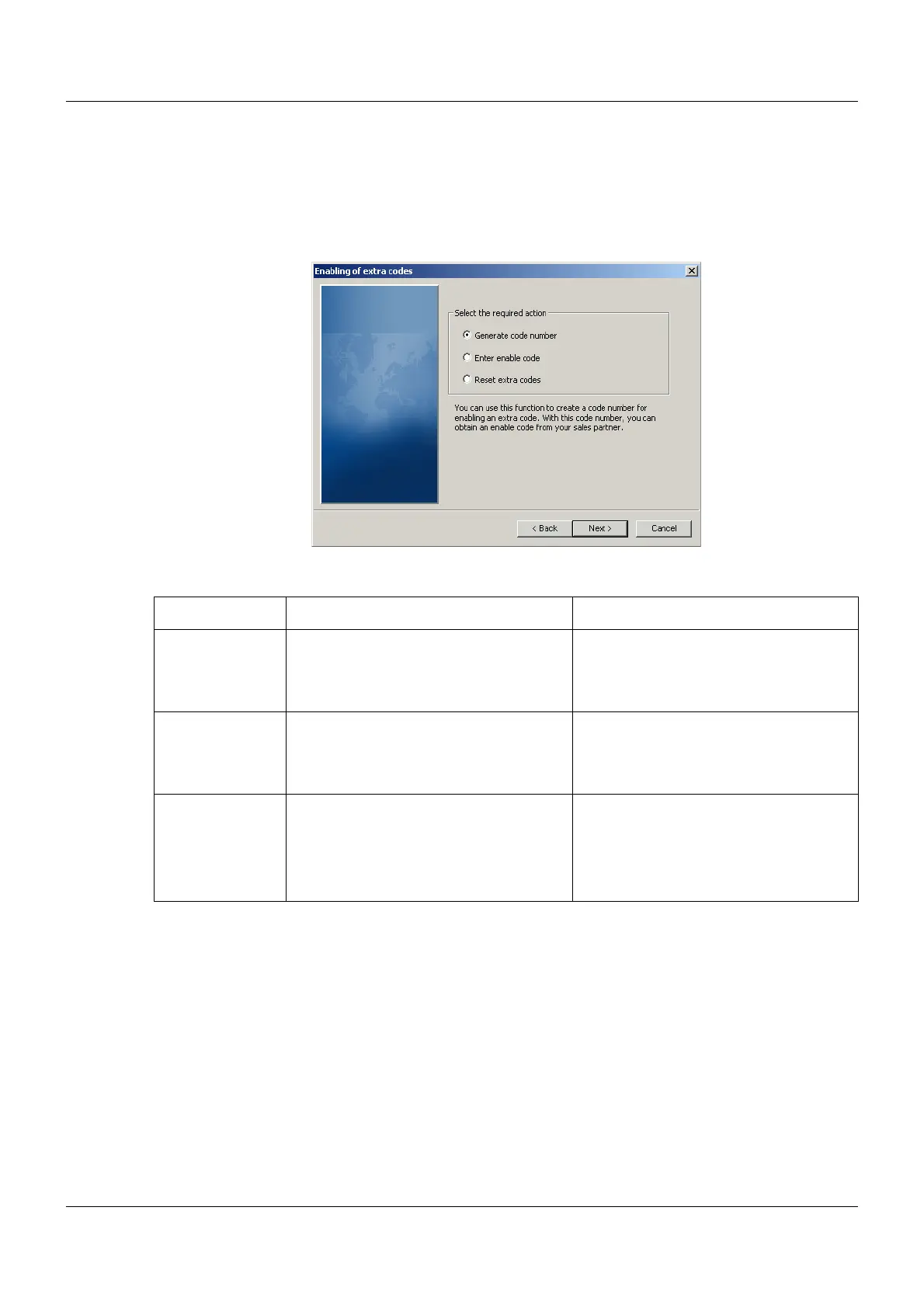
In this dialog, additional functions of the multifunction panel are released or blocked (e.g. reg-
istration function).
Setup dialog
Parameter
Parameter Selection/settings Description
Generate code
number
To generate a code number, click the
function to select it and then click the
"Next" button. Further instructions are
then given.
This function is used to generate a code
number to enable extra code. The code
number is required to obtain an enable
code from a sales partner.
Enter enable
code
To enter an enable code, click the func-
tion to select it and then click the "Next"
button. Further instructions are then
given.
This function is used to enable extra
code. The enable code received from
the sales partner is required for this pur-
pose.
Reset extra
codes
To reset extra codes click the function to
select it and then click the "Next" button.
Further instructions are then given.
This function can be used to lock extra
codes that have been enabled.
Locked extra codes can only be acti-
vated by re-enabling. This procedure is
subject to charge!



 To Next Page