15 Online parameters
262
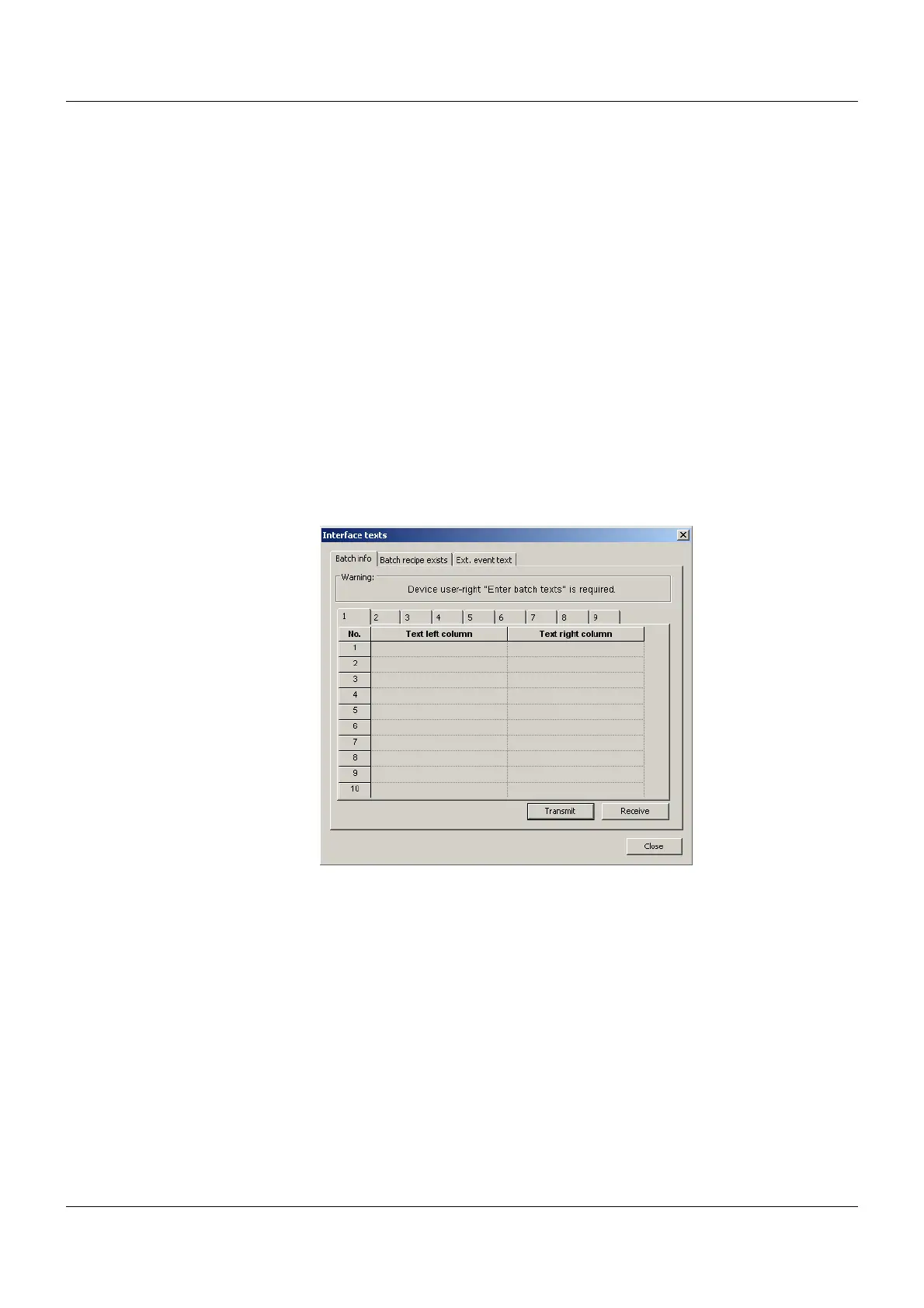
15.8 Writing interface texts
This function can be used to:
• Read and write current batch texts,
• Read and write an additional batch text (e.g. recipe),
• Write event texts
"Transmit" button: The text is written to the multifunction panel.
"Receive" button: The text is read out from the multifunction panel.
The function is independent of the current setting in the dialog window (setup file). The data
can be sent to a multifunction panel without reconfiguration taking place.
15.8.1 Batch info
For each batch (Batch 1 to 9), all editable colors can be changed and sent to the connected
multifunction panel. If a batch report is completed on the device side, the data from the config-
uration is used again on the multifunction panel.
Setup dialog



 To Next Page