183
13 Configuration
HTML tags
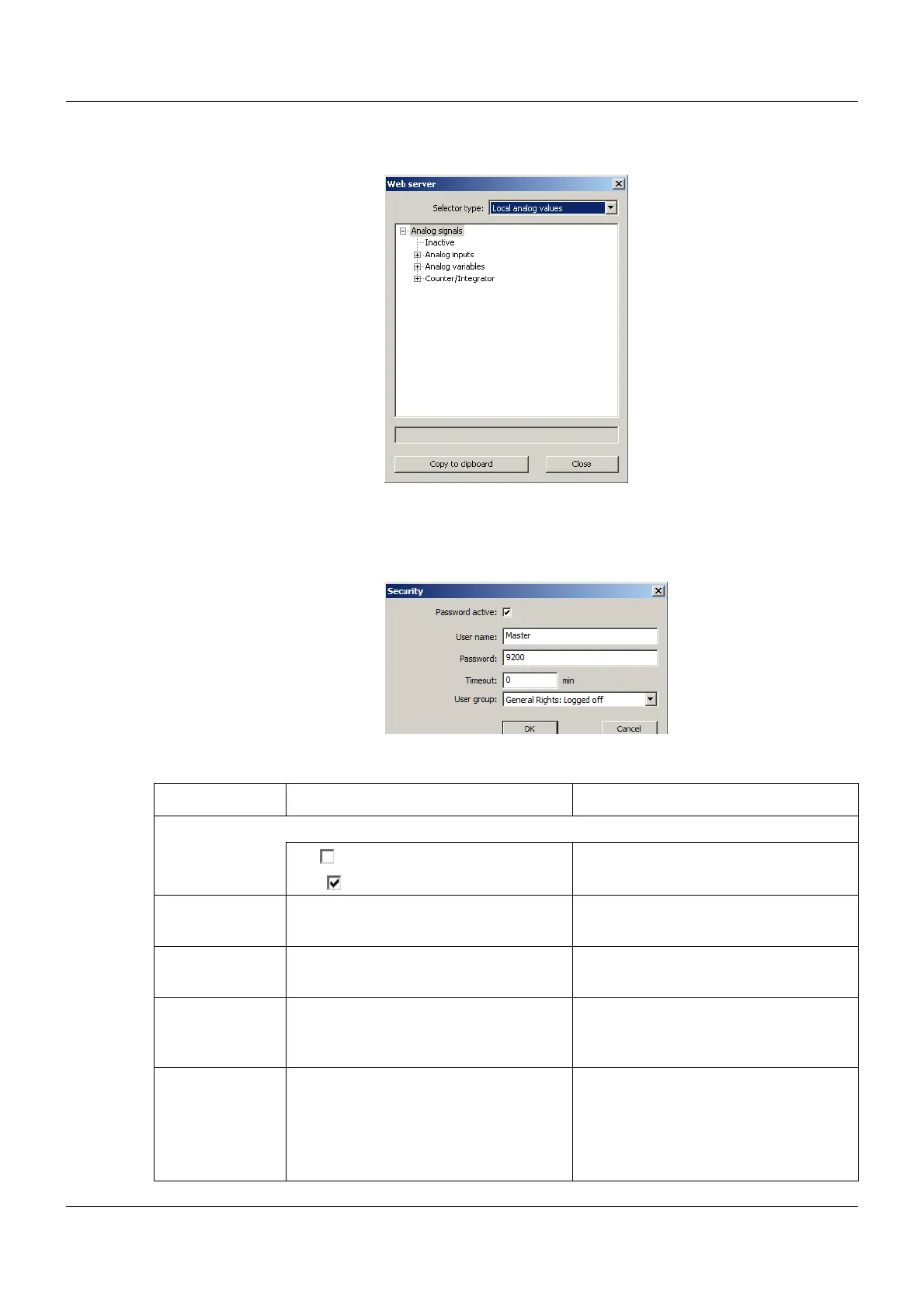
To open this window, use the "HTML tags" button:
Select the required variable names from the relevant selectors.
Security
To open this window, use the "Security" button:
Parameter
Parameter Selection/settings Description
Password active Password request during logon to Web server
No ( ) Password is not requested.
Yes ( ) Password is requested.
User name Master
(ASCII; max. 31 characters)
User name for logon to the Web server
Password 9200
(ASCII; max. 31 characters)
Password for logon to the Web server
Timeout 0 to 1092 min Time until automatic logout if no user
activity is detected.
0 min = No automatic logout
User group
(as of system ver-
sion 02)
No user group
User group 1
to
User group 15
General rights
In the process screen (within the web
server), only those layers are displayed,
which are assigned to the selected user
group here.



 To Next Page