73
7 Visualization
Activating batch texts
If a line of a batch report is configured for the barcode activation, the activation is performed as
follows.
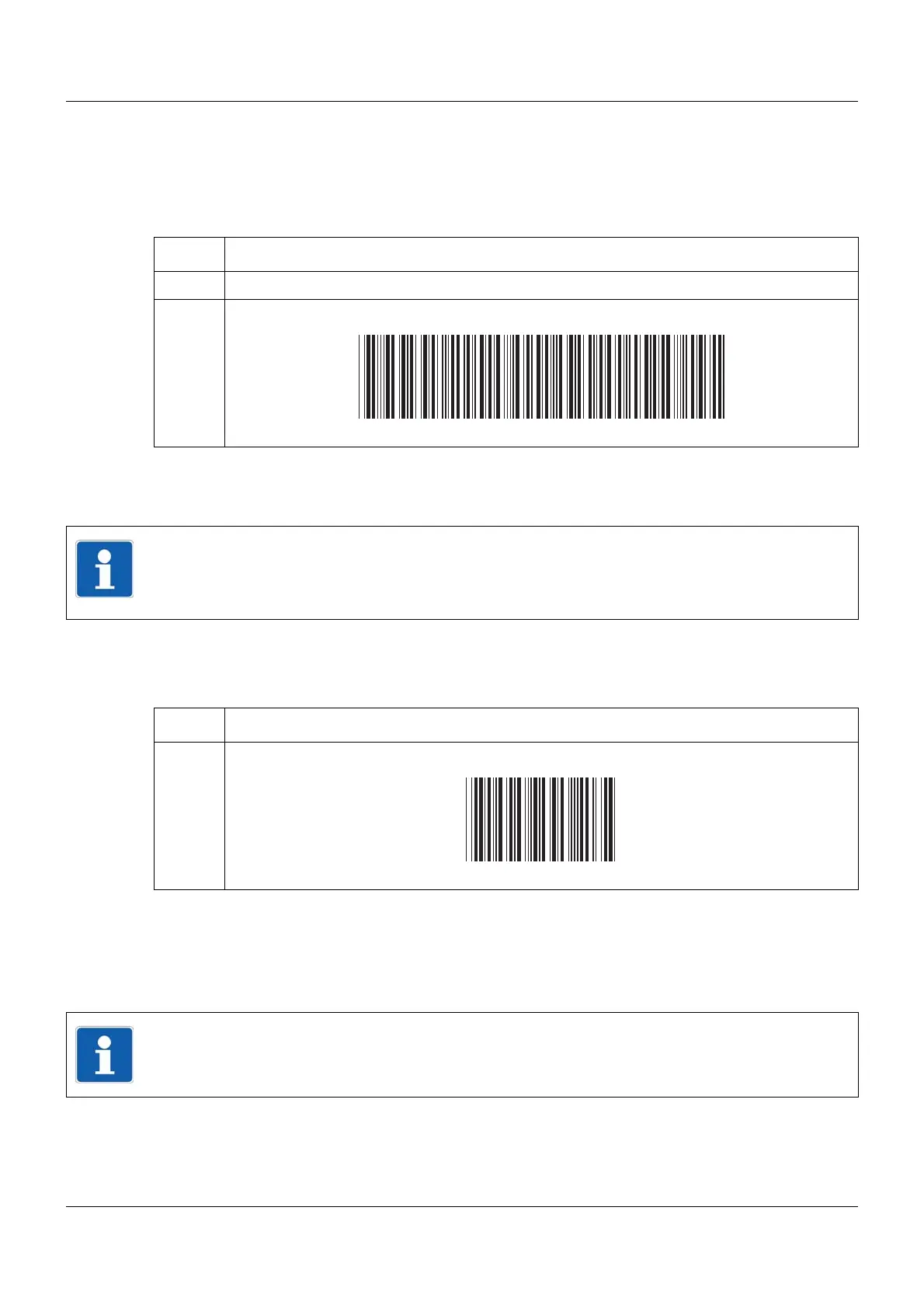
Activating text:
➥ The first line of the activated batch report, which is configured for text entry via barcode, is
automatically filled with the text corresponding to the barcode. If multiple lines are config-
ured for the barcode activation, these are processed consecutively from top to bottom.
Resetting entry
Scanning Reset:
➥ The default texts (parameter factory settings) are displayed and the first line is prepared for
the entry again.
Barcodes summary
All necessary barcodes are summarized again in Chapter 16.3 "Barcode", page 269.
Step Activity
1 Scan barcode for batch reporting (batch 1 to 9).
2 Scan text.
NOTE!
A bar code can contain up to 10 batch texts which are separated by dollar signs (total lenght
max. 63 characters). When scanning, the texts are written consecutively from top to bottom
in the appropriately configured lines of the activated batch report.
Step Activity
1 Scan Reset.
NOTE!
The batch control codes (BATCH1 to BATCH9, START, STOP, RESET) cannot be used to
set batch texts.



 To Next Page