7 Visualization
72
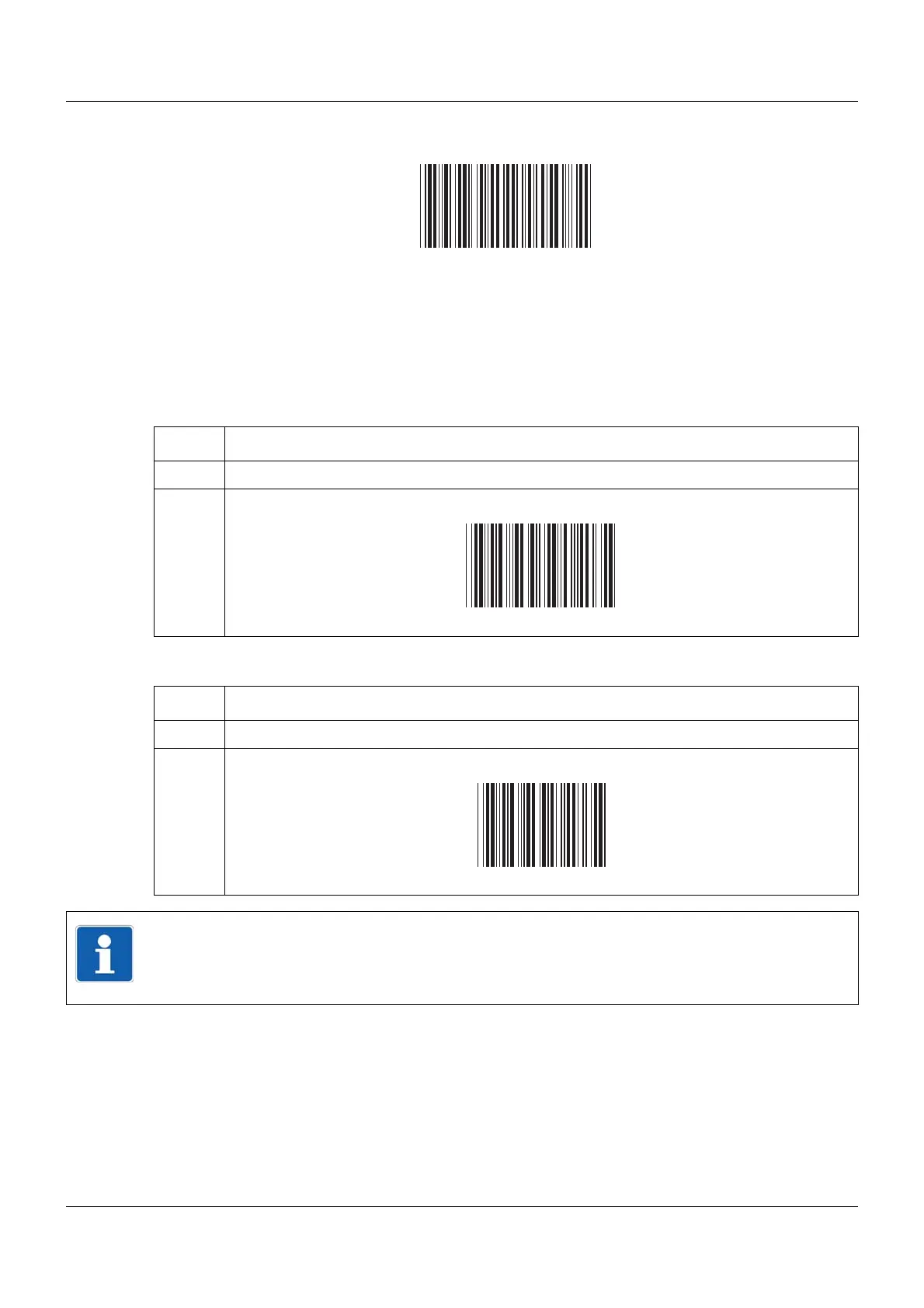
Activate batch report for batch 3 and show if required:
Chapter 16.3 "Barcode", page 269
Starting and ending batch report
If the batch report for start/end is configured using the barcode reader, it is started and ended
as follows.
Starting batch report:
Ending batch report:
Step Activity
1 Scan barcode for batch reporting (batch 1 to 9).
2 Scan Start.
Step Activity
1 Scan barcode for batch reporting (batch 1 to 9).
2 Scan Stop.
NOTE!
If batch reporting is stopped, texts that were activated using a barcode are reset to the default
text or retained in the current batch report, depending on the "Delete line" parameter.
The texts are saved in the completed batch report.



 To Next Page