13 Configuration
168
Parameter
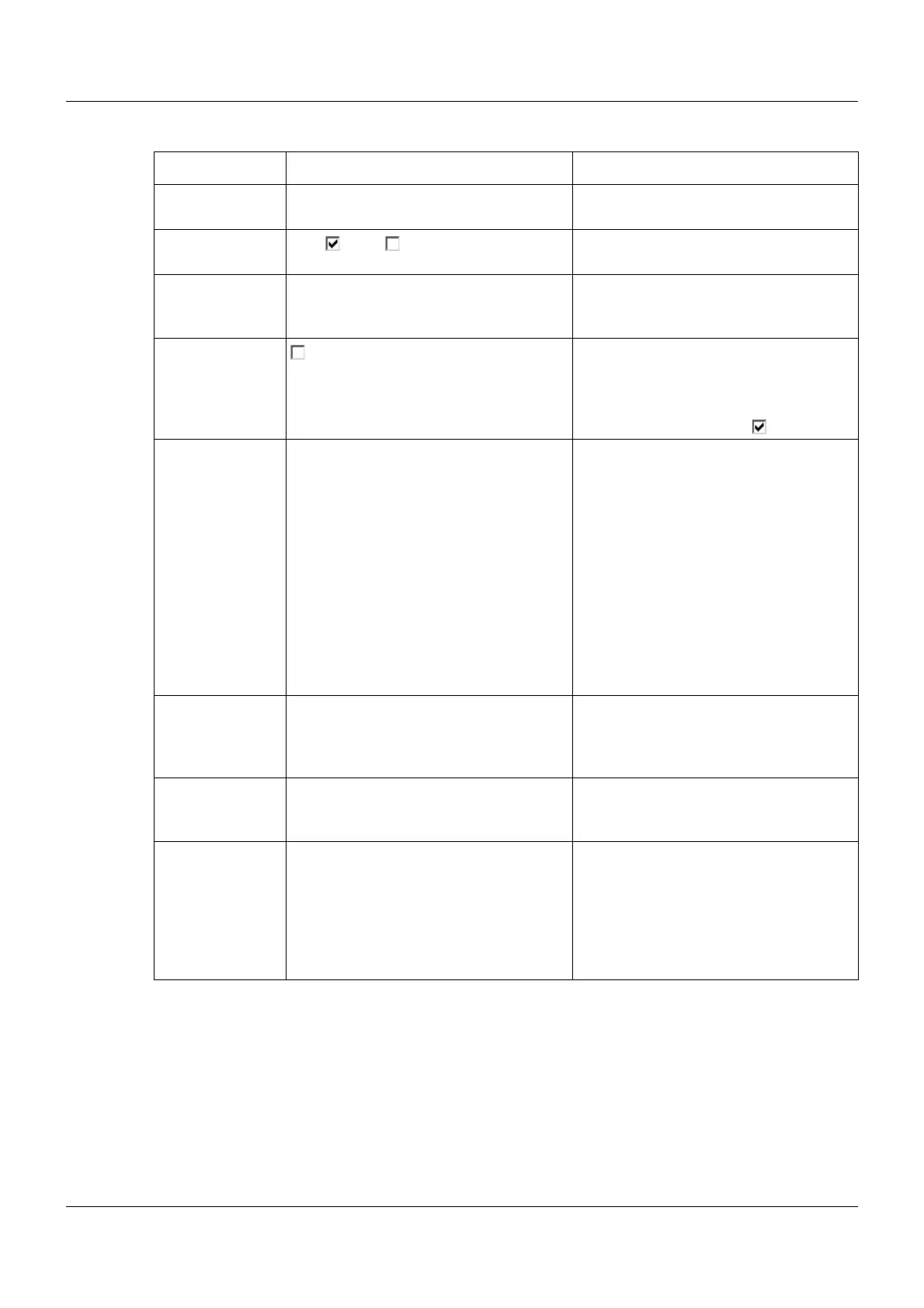
Parameter Selection/settings Description
Batch 1 to 9 Select batch that is to be monitored or
configured.
Batch active Yes ( ), No ( ) The selected batch can only be config-
ured if "Yes" is selected.
Batch name Batch x Description with a maximum length of
15 characters that is used in the status
and title line of the visualizations.
Related groups Group All selected groups () are allocated to
the batch and the data relating to the
batch is saved. At least one group must
be selected if the extra code "Registra-
tion function" is activated.
Batch start Barcode Start and stop of a batch is controlled by
a barcode scanner.
Digital signal Start and stop of a batch is controlled by
a digital signal (control signal).
Without function Batch is not recorded.
Start generator Start and stop of a batch is controlled by
a digital signal (control signal).
In addition, the user has the option of
starting the program generator.
Touchpad Start and stop of a batch is controlled by
a button on the screen.
Control signal Digital selector Signal that is used to start and stop the
batch reporting. This parameter is only
available for the batch start with "Digital
signal" or "Start program generator".
Comment Remarks Heading for a text that can be sent to the
multifunction panel via interface (from
Modbus address 0x9000).
Write-protect for
ext. text
(as of system ver-
sion 02)
Digital selector Signal which prevents the editing of cer-
tain batch texts. This applies to texts
which were transferred to the multifunc-
tion panel via interface or from the base
module (text variables). It also applies to
texts which were read by barcode scan-
ner.



 To Next Page