13 Configuration
196
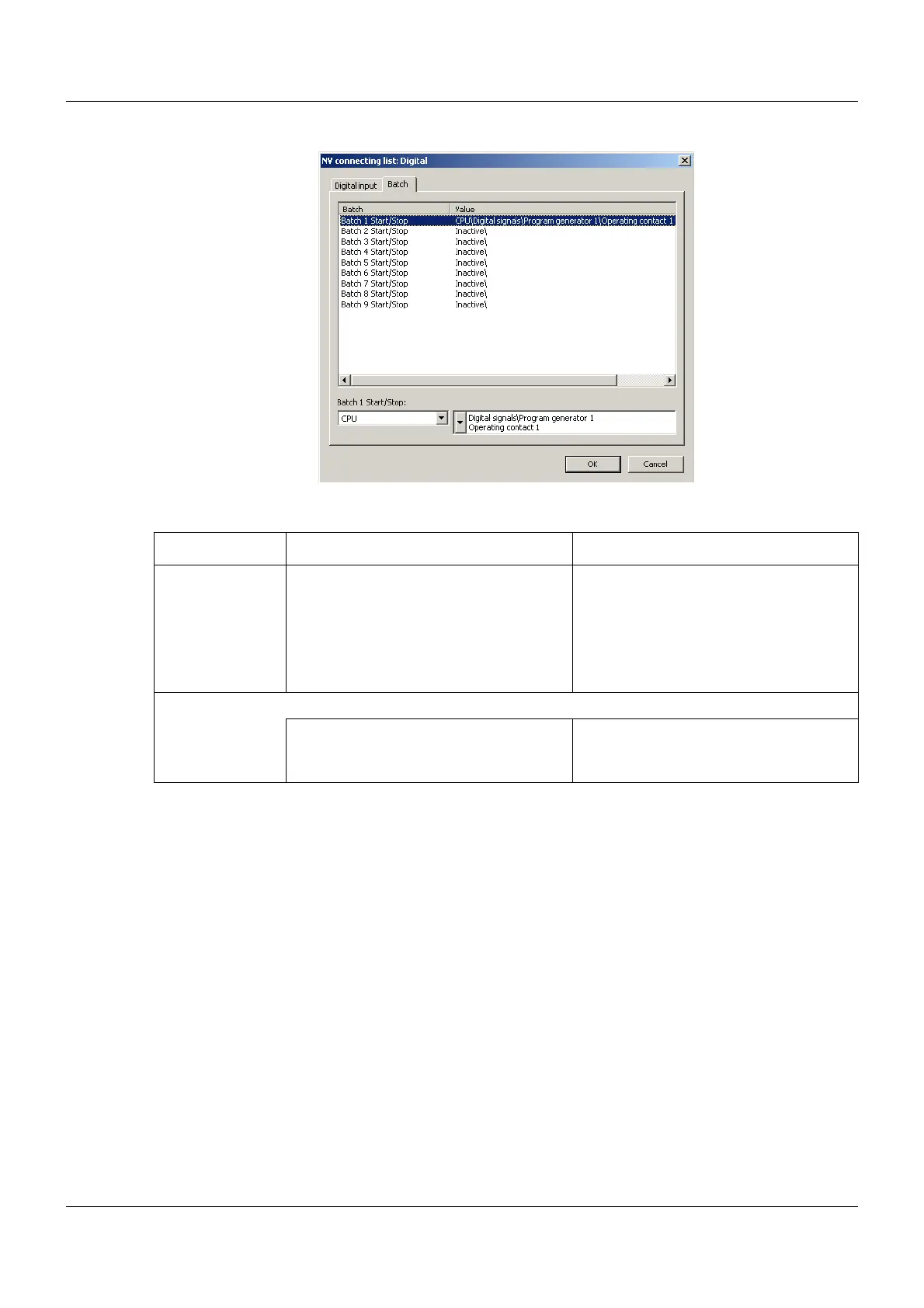
Setup dialog – Batch
Parameter
Parameter Selection/settings Description
Batch/Value Select the batch that is to be controlled
using a digital signal (starting and stop-
ping batch reporting).
List of all batches of the multifunction
panel
If a connection has already been config-
ured, the module and its signal are dis-
played in the "Value" column.
Batch 1 Start/
Stop
(Example)
This is the previously selected batch.
Select the module and – in the selector
to the right – the signal that is to be used
to control the batch.
List of modules in the system and the
relevant signals



 To Next Page