2 Description
26
Time operation
For time operation, the user can enter a time frame (max. 24 hours) during which a specific
memory value and a specific memory rate will be active.
Event operation
Event operation is activated via the control signal, which is assigned e.g. to an event or an
alarm. For example, event operation can be used to reduce the memory rate when an alarm is
activated.
Priority
The priority of the operating modes with regard to one another is allocated as follows:
Active operating mode
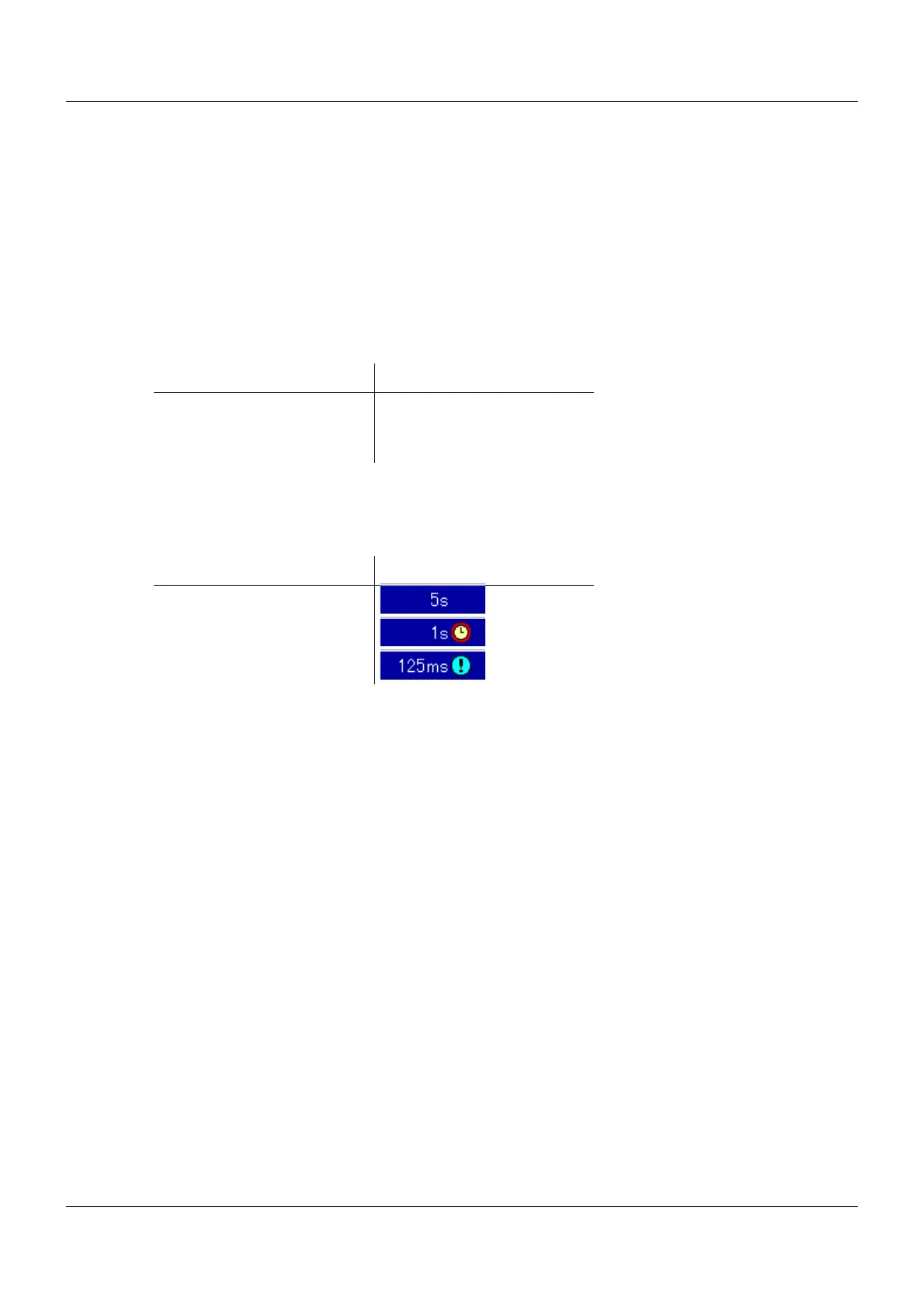
The active operating mode is shown in the diagram using the various symbols after the current
diagram feed speed (memory rate):
Memory requirements
A memory space of 99 MB is available for measurement data recording. The space required
depends on the data records which shall be stored. The following information can be used as
a basis for a rough estimate:
• Group of 6 analog inputs and 6 digital inputs, per storage: max. 48 byte
• Group of 6 analog inputs and 6 digital inputs, memory rate 125 ms, per second: 225 byte
• Report, regardsless of the type of report (daily, monthly, ...): 151 byte
• Counter/integrator (at closing): 25 byte
• Batch (at closing): 2 kB
• Alarm/event entry: 6 byte
• Audit-Trail message: 100 byte
Examples for a group of 6 analog inputs and 6 digital inputs:
Memory rate 1 s: 4.1 MB/day; 124 MB/month
Memory rate 30 s: 0.13 MB/day; 4,1 MB/month
(plus memory required for all other data records)
Operating mode Priority
Standard operation Low
Time operation Medium
Event operation High
Operating mode Symbol
Standard operation
Time operation
Event operation



 To Next Page