59
7 Visualization
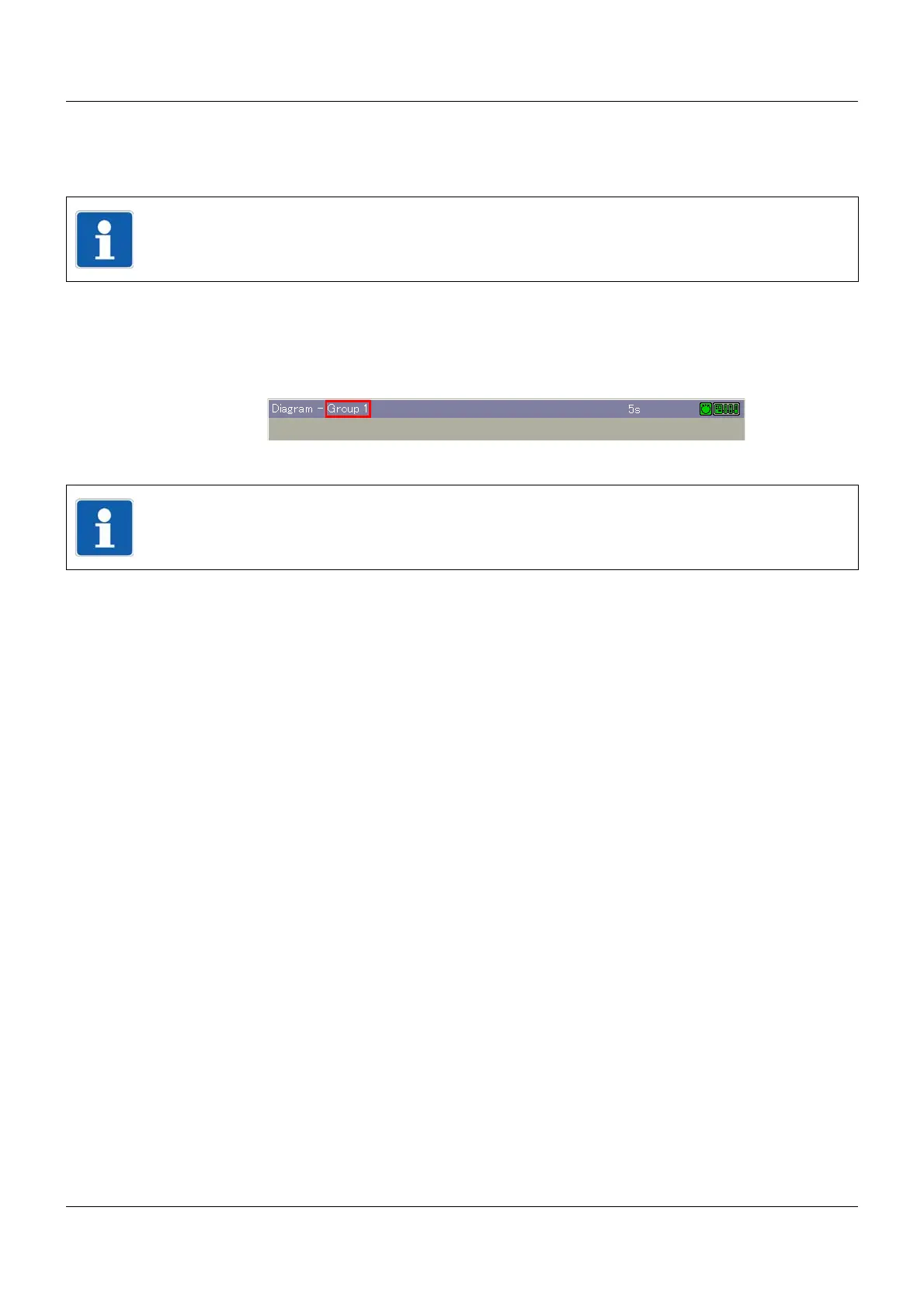
Group selection
This function is used to directly select and display one of the active groups. Simply touch one
of the group designations displayed after calling up the function.
Group rotation
In contrast to the "Group selection" function, in which any group can be selected, this function
displays the groups one after the other.
Home button
This function calls up a defined visualization. The function must be activated and configured
via the setup program.
Setup program:
HMI > C
ONFIGURATION LEVEL > SCREEN > USER OPERATING LEVEL
NOTE!
The function is only available if more than one group is active.
(1) Group number
NOTE!
The function is only available if more than one group is active.



 To Next Page