7 Visualization
70
Batch status
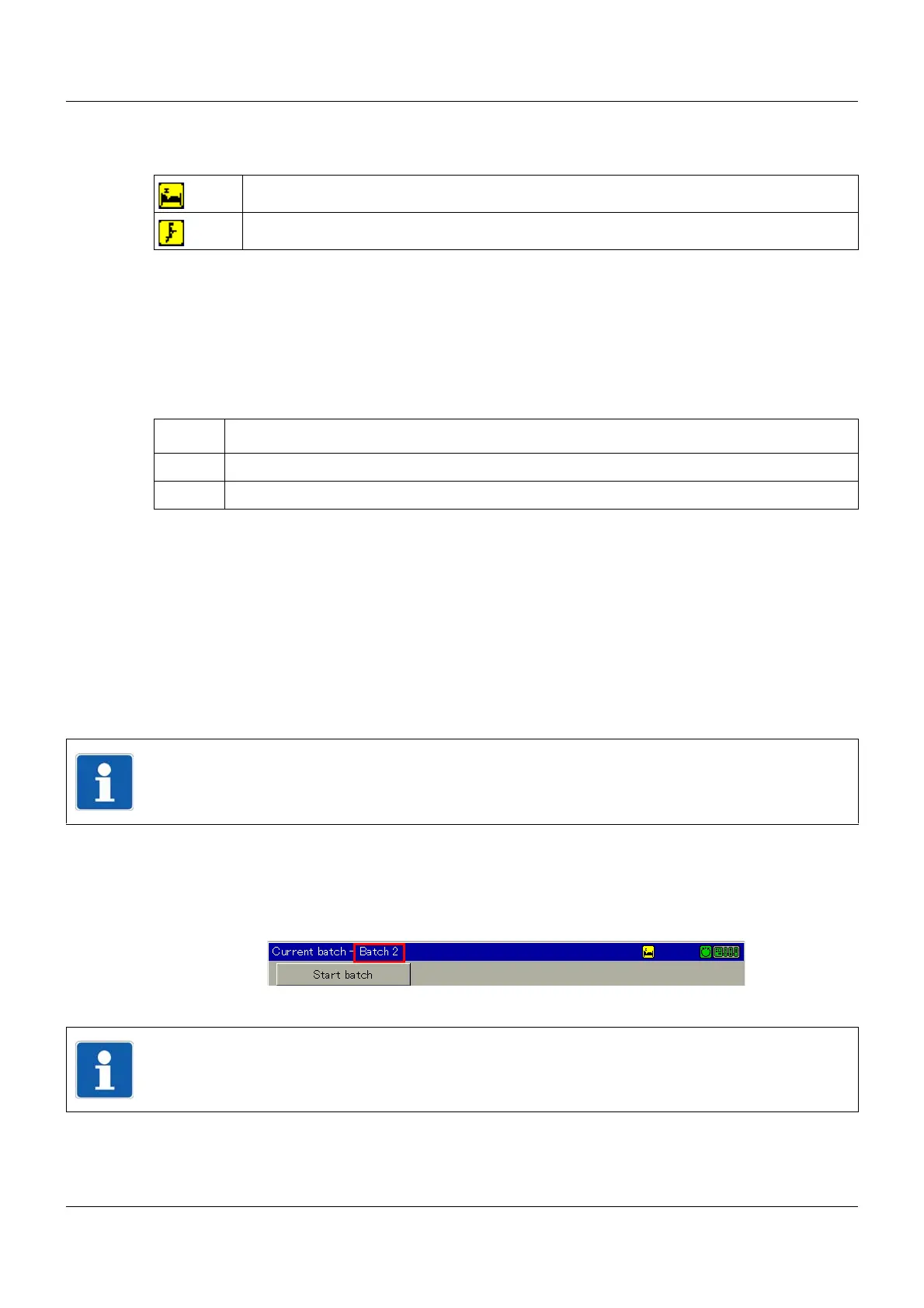
The batch status indicates whether batch reporting is in progress or is waiting for a start signal.
Batch texts, "right column"
The texts in the "right column" are predetermined by the configuration and can be changed in
various ways prior to the start of and during batch reporting.
Texts that are displayed on the multifunction panel with a yellow background can be changed
directly by the user.
Procedure:
➥ The changed batch texts are saved at the end of a batch report together with the batch data.
These are subsequently reset to the original texts (depending on the configuration).
Chapter 7.8.2 "Batch control via barcode scanner", page 71
Communication status
Chapter 5.1.1 "Status line and Title line", page 44
Batch selection
This function is used to directly select and display one of the active batches. Simply touch one
of the batch names displayed after calling up the function.
Batch rotation
In contrast to the "Batch selection" function, in which any batch can be selected, this function
displays the batches one after the other.
Batch reporting is waiting for start signal
Batch reporting is active, data is recorded
Step Activity
1 Touch text with yellow background.
2 Select or enter new text (depending on configuration).
NOTE!
The function is only available if more than one batch is active.
(1) Batch name
NOTE!
The function is only available if more than one batch is active.



 To Next Page