9 Alarm and event lists
90
Detecting alarms and faults
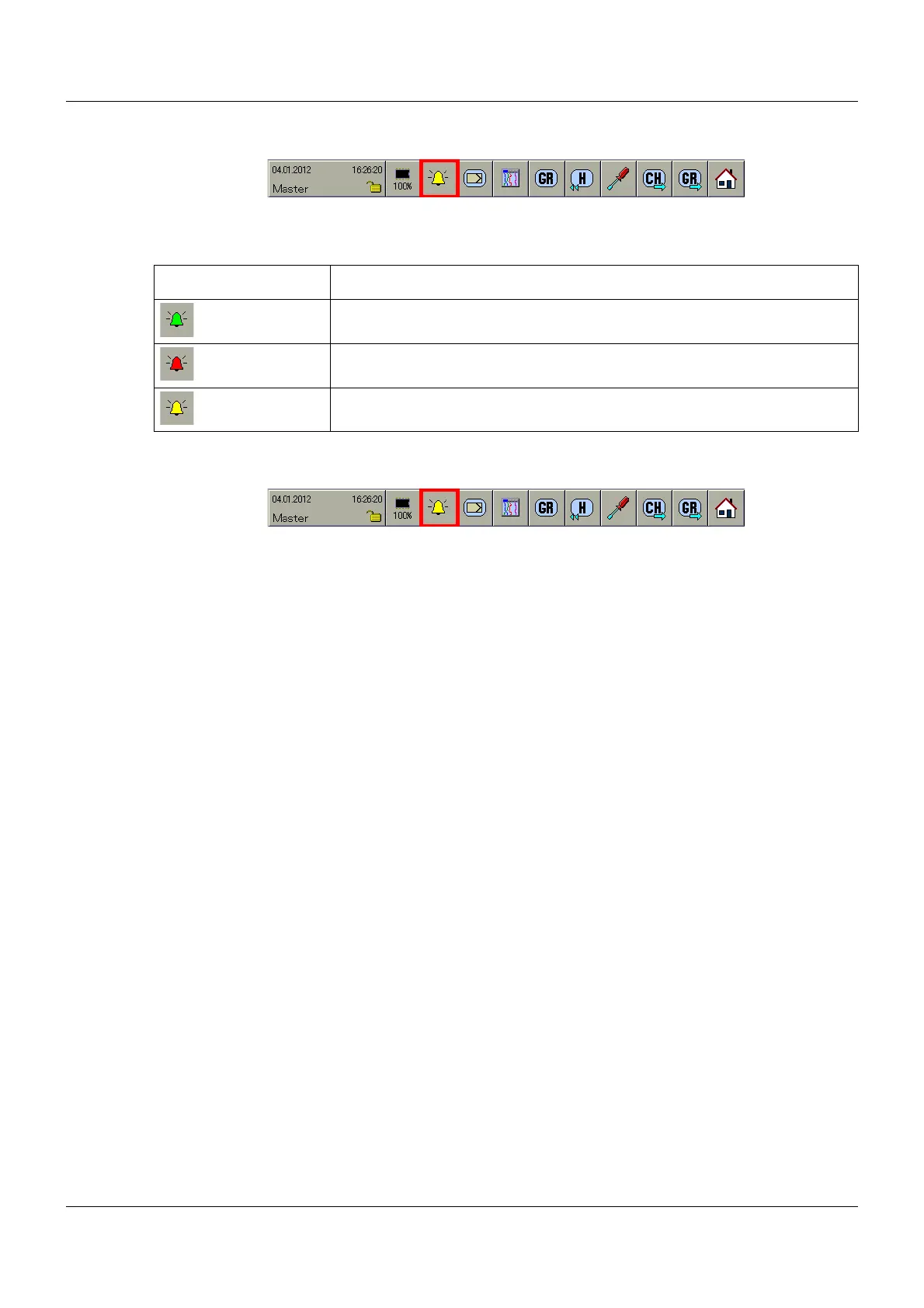
The user can detect the presence of an alarm or a fault on the basis of the color of the bell sym-
bol.
Selecting alarm and event lists
The alarm and event lists are selected via the button that is highlighted.
The user can make the selection in various places:
• Selection from the multichannel controller module
(Chapter 6 "Multichannel controller module", page 51)
• Selection from one of the visualizations, such as Diagram
(Chapter 7.1 "Function overview", page 54)
• Selection from the memory display
(Chapter 8 "Memory display (History)", page 85).
If... Then...
(green bell) there is no alarm and no fault.
(red bell) there is an alarm.
(yellow bell) there is a fault.



 To Next Page