Chapter 12: Qualification Reports
ValProbe RT User Manual 145
Prior to generating the selected reports, ensure that the Report content, header / footer, and
print rate are defined for each selected report.
Report Content:
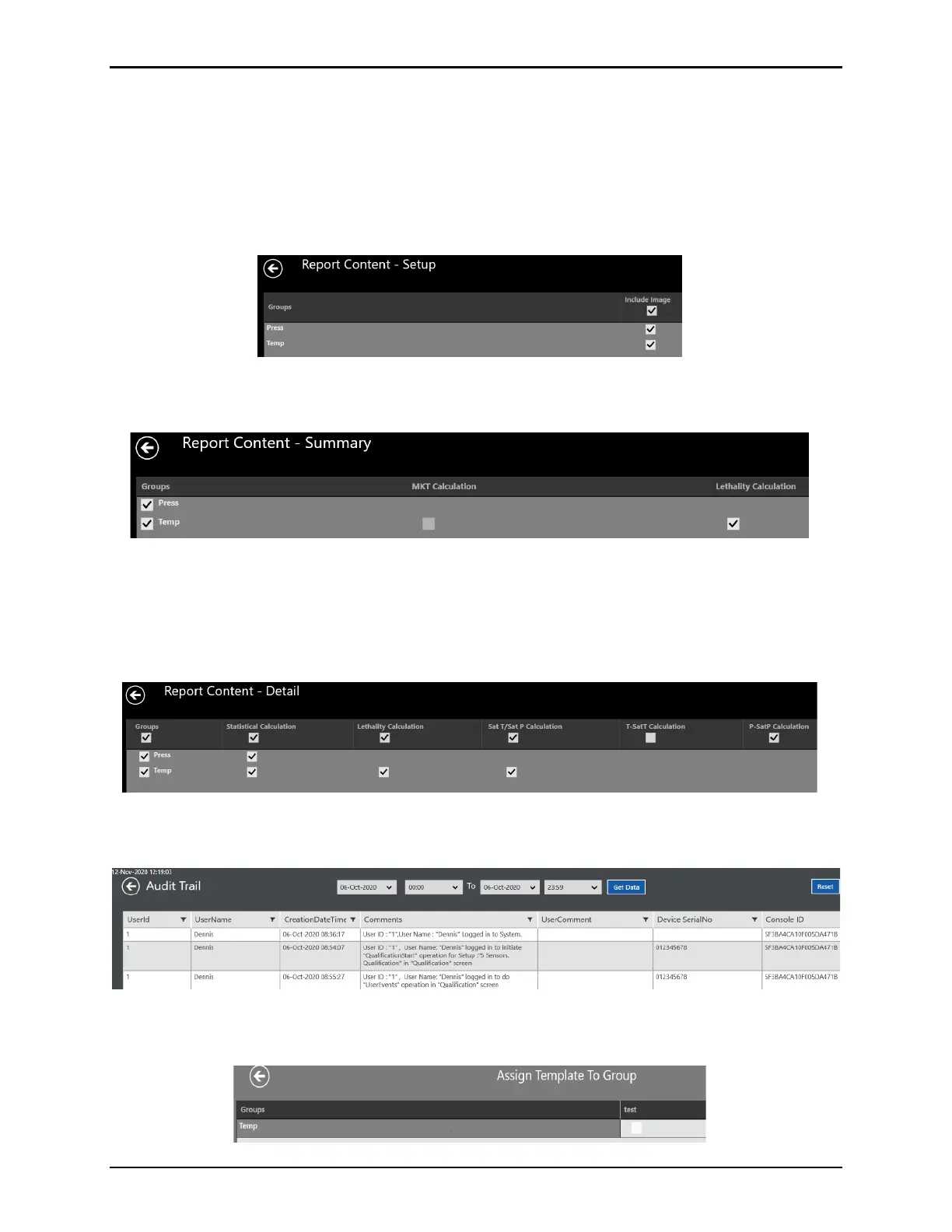
The Report Content for each report defines which groups and/or calculations are included.
Setup – permits selection if a layout diagram is included in report
Figure 184: Setup Report Content Screen
Summary – permits selection of groups included and Lethality or MKT calculations.
Figure 185: Summary Report Content Screen
Detailed – permits selection of groups and calculations. Availability of saturation calculation is
dependent on whether there is a pressure sensor and temperature sensor defined in the
study. The calculation is selectable per group for all sensors. If the calculation for all sensors is
selected, group selection is automatically overridden.
Figure 186: Detailed Report Content Screen
Audit Trail – allows data duration of Audit Trail. Default is current date above.
Figure 187: Audit Trail Selection
Pass / Fail Criteria – permits selection of a template for use for each group.
Figure 188: Pass / Fail Report Content Screen



 To Next Page