Chapter 12: Qualification Reports
ValProbe RT User Manual 146
Header / Footer:
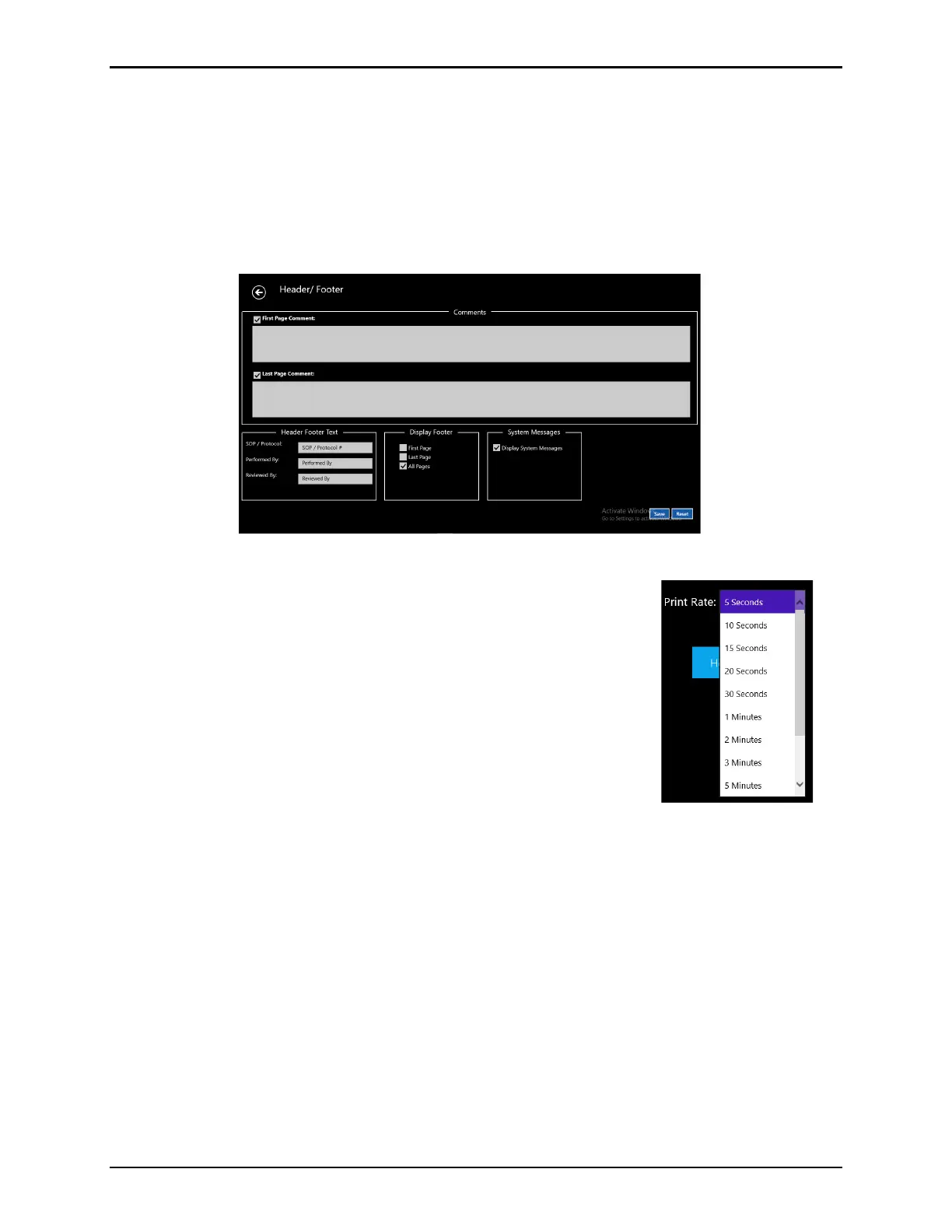
The header footer permits customization applying to all selected reports.
• User Comments if added to the first and/or last page of the report.
• Header Footer Titles customizable based on specific company needs.
• Footer signature if added on first, last, or all pages.
• System Messages to appear in reports.
Figure 189: Header / Footer Options
Print Rate:
The Print Rate applies only to the Detailed report and are selected
from the dropdown. All calculations in the reports are based on the
storage / sample rate in spite of the print rate selected (i.e. sample
rate every five second but a print rate of one minute). This can
minimize the pages printed while still providing the granularity for
calculations and graphs.
Select Generate Report to generate the respective report types.



 To Next Page