Chapter 3: ValProbe RT System Connections
ValProbe RT User Manual 33
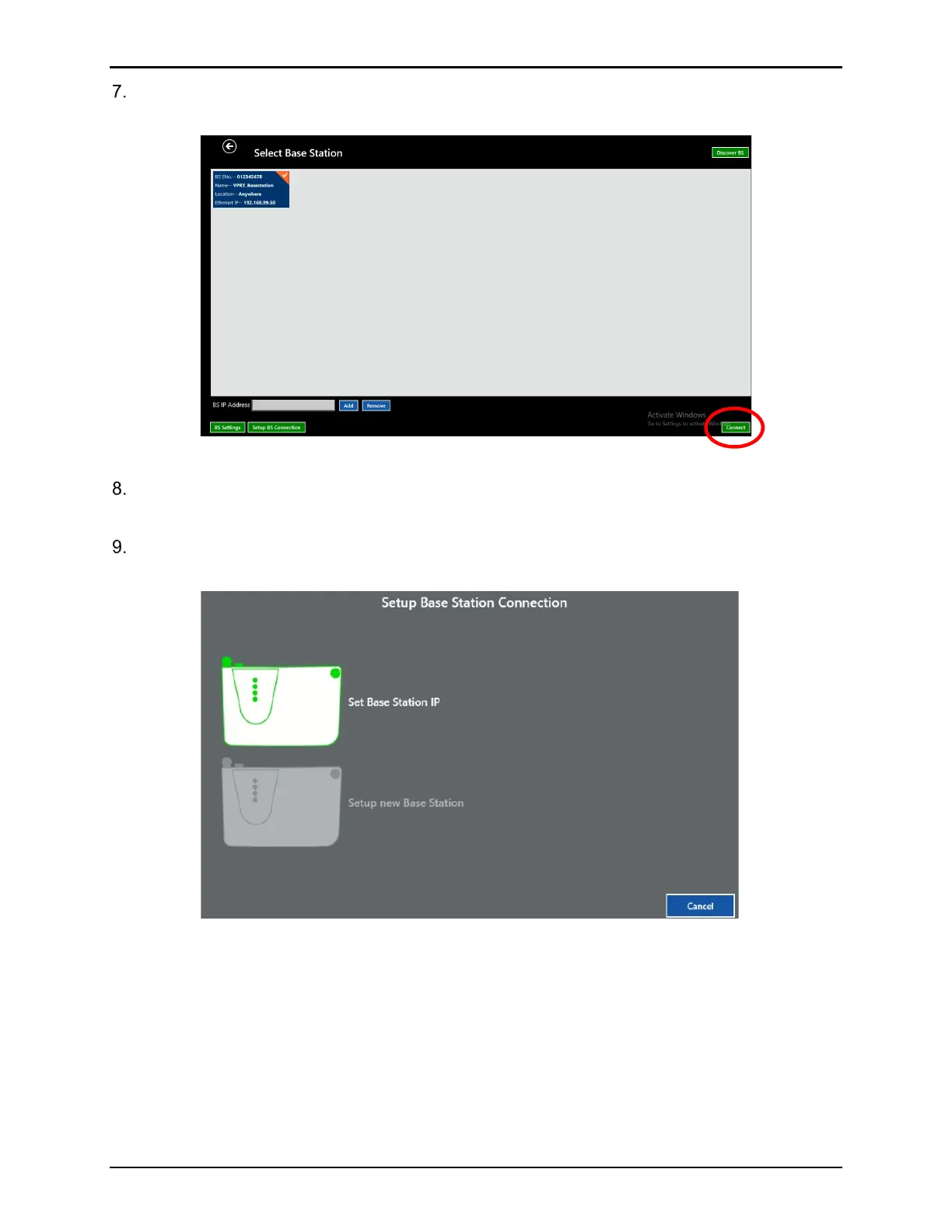
Select the Base Station and then Connect. The Base Station should connect and move to
the Select Loggers screen.
Figure 44: Select Base Station Screen
If the Base Station was found and communication have been established, a blue tile
signifying the Base Station appears with an IP Address 192.168.99.50.
Select the Base Station tile and then select Setup BS connection to open the Base
station Setup screen.
Figure 45: Select Base Station Screen



 To Next Page