Chapter 7: Defining Assets
ValProbe RT User Manual 68
Documents
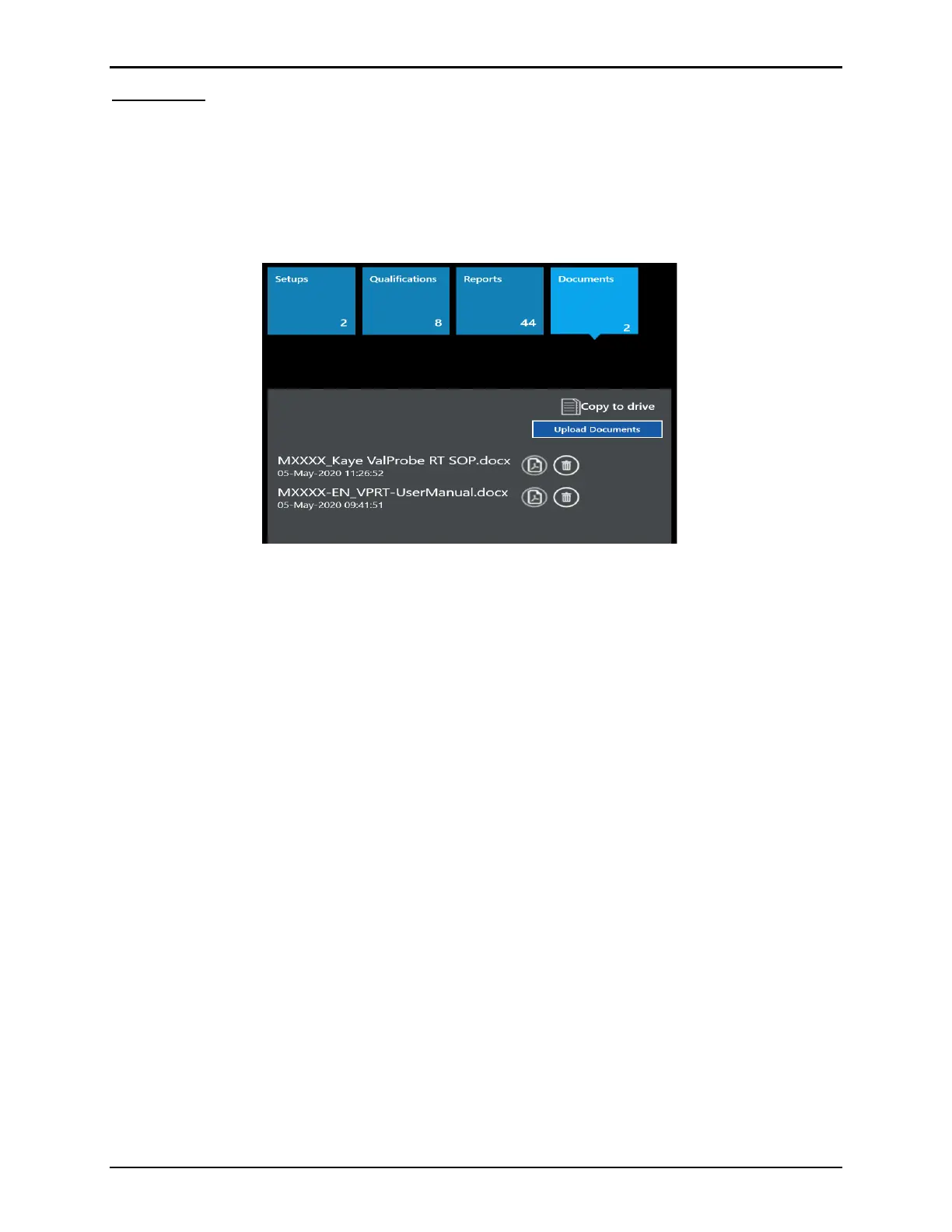
The Documents tile provides the ability to upload external documents, pictures, word, or .pdf
documents, to store as part of an Asset. These can include Manuals, SOP’s, Protocols,
Diagrams, etc.
Selecting the Documents tile provides a list of all uploaded documents. Use the scroll bar to
the right to scroll through any additional documents.
Figure 92: Documents Tile
For every document listed the following buttons are available:
• Pdf icon: Permits viewing or printing of the selected document.
• Delete: Permits deletion of a .pdf report (privileges required).
Use Copy to Drive to copy the selected document to a chosen drive.
Use the Upload Documents button to browse to the source of the desired document.



 To Next Page