Chapter 7: Defining Assets
ValProbe RT User Manual 67
Reports
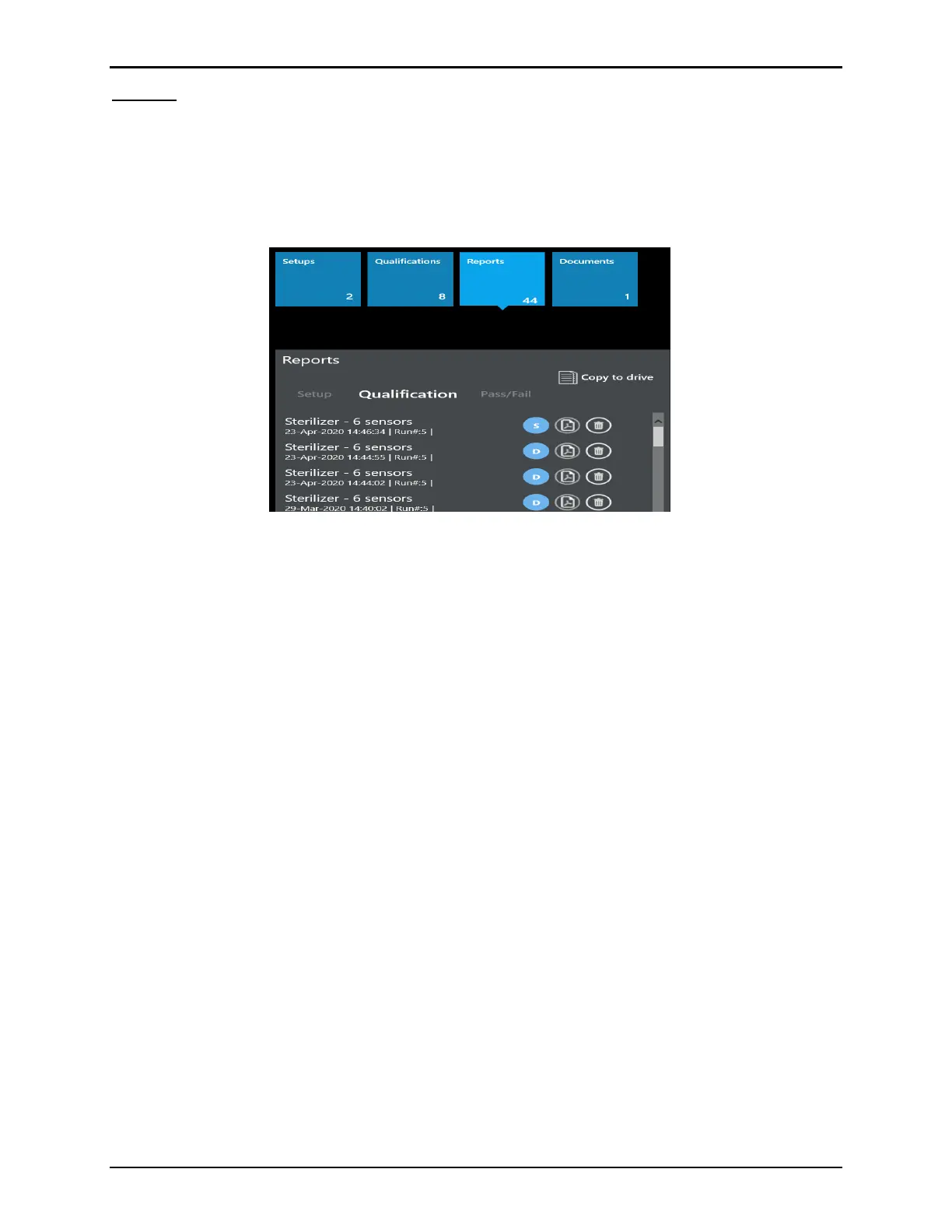
Any reports which have been generated from a Qualification file are automatically stored as
.pdf files under the Report tile for easy access and viewing. The reports are sorted and listed
by report types; Setup, Qualification, and Pass / Fail. Selecting one of the report types
provides a listing of all the available .pdf reports. A scroll bar to the right may be used to
access additional reports of the selected type.
Figure 91: Report Tile
The blue circle to the right of the Qualification file names, represent whether the report is a
Detailed or Summary report.
For every report listed the following buttons are available:
• Pdf icon: Permits viewing or printing of the .pdf report.
• Delete: Permits deletion of a .pdf report (privileges required).
Use Copy to Drive to copy the selected .pdf report to a chosen drive.
For documents, the Document pane provides options to upload any .pdf files related to the
asset, e.g., wiring diagrams, SOPs, or calibration certificates.



 To Next Page