Viewing measurement results Chapter 5
Mastersizer 3000 Page 5-7
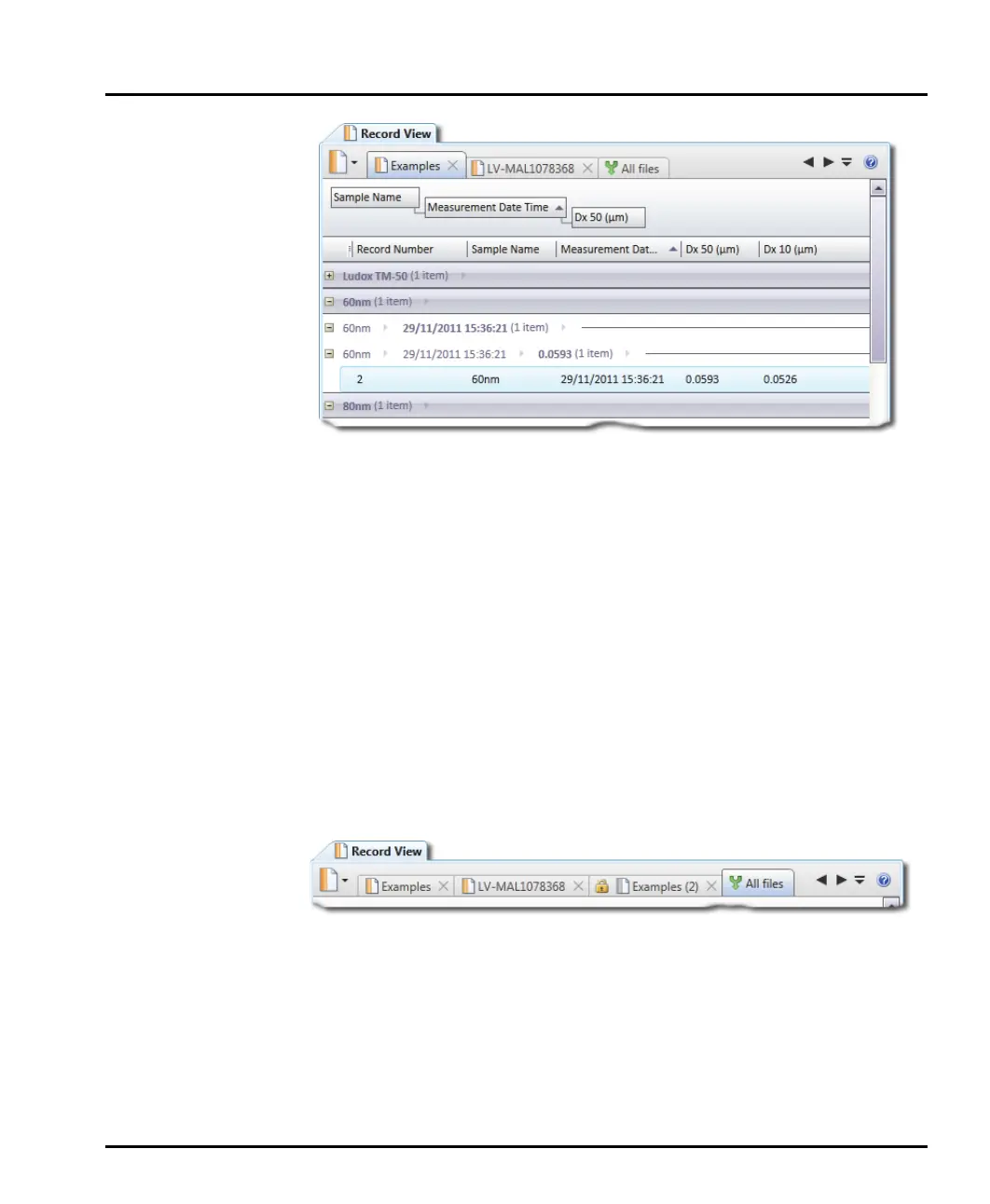
The grouping hierarchy can be edited by dragging and dropping the group
parameter headers left or right as appropriate.
4. To remove groupings, drag the group parameter header back into the records
area.
Merging records
This section provides information on how to use the All files feature of the
Record View.
When working with multiple Mastersizer measurement files, it can be useful to
compare data by merging all of the files into a single (virtual) measurement file so
that Mastersizer's powerful sorting, grouping and reporting features can be
exploited.
1. Open more than one measurement file.
2. Click the All files tab (rightmost):
The records contained in all of the open measurement files are shown combined
into a single file. It is now possible to sort, group, filter and report on the records
displayed in this view. If graphically analysing multiple records in reports, each
record's data is overlaid using a different colour.



 To Next Page