Making measurements Chapter 4
Mastersizer 3000 Page 4-51
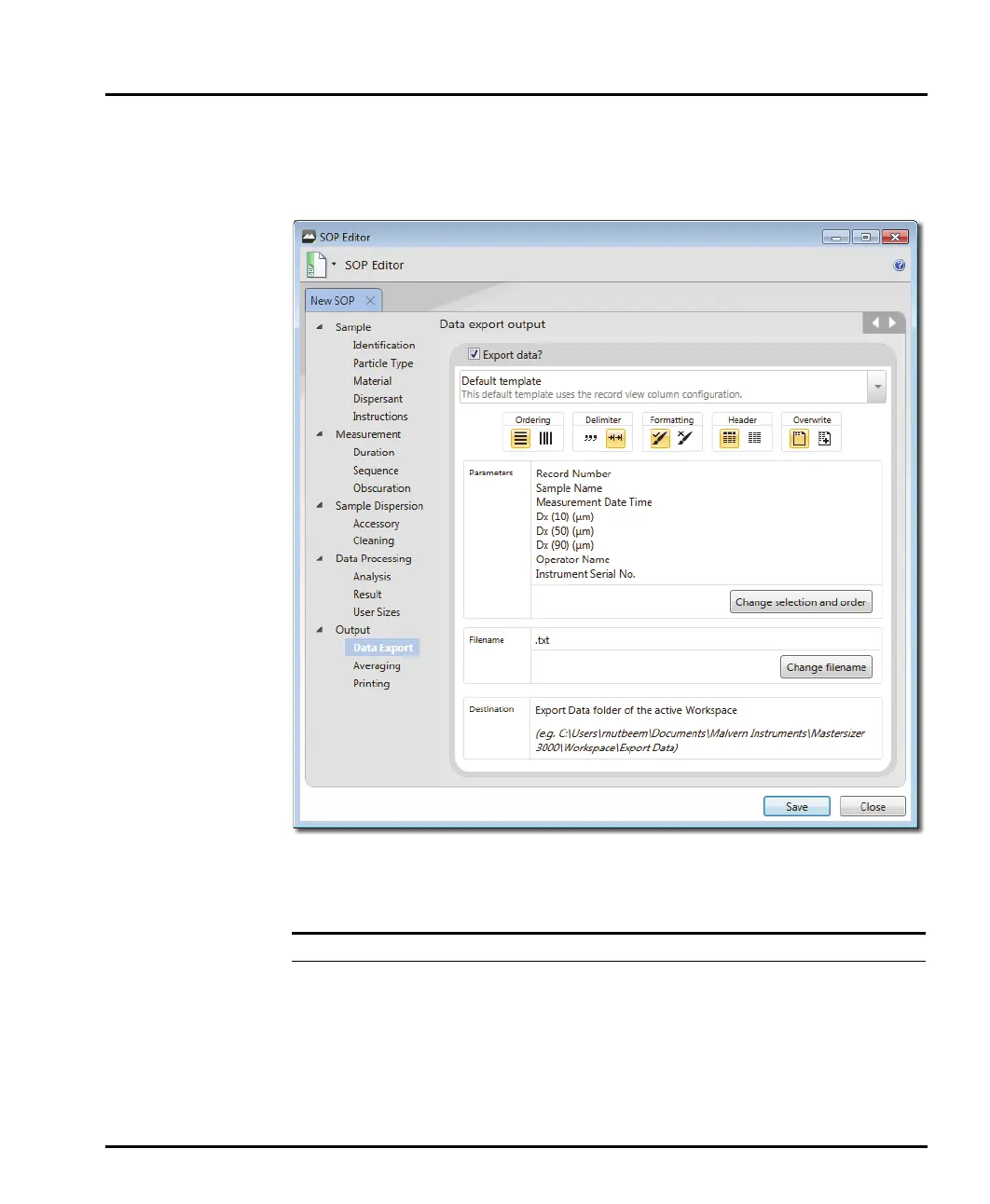
Output - Data Export
The Output - Data Export window allows specific date to be selected for analysis
in other software applications, for example Microsoft Excel.
Alter the parameters as required.
Section/option Description
Export data? To enable exporting select the Export data? check box.
Custom/Default
template
Select either the Default template or create a Custom one.
Note
The Default template will reflect the current workspace set-
tings and use the record view column configuration.



 To Next Page