Chapter 3 Software overview
Page 3-8 MAN 0474
Note
For detailed information on the process of viewing, editing or creating new
reports, see the Reporting chapter
Data quality tab
The Data quality tab presents a custom analysis of any records selected in the cur-
rent measurement file.
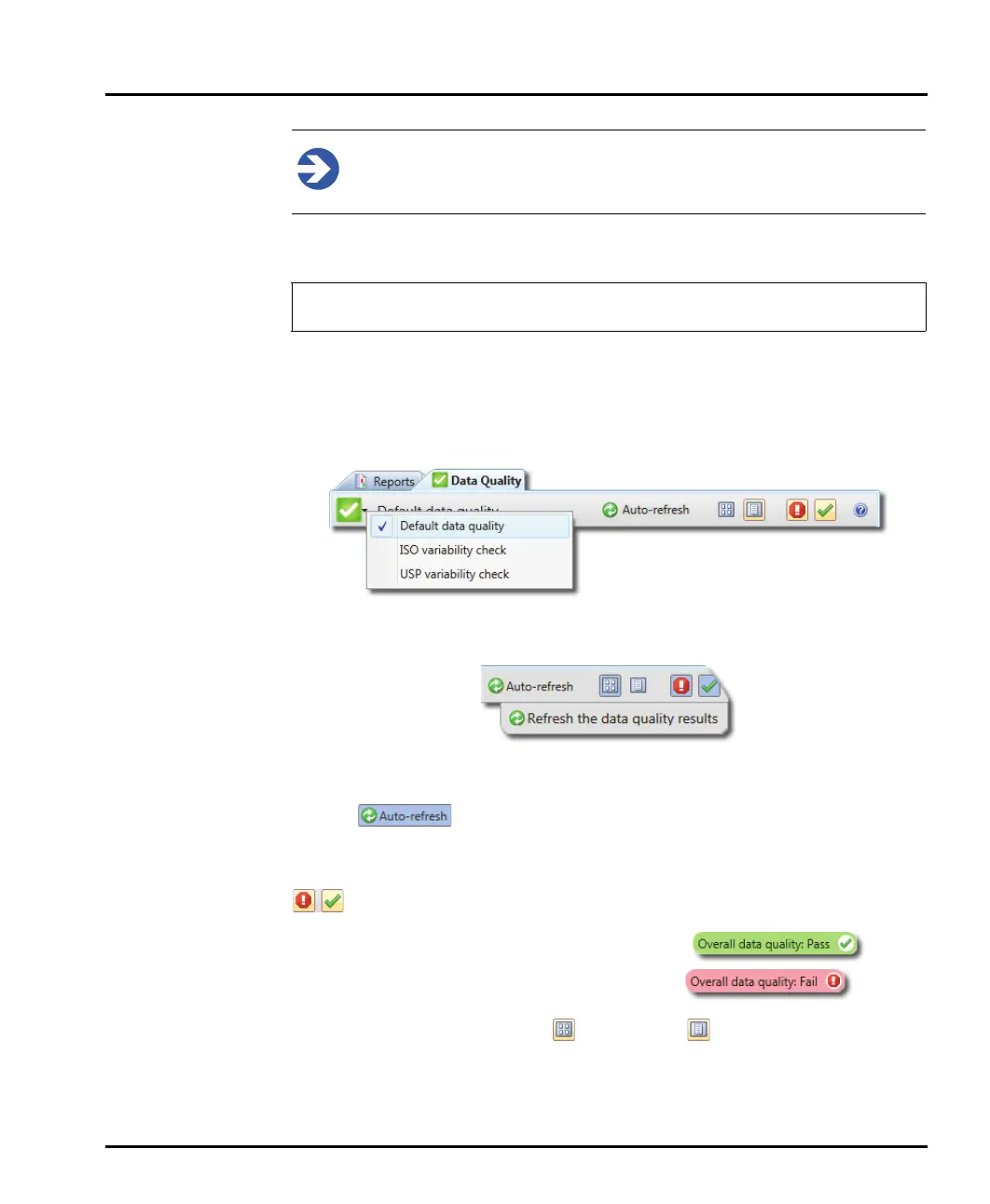
Select the records for which you wish to view a data quality report.
Click the Data Quality tab (next to the Reports tab).
Select the refresh tab; this will drop-down from the menu bar when a new record
is selected)
Alternatively the display can be set to Auto-refresh. Selecting the button will set
the display to automatically refresh the data quality view whenever a new record is
selected .
Press again to de-select.
The display is updated to show a quality review of each record selected. Click
to toggle whether items that have passed or failed are displayed.
Items that have passed the quality check are shown .
Items that have failed the quality check are shown .
Results can be shown in a tabular or list format
The Data Quality tab is only available with the Mastersizer 3000 / Mastersizer
3000E with Extended software option.



 To Next Page