Making measurements Chapter 4
Mastersizer 3000 Page 4-21
The options available on this panel depend on the connected accessory. These are
described in the dispersions units respective user manual.
Hydro series wet dispersion units manual for the Hydro MV, LV, EV and
SM dispersion units
Aero series dry dispersion units manual for the Aero dispersion units
Manual control accessories
Manually controlled accessories may also be connected to the optical unit. These
accessories do not have an automated or manual software control, but will be
controlled directly from the control interface on the accessory itself.
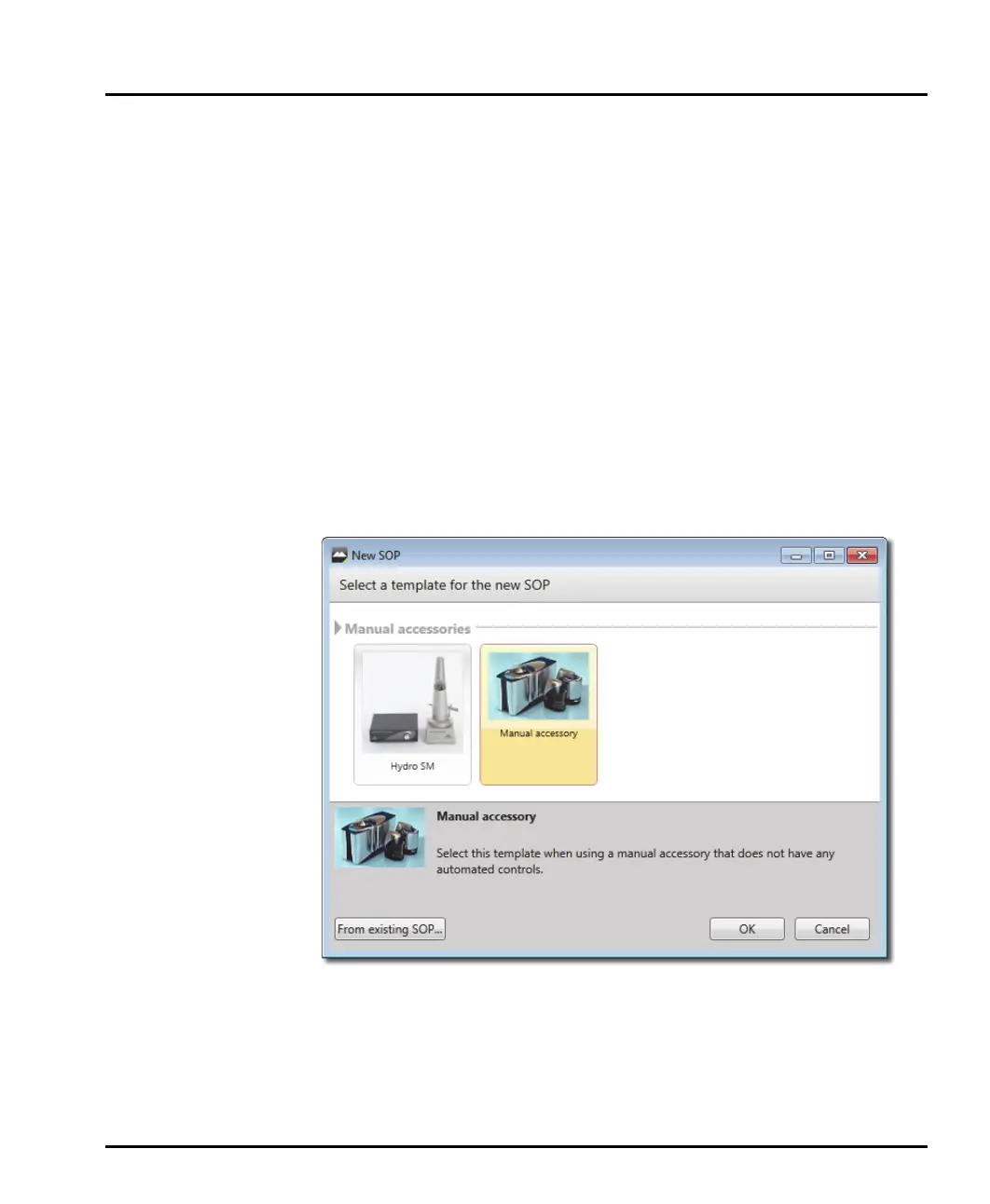
Like the automatic controlled dispersion units, manual accessories are selected
from the SOP Editor:
On the Home ribbon, select New-SOP from within the Documents group.
ribbon. (To edit an existing SOP, choose Open-SOP instead.)
Complete the SOP Editor as described in the Mastersizer 3000 User Manual.
Information on the manually controlled accessories is described in the dispersions
units respective user manual.
Refer to the Hydro series wet dispersion units manual for the Hydro SM dis-
persion units.



 To Next Page