System security Chapter 8
Mastersizer 3000 Page 8-5
21 CFR part 11
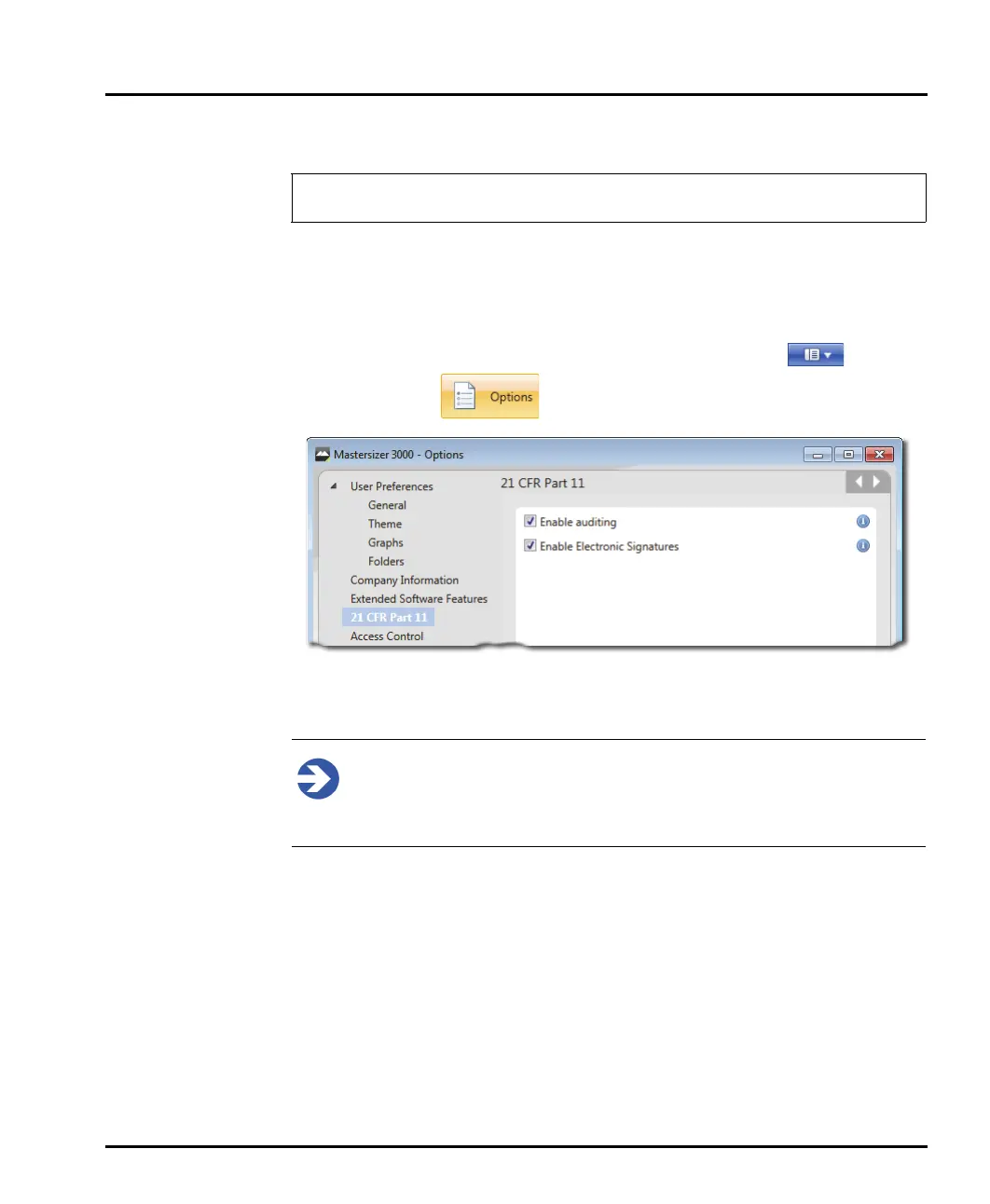
With the 21 CFR part 11 feature key installed these features are available:
Enable Auditing
Enable Electronic Signatures
These can then be enabled from the Application button menu , and then
choosing Options and 21 CFR Part 11.
Audit history
Note
Auditing is only available when 21 CFR Part 11 mode is enabled. This
requires a special feature key, which can be purchased from Malvern
Instruments.
After you have purchased a feature key from Malvern Instruments:
1. From the Application button menu, select Options.
2. Choose 21 CFR Part 11. and then enter the key you have been sent.
3. Click OK (the OK button is only available if you have entered a valid key).
4. Ensure that Enable auditing is selected.
Once enabled, the audit feature logs every system event and measurement record
amendment.
The 21 CFR Part 11 functionality is only available to users of the Mastersizer
3000 system.



 To Next Page