Chapter 3 Software overview
Page 3-24 MAN 0474
Task description: text providing guidance as to what needs to be done by the
user.
All users can complete task option: Select this checkbox to confirm that
any user can complete the task. If this is left un-ticked then only users who
have the Open Maintenance security permission assigned to them can set
the task to done. This could, for instance, apply to tasks associated with book
-
ing a service or OQ visit, where it would be the supervisors responsibility to
complete the task.
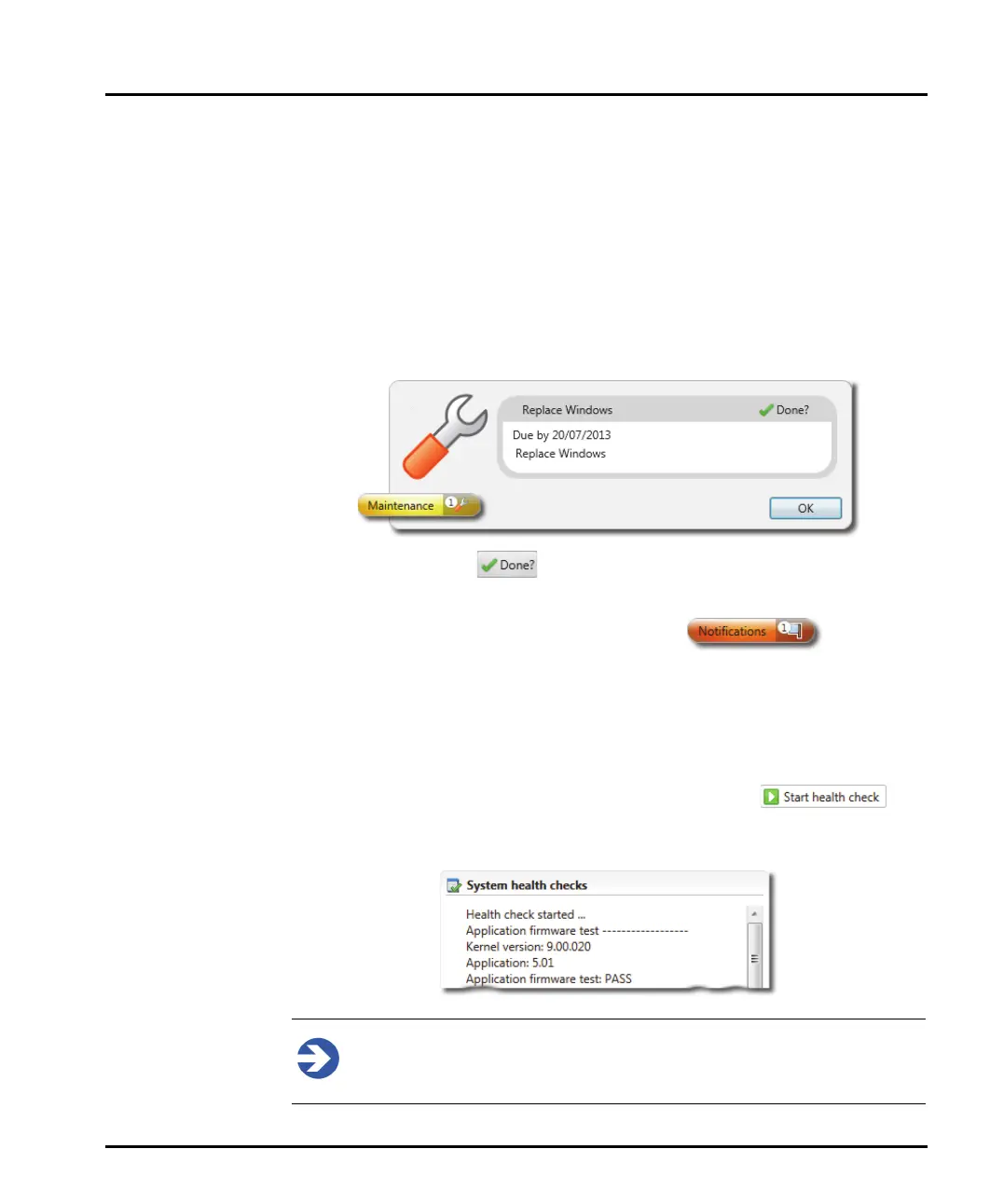
Users are alerted to tasks which are due to be carried out by a Maintenance icon
in the status bar. Clicking on this will display the maintenance detail.
Clicking on the Done? icon clears the task.
If the task is not completed by the due date then a service Notification is gener-
ated and is displayed on the application's status bar.
System health checks
The Mastersizer application software constantly checks the status of the optical sys-
tem and the dispersion units to ensure it is functioning correctly. If any issues are
detected, they will be reported within this section for the maintenance report.
A health check can be performed at any time by selecting the but-
ton. The results of the tests will be reported in the System health checks section of
the maintenance dialogue.
Note
Connection to a system is required for this option to work.



 To Next Page