Software overview Chapter 3
Mastersizer 3000 Page 3-23
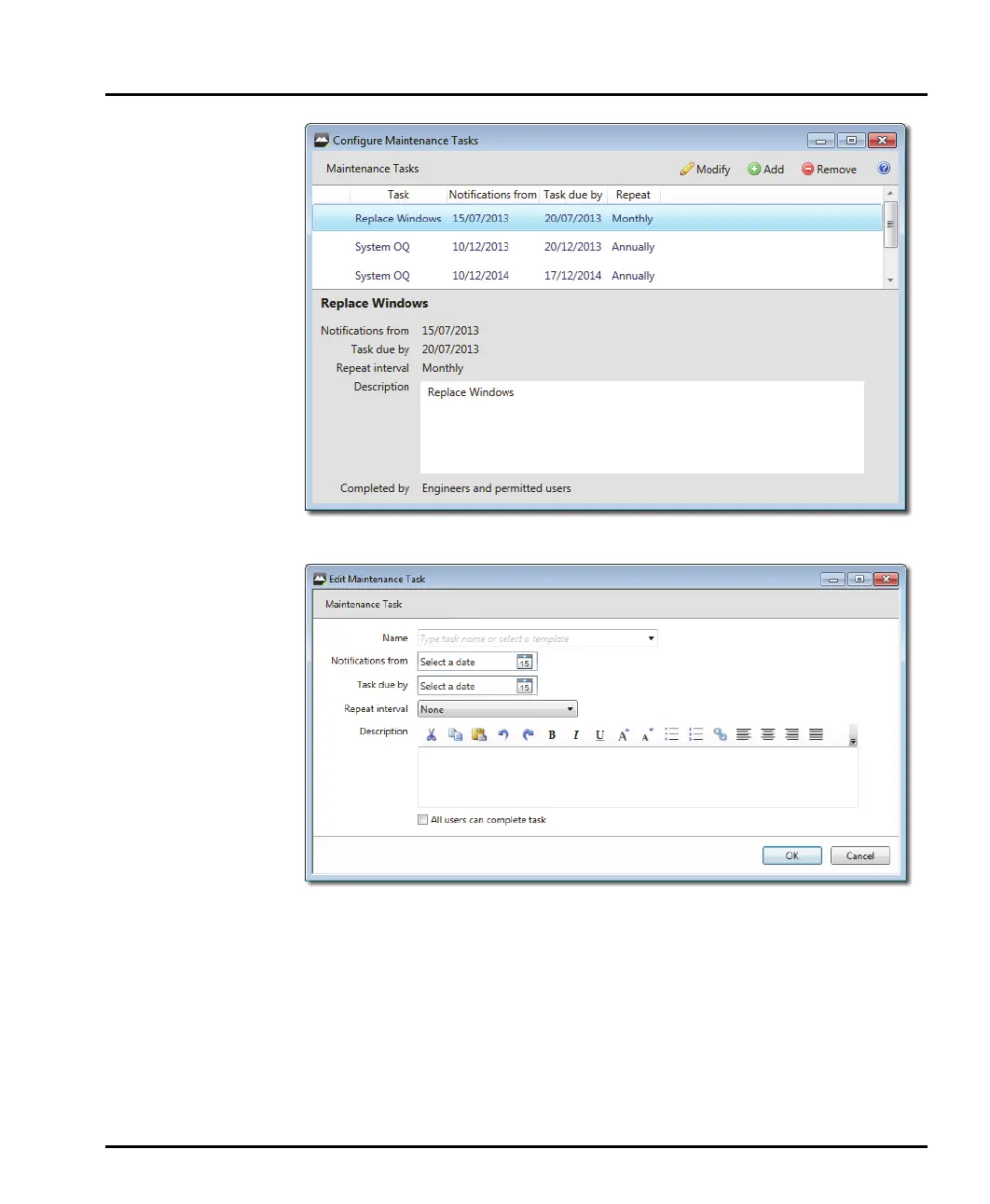
To set up a new maintenance task, click the Add button.
The details required include:
Name: a task name.
Notifications from: the date when users should start being prompted to carry
out a task.
Task due by: the date by which the task needs to be completed.
Repeat interval: how often the task should be done (weekly, monthly, yearly,
etc).



 To Next Page