Viewing measurement results Chapter 5
Mastersizer 3000 Page 5-9
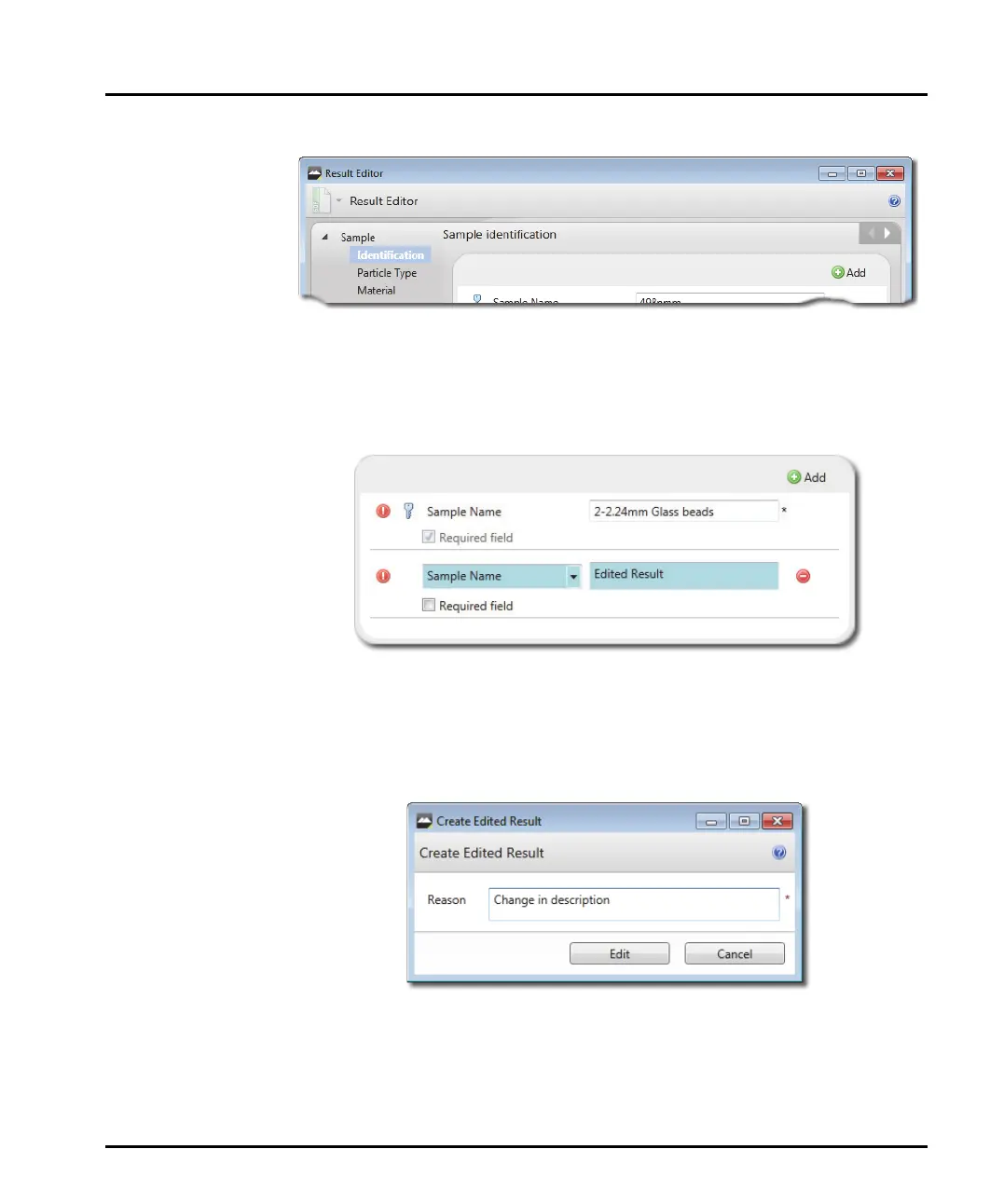
2. The Result Editor window is displayed.
This contains all of the information set up in the original measurement. Some
of the options are unavailable because they relate only to the physical set up of
the original measurement, for example, all of the Measurement Duration
options.
3. Edit any available sections of the Result Editor as required.
Any edited information is clearly highlighted by a different background colour
(in the example shown here the lower field has been edited).
4. Click OK when all settings have been altered to your specification, then input a
reason for the change in the Edited result text window. Select Edit to finish
and the newly-set values will be applied to the existing raw measurement data.
5. When the result has been edited, the edited result is then displayed as the last
item in the record view (this is dependent upon the view configuration).



 To Next Page