Chapter 9 Advanced features
Page 9-8 MAN 0474
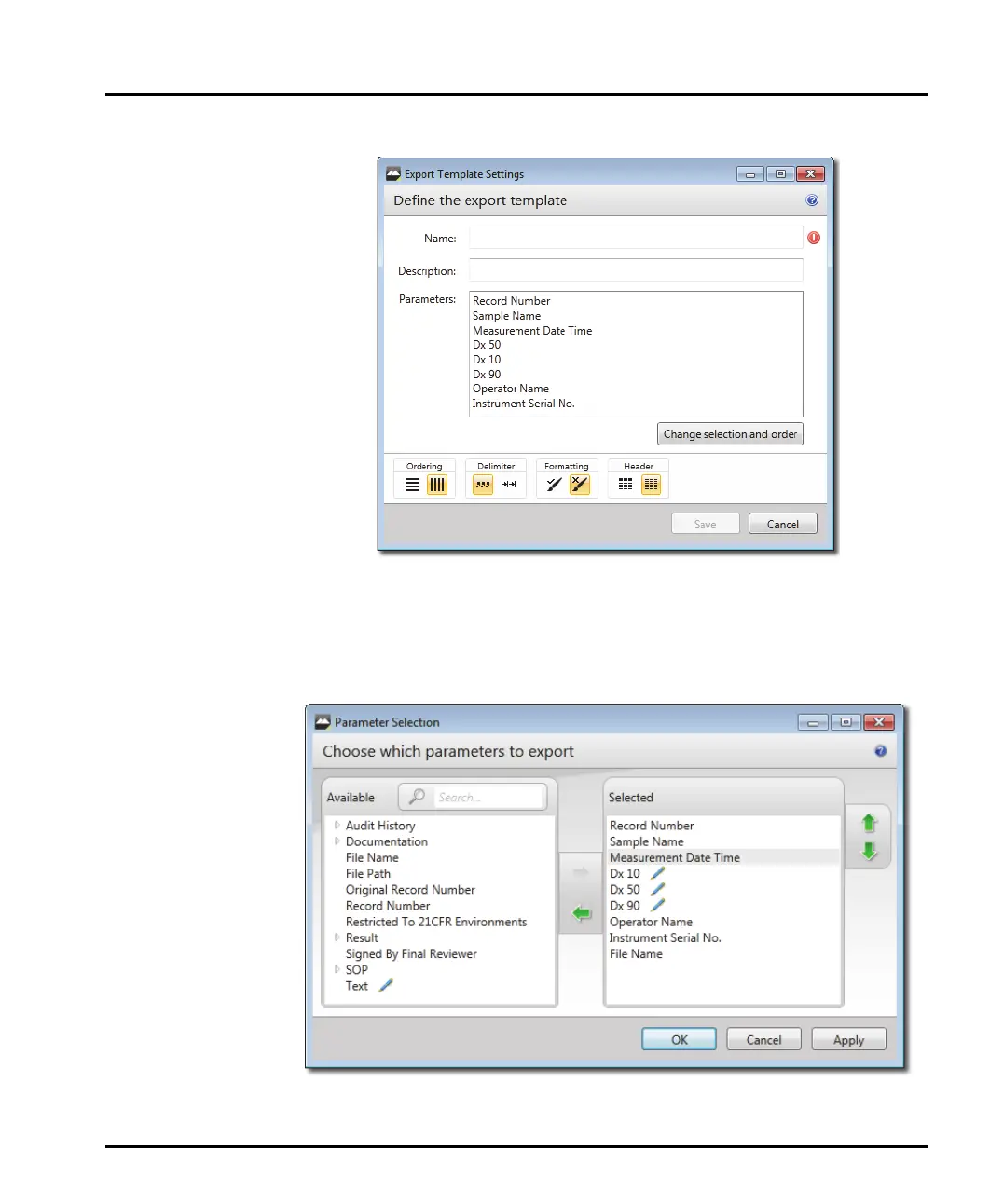
The Export Template Settings window is shown:
2. Enter a Name and then a short Description that explains the purpose of the
template. The list of parameters associated with the template is displayed in the
Parameters panel. Initially this consists of the whole set of system parameters.
3. Click the Change selection and order button to show the Parameter
selection window, then select the required parameters as follows:



 To Next Page