Making measurements Chapter 4
Mastersizer 3000 Page 4-5
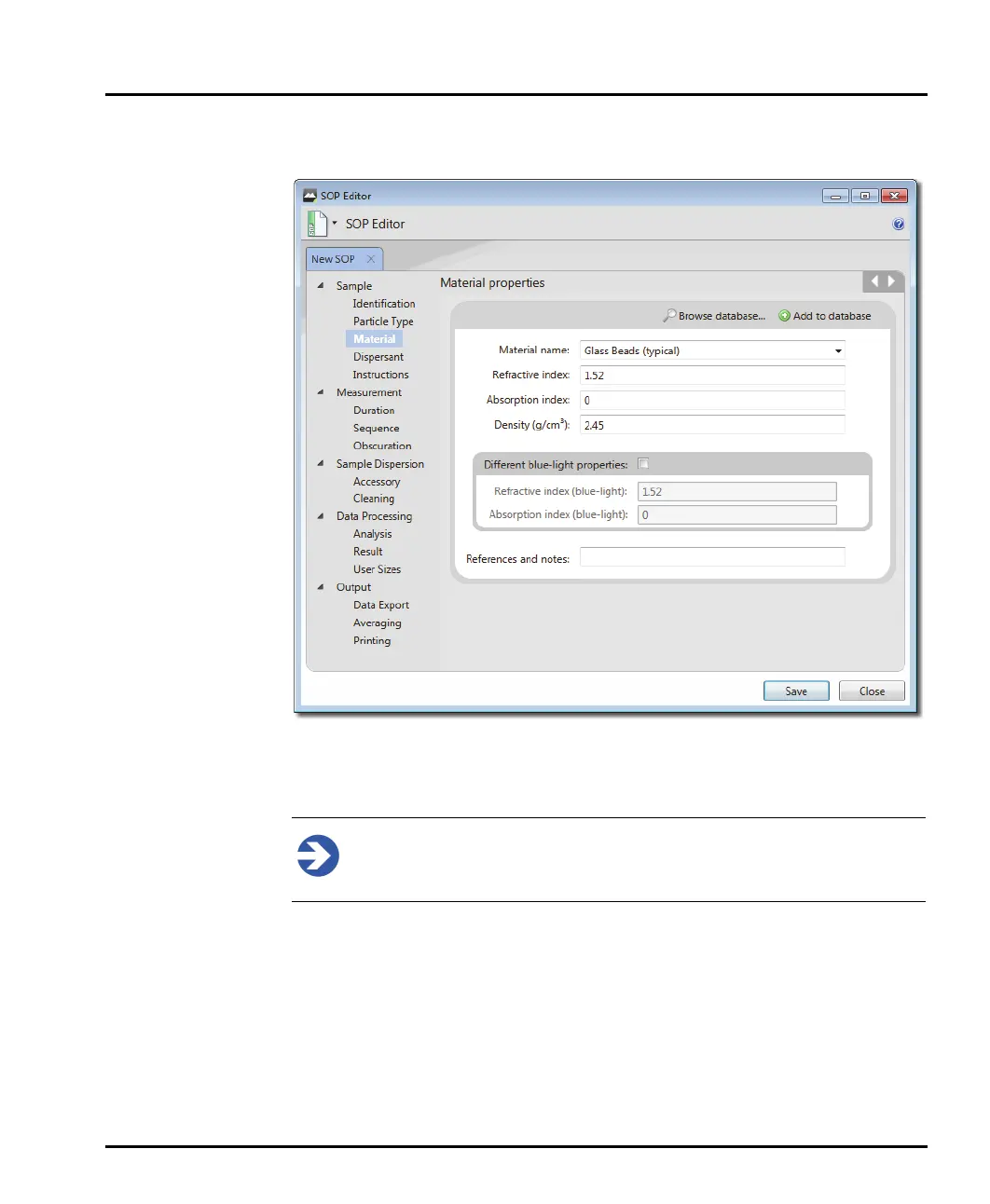
3. The SOP Editor window is now displayed as illustrated (the Material set-
tings are shown in this example):
4. Step through the SOP Editor by clicking the section titles on the left (Sam-
ple-Identification, Sample-Material etc.) or clicking the Forward / Back
arrows on its toolbar.
Note
Complete each of the sections detailed in the Measurement Settings
Reference section in later in this Chapter.
5. When all the required settings have been specified, you can either choose to
save the SOP as a file or as a template. choose File-Save and then give the SOP
a logical name.



 To Next Page